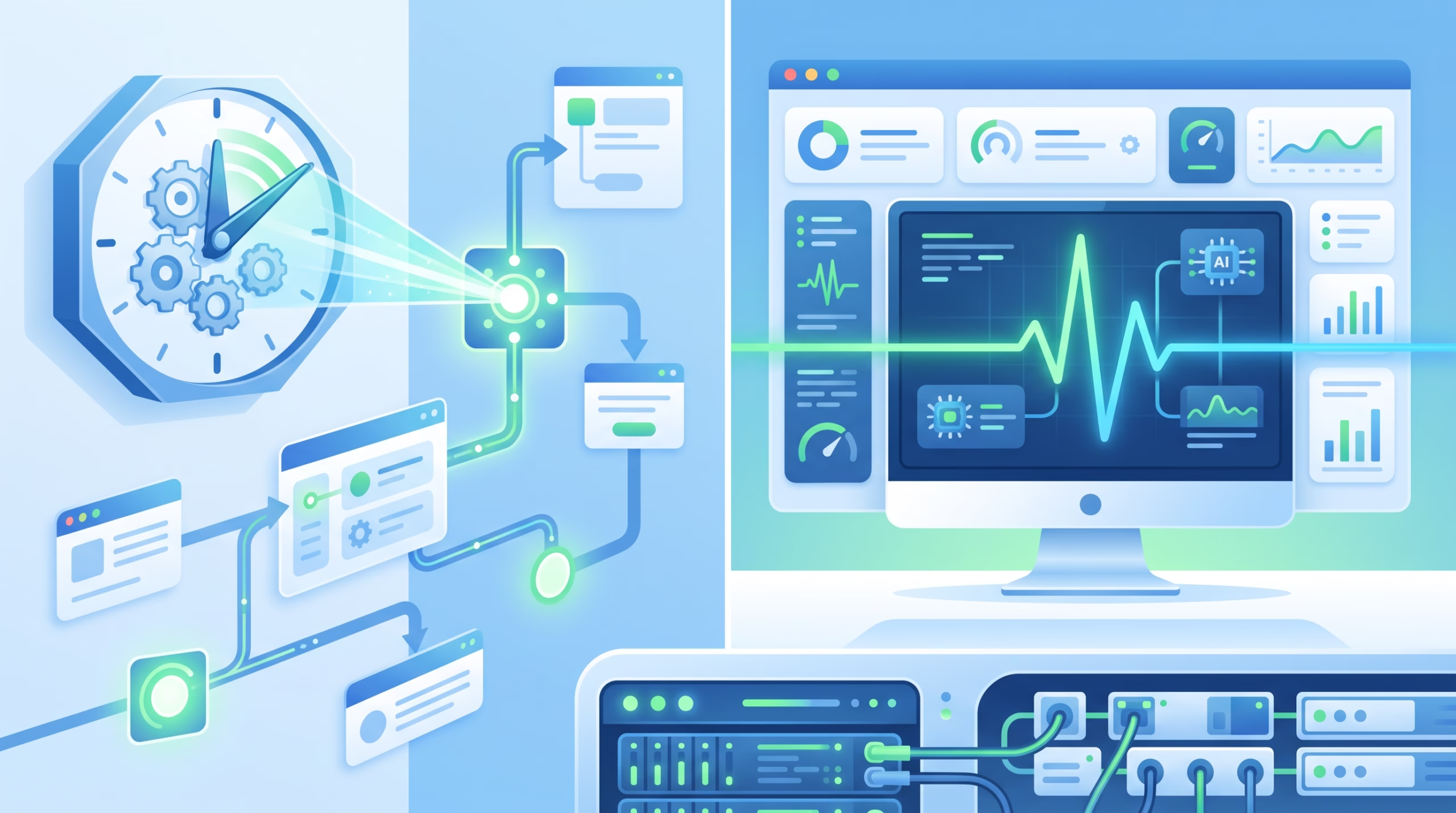

OpenClaw cron vs heartbeat is not a debate about which scheduler is more advanced. It is a decision about ownership. One mechanism should run accountable work on a clock. The other should keep the agent aware enough to notice when something needs attention.
That distinction matters once your agent stops being a chat toy and starts doing work while you are away. A daily report, a one-shot reminder, an inbox sweep, and a finished subagent notification all feel like “scheduled agent work” from the outside. Inside OpenClaw, they are different shapes. Pick the wrong one and the agent becomes noisy, expensive, or unreliable in the exact places where you wanted it to feel dependable.
The short version: use Automations for precise, auditable, isolated jobs. Use Heartbeat for periodic awareness in the main session. Do not let both own the same responsibility.
OpenClaw cron vs heartbeat in one sentence
Automations answer “run this job at this time.” Heartbeat answers “check whether anything needs attention right now.”
OpenClaw’s current docs say the old Cron vs Heartbeat page moved to the broader Automation page, and that page gives the real decision table. Automations are recommended for reports, reminders, background jobs, exact timing, and isolated execution. Heartbeat is recommended for inbox checks, calendar monitoring, notifications, and other checks where approximate timing is fine and full session context helps.
That sounds simple, but the confusing part is that heartbeat itself is scheduled under the hood. OpenClaw’s Gateway maintains a system-owned automation job for heartbeat-enabled agents. You may even see it in `openclaw cron list –all` as a heartbeat monitor row. That does not mean you should manage heartbeat like a normal cron job. The docs are explicit: edit `agents.*.heartbeat`, not the system-owned automation job.
So the operator-facing rule is still clean. Automations are your scheduled jobs. Heartbeat is your agent’s periodic awareness turn.
What Automations are built for
Automations are OpenClaw’s scheduler. The Gateway persists jobs, wakes the agent at the right time, and can deliver the result to a channel, webhook, or nowhere. The CLI now uses `openclaw automations`, while `openclaw cron` remains an alias for the same commands.
Use Automations when you would be annoyed if the task fired late, disappeared from the audit trail, borrowed context from the wrong conversation, or had no clear delivery rule.
Exact schedules and one-shot reminders
Automations support one-shot timestamps, fixed intervals, cron expressions, on-exit triggers, and stream triggers. That gives you a lot more than the old Unix mental model of “run this command every night.” You can create a reminder for 20 minutes from now, run a weekday report in a chosen timezone, or react to lines from a supervised command.
This is where clock-time work belongs. If Boss asks for a daily docs blog run at 7am, that is an automation. If a support lead wants a weekday 9am backlog reminder, that is an automation. If you need a weekly research digest that should run in a clean session and then report back, that is an automation too.
Heartbeat can be frequent, but it is not an alarm clock. OpenClaw’s default heartbeat cadence is every 30 minutes, and scheduled heartbeats defer when the main queue, automation work, or the target session is busy. That is correct behavior for an awareness loop. It is poor behavior for “send this at exactly 9:00.”
Isolation, model choice, delivery, and task records
Automations also win when the work needs a boundary. An isolated automation run can start in a fresh `cron:<jobId>` style session instead of carrying recent chat history into the job. That matters for public output. A blog draft should not accidentally inherit something Boss said in a private chat. A customer-facing message should not be colored by unrelated debugging context from an hour earlier.
Automations can also use different runtime choices per job, including model overrides and timeouts. Heavy analysis can use a stronger model. A routine monitor can use something cheaper. Long jobs can have a wall-clock budget so they do not sit around forever.
The audit piece is just as important. OpenClaw’s docs say every automation run creates a background task record. That means the run can be inspected later through the task ledger. You can see what ran, when it ran, and whether it succeeded, failed, timed out, or was cancelled. Heartbeat turns do not create those records. That is a feature, not a bug, but it means heartbeat is the wrong place for work that needs a durable operational trail.
What Heartbeat is built for
Heartbeat is a periodic agent turn in the main session. It exists so the agent can surface something that needs attention without pestering you every few minutes or spawning a pile of tiny scheduled jobs.
The default heartbeat prompt is intentionally narrow. Follow the monitor scratch context when provided. Keep recurring work in automation jobs. Do not infer old tasks from prior chats. If nothing needs attention, reply `HEARTBEAT_OK`.
That last token is the whole personality of heartbeat. Most heartbeat turns should be quiet.
Main-session awareness
Heartbeat is useful when context matters. An inbox scan might depend on what Boss asked earlier. A calendar check might matter more if the current conversation is about travel. A background task completion might deserve a short summary only if it changes what the operator needs to do next.
Because heartbeat runs in the main session by default, it can make that kind of judgment. It can see recent context and decide whether the update is worth interrupting the user. A set of isolated cron jobs can do the same checks separately, but then each job needs its own prompt, context, schedule, delivery settings, and failure handling. For lightweight monitoring, that is often needless machinery.
Heartbeat also batches. One turn can check inbox, calendar, notifications, and completed task handoffs. That is cleaner than four separate jobs firing near the same time. It also reduces the chance that the user gets four “nothing to report” updates from four well-meaning automations.
Why HEARTBEAT_OK matters
A bad heartbeat setup is worse than no heartbeat. The failure pattern is familiar: the agent checks in too often, repeats stale todos, invents follow-ups from old context, or turns quiet monitoring into a stream of low-value messages.
OpenClaw’s heartbeat contract pushes against that. If nothing needs attention, the agent should reply `HEARTBEAT_OK`, and OpenClaw suppresses the visible message when the remaining reply is tiny. This keeps the main session calm. The agent can be awake without becoming chatty.
Keep heartbeat scratch small. Treat it like a checklist, not a second memory system. “Check calendar for events in the next two hours” is useful. “Run my whole business every 30 minutes and decide what matters” is an invitation to waste tokens and annoy people.
The decision table that actually works
| Question | Use Automations when… | Use Heartbeat when… |
|---|---|---|
| Timing | The work needs an exact time, cron expression, one-shot reminder, or independent cadence. | Approximate timing is fine and a small delay does not change the outcome. |
| Context | The task is self-contained or should run away from recent chat history. | The task benefits from the current conversation and recent operator context. |
| Audit trail | You need a background task record for each run. | You only need lightweight awareness, not a per-check task record. |
| Delivery | The result should go to a channel, webhook, silent sink, or explicit destination. | The update should appear inline in the main session only when it matters. |
| Cost shape | The job is occasional, heavy, or can use a job-specific model. | Several small checks can be batched into one turn. |
If you only remember one rule, make it this: Automations own commitments. Heartbeat owns awareness.
Five examples from real agent operations
Daily blog draft at 7am: Automations
A daily blog draft has a deadline, a source queue, file edits, image generation, WordPress upload, and a final report. It needs a record. It may need an isolated session so the post does not inherit private chat context. It should not run “whenever the next awareness loop feels like it.”
That is an automation. The run can create a task record, execute the pipeline, and report the WordPress draft link when done.
Inbox plus calendar check: Heartbeat
An inbox and calendar sweep is a classic heartbeat job if timing can drift. The agent can check several surfaces in one turn, compare them with recent conversation, and only alert if something deserves attention. If nothing changed, `HEARTBEAT_OK` keeps the channel quiet.
If the requirement changes to “send a meeting briefing at 8:55am every weekday,” move that specific briefing to Automations. The awareness check can stay in heartbeat.
One-shot reminder in 20 minutes: Automations
A one-shot reminder is not a heartbeat note. It is a scheduled event. OpenClaw Automations support `–at` for that shape. Use it, include the timezone or relative time clearly, and give the reminder text enough context to make sense when it fires.
Finished background task summary: Usually Heartbeat
Background tasks already have their own ledger. When one finishes, the question is often whether the operator needs to hear about it now. Heartbeat can surface that kind of completion in the main session, especially when direct delivery is not the right path.
If a specific job’s completion must post to a Slack channel or webhook every time, configure that delivery on the automation instead.
Public posting workflow: Automations
Anything that writes public content should have a named owner, a clear trigger, and a review boundary. In this workspace, WordPress posts are draft-only unless Boss explicitly approves a live publish. That is exactly the kind of rule you want attached to an automation or standing workflow, not buried in a fuzzy heartbeat prompt.
The overlap trap
The worst setup is not “all cron” or “all heartbeat.” The worst setup is two mechanisms half-owning the same job.
Picture a content agent with a scheduled blog automation and a heartbeat scratch note that says “check whether today’s blog should be posted.” Now the automation runs, but the heartbeat also sees a queue item. Maybe it drafts twice. Maybe it skips because it assumes the automation handled it. Maybe it reports stale state from the previous run. None of those failures look dramatic in config, but they break trust fast.
Write ownership down. If Automations own the daily blog run, heartbeat may report task completion or urgent failure, but it should not choose the next topic or publish anything. If heartbeat owns inbox awareness, do not create five cron jobs that check the same inbox every few minutes. Split the work by responsibility, not by convenience.
Configuration notes worth knowing
First, scheduled heartbeats require the Automations scheduler. The Heartbeat docs say that when `cron.enabled` is false or `OPENCLAW_SKIP_CRON=1`, scheduled heartbeats do not run. There is no separate fallback timer. That surprises people because heartbeat feels like its own feature, but operationally the Gateway scheduler owns the tick.
Second, heartbeat can be tuned. You can set cadence, target, active hours, timeout, light context, and isolated session behavior. If your heartbeat only needs a small monitor scratch, light context can reduce bootstrap weight. If you want each heartbeat to avoid carrying conversation history, isolated session mode is available, though you should think carefully before giving up main-session context. Context is the main reason heartbeat exists.
Third, cron expressions need timezone care. OpenClaw supports timezone handling for cron schedules. Use it. “9am” without a timezone is not a reliable operational spec, especially on a VPS or gateway that may not share the operator’s local time.
Fourth, task records are not schedules. The Background Tasks page is clear: tasks track detached work, they do not decide when work runs. Automations and heartbeat decide when work runs. Tasks help you audit what happened after the fact.
FAQ
Is heartbeat just cron every 30 minutes?
No. Under the hood, heartbeat cadence is maintained by the scheduler, but heartbeat is a main-session awareness turn with its own response contract. It does not create background task records, and it should usually stay silent when nothing changed.
Should I use heartbeat for reminders?
Use Automations for reminders, especially one-shot reminders and clock-time reminders. Heartbeat is fine for soft awareness like “notice if something looks urgent,” but it is the wrong tool for exact alarms.
Which one is cheaper?
It depends on the shape of the work. One heartbeat that batches inbox, calendar, and notifications can be cheaper than several separate jobs. A daily automation can be cheaper than checking the same self-contained task every 30 minutes. Cost follows ownership: batch awareness in heartbeat, schedule commitments as Automations.
Does heartbeat create task records?
No. OpenClaw’s docs say automation runs, ACP runs, subagents, and CLI operations create background task records. Heartbeat turns and normal chat do not.
Can I use both?
Yes, and most serious agent setups should. The point is not to pick one for the whole system. The point is to make sure each responsibility has one owner.
Final take
OpenClaw cron vs heartbeat comes down to a practical boundary. Automations are for jobs you can name, schedule, audit, isolate, and deliver. Heartbeat is for awareness checks that benefit from the main session and can stay quiet most of the time.
That split is boring in the best way. It keeps public work accountable, keeps monitoring calm, and prevents the agent from inventing its own schedule out of stale context. Use Automations for promises. Use Heartbeat for presence. Keep the line sharp.
CTA: If you are setting this up in OpenClaw today, audit one recurring task and ask a blunt question: does this need a task record and an exact schedule, or does it only need the agent to notice something during its next awareness turn?