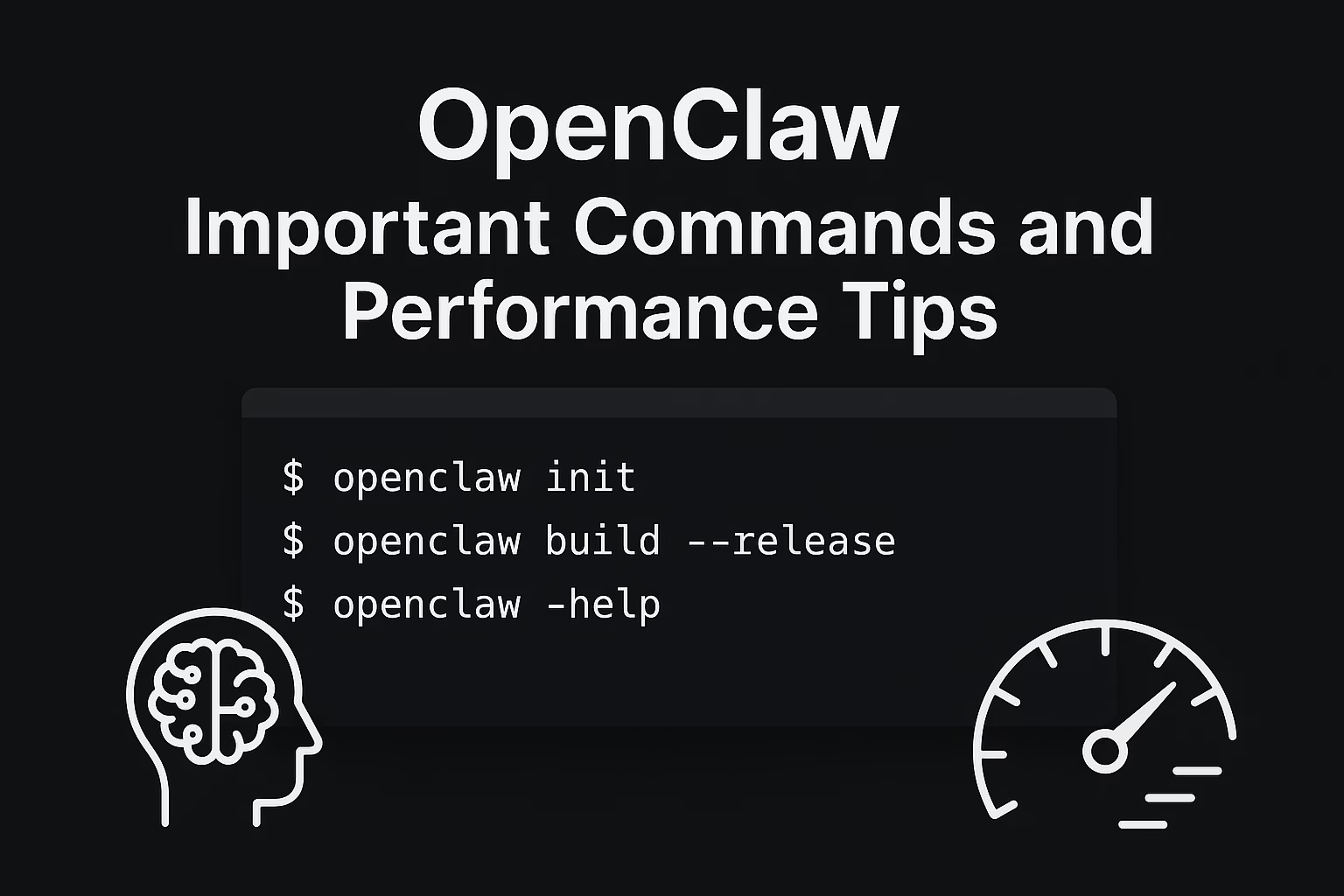

If you use OpenClaw daily, a few commands and configuration habits can noticeably improve speed, stability, and memory quality. This guide covers practical CLI commands, memory basics, and safe compaction tuning.
1) Important OpenClaw Commands You’ll Actually Use
Health & Status
openclaw status
openclaw health
openclaw doctor
Gateway Lifecycle
openclaw gateway status
openclaw gateway start
openclaw gateway restart
openclaw gateway stop
Logs, Docs, and Config Validation
openclaw logs
openclaw docs
openclaw config validate
Memory Operations
openclaw memory status
openclaw memory status --deep
openclaw memory index
openclaw memory search "release checklist"
Cron Automation
openclaw cron list
openclaw cron add ...
openclaw cron run <jobId>
2) Tips to Keep OpenClaw Fast
- Keep a healthy compaction reserve.
- Enable memory flush before compaction.
- Use context pruning to trim stale context.
- Use lighter models for background checks.
- Reindex memory when retrieval quality drops.
3) Memory Basics (What Actually Persists)
memory/YYYY-MM-DD.md→ daily running notesMEMORY.md→ curated long-term facts and decisions
4) Recommended Compaction + Memory Flush Baseline
{
  "agents": {
    "defaults": {
      "compaction": {
        "reserveTokensFloor": 20000,
        "memoryFlush": {
          "enabled": true,
          "softThresholdTokens": 4000
        }
      }
    }
  }
}
After any config edit, run openclaw config validate before restarting services.
5) Common Mistakes to Avoid
- Adding unverified config keys
- Using heartbeat for exact-time reminders
- Over-indexing irrelevant files
- Skipping routine checks with
openclaw doctor
6) 10-Min Weekly Maintenance Routine
openclaw statusopenclaw healthopenclaw doctoropenclaw memory status --deep- Reindex only if needed
- Review compaction behavior in logs
Conclusion
If you configure compaction well, validate every config change, and keep memory files clean, OpenClaw remains fast and reliable in long-running sessions.
OpenClaw Optimization Flow Diagram