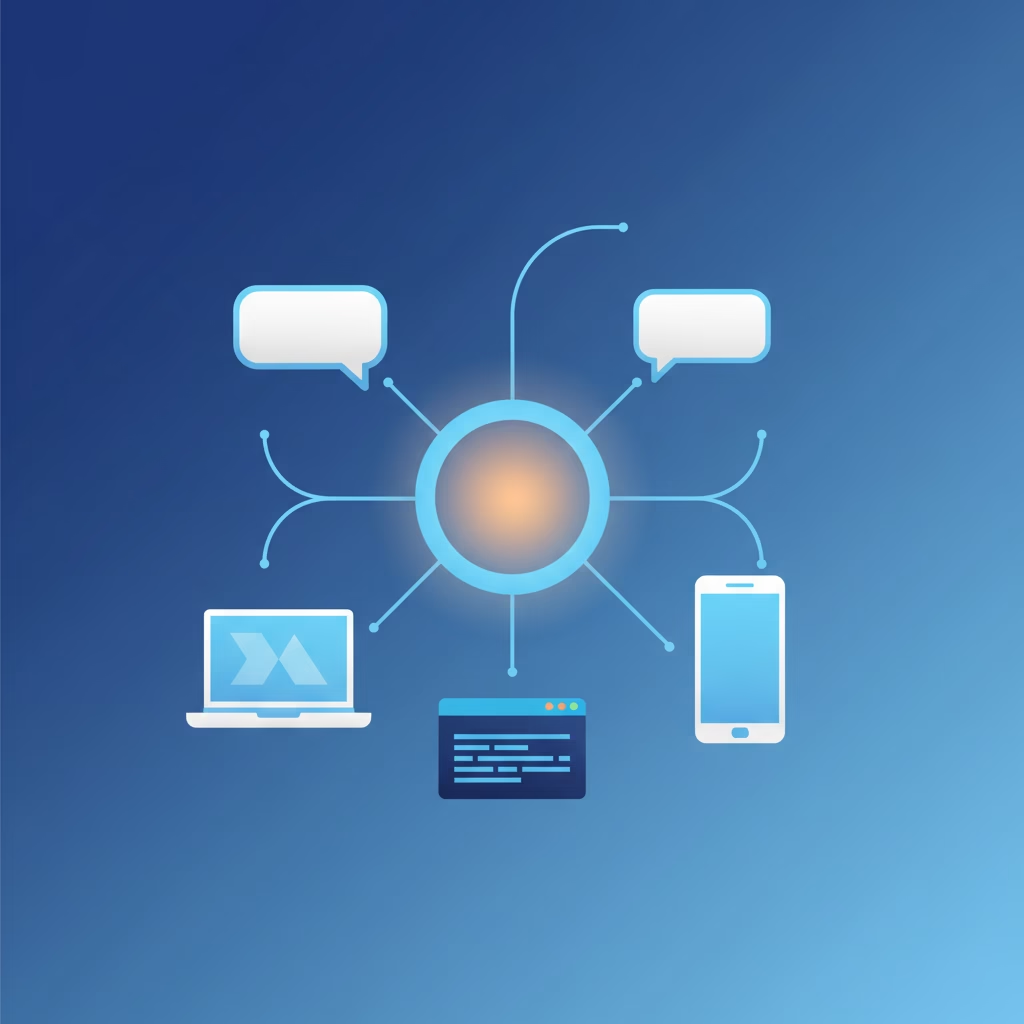

Search for “OpenClaw architecture” and you’ll find a pile of diagrams showing integration layers, orchestrators, and fleets of specialized agents passing tasks around. Most of them are wrong, or at least describe a system that doesn’t match what the project’s own documentation says. The real OpenClaw architecture is smaller and, honestly, more interesting: one long-lived Gateway process that owns every channel, one WebSocket port that every client and device connects to, and one serialized agent loop per session. That’s it. This post walks through the actual design, straight from the architecture doc, and explains why the parts that look like limitations are the point.
If you’re new to the project, start with our plain-English overview of what OpenClaw is. This one assumes you know the pitch and want to see the machinery.
One process, one port: the shape of the OpenClaw architecture
When you run openclaw gateway, you start a single Node.js process. By default it listens on 127.0.0.1:18789, loopback only. Everything in the system meets at that port:
- Channels like WhatsApp, Telegram, Slack, Discord, Signal, iMessage, and WebChat. The Gateway owns these connections directly (WhatsApp through Baileys, Telegram through grammY).
- Control-plane clients: the macOS app, the CLI, the web UI, and automations. Each holds one WebSocket connection.
- Nodes: phones and other devices that expose capabilities to the agent, like camera, screen recording, or location. They connect to the same WebSocket server but declare
role: nodealong with the commands they support.
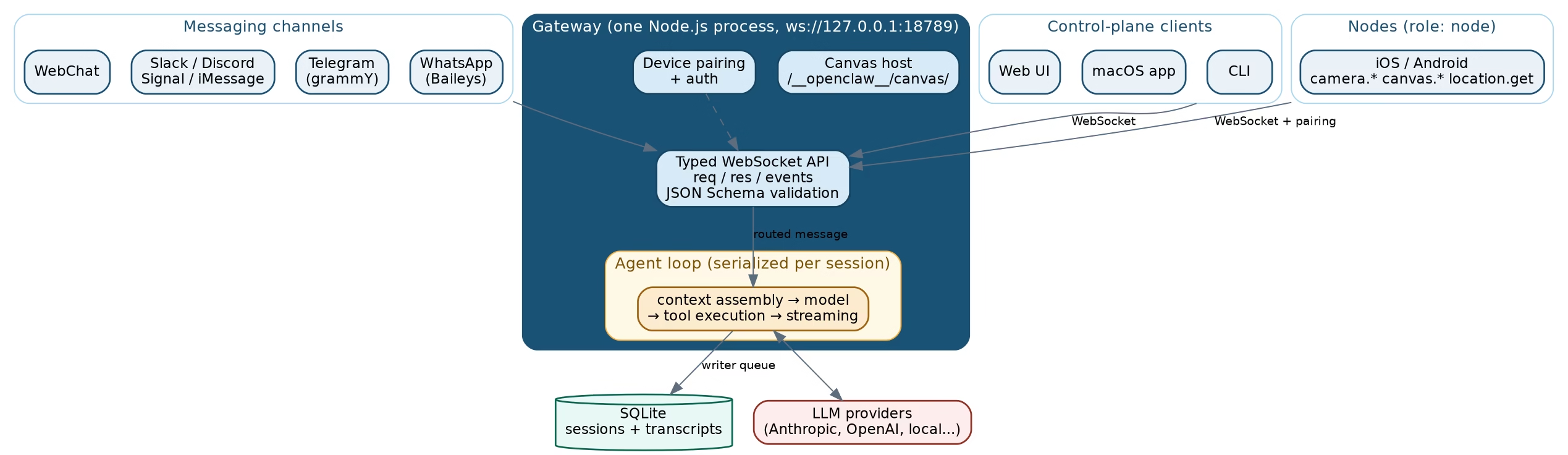
There’s no message broker, no service mesh, no separate API server for the browser UI. Even the canvas host, the little HTML surface agents can draw on, is served by the same Gateway HTTP server on the same port under /__openclaw__/canvas/. One process holds the whole thing together, and the docs state the invariant bluntly: exactly one Gateway per host, and it is the only thing allowed to open a WhatsApp session.
The Gateway: single owner of every channel
The Gateway has three jobs. It maintains the provider connections to messaging platforms. It exposes a typed WebSocket API of requests, responses, and server-push events like agent, chat, presence, health, and cron. And it validates every inbound frame against a JSON Schema before acting on it.
That last part deserves a pause. The protocol isn’t ad hoc. TypeBox schemas define it in TypeScript, JSON Schema is generated from those, and the Swift models for the Apple apps are generated from the JSON Schema. One source of truth flows down to every client. If you’ve ever debugged a system where the mobile app and the server disagreed about a field name, you know why this matters.
The single-owner rule solves a real problem too. WhatsApp will fight you if two processes try to hold the same session. By declaring that the Gateway, and only the Gateway, owns the Baileys session, OpenClaw turns a whole class of “why did my WhatsApp disconnect” bugs into an impossibility. Boring by design.
Clients and nodes: everything speaks the same WebSocket protocol
The wire protocol is plain JSON over WebSocket text frames, and it has a strict opening move: the first frame must be a connect. Send anything else, or anything that isn’t JSON, and the Gateway closes the connection. No negotiation, no fallback.
After the handshake, traffic falls into two patterns:
// request and response
{"type":"req","id":"42","method":"send","params":{...}}
{"type":"res","id":"42","ok":true,"payload":{...}}

// server-push event
{"type":"event","event":"presence","payload":{...},"seq":7}
Two details show that someone thought about failure modes. First, side-effecting methods like send and agent require idempotency keys, and the server keeps a short-lived dedupe cache, so a client can retry after a dropped connection without double-sending a message. Second, events are never replayed. If a client misses events during a gap, it’s expected to refresh its state instead of asking the server to rewind. That choice keeps the Gateway simple: no event log to persist, no cursor bookkeeping per client.
Nodes ride the same protocol with extra declarations: a device identity, their role, and the capability list they’re willing to serve, like canvas.* or camera.*. A phone is just another WebSocket client that happens to have a camera.
The agent loop: how a message becomes an action
The part most architecture posts skip is the one that actually runs your agent. The agent loop doc describes a serialized, per-session run: intake, context assembly, model inference, tool execution, streaming, persistence.
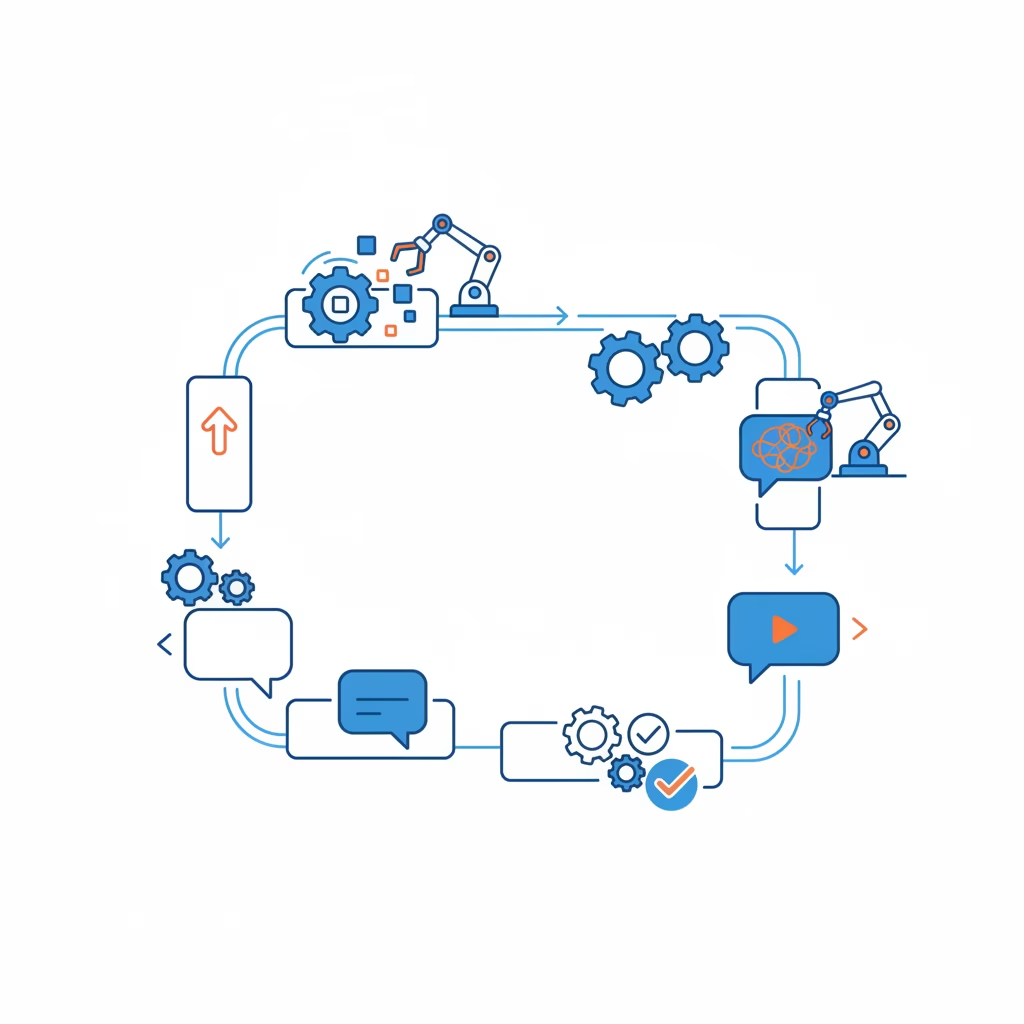
The word doing the heavy lifting there is serialized. Runs are queued per session key, with an optional global lane on top. Two messages to the same session never race each other’s tool calls or transcript writes. Transcripts live in SQLite behind a writer queue, and every append validates the session’s identity inside a synchronous transaction, so a stale run can’t clobber a newer session generation. This is the kind of plumbing you only appreciate after an agent framework without it has interleaved two conversations into one corrupted history.
The loop is also where extensibility lives. OpenClaw exposes plugin hooks at each stage: before_prompt_build to inject context, before_tool_call and after_tool_call to intercept tool traffic, agent_end to observe the finished run. Gateway-level hooks handle lifecycle events like session resets. You customize behavior by hooking the loop, not by forking the runtime.
Pairing, auth, and remote access
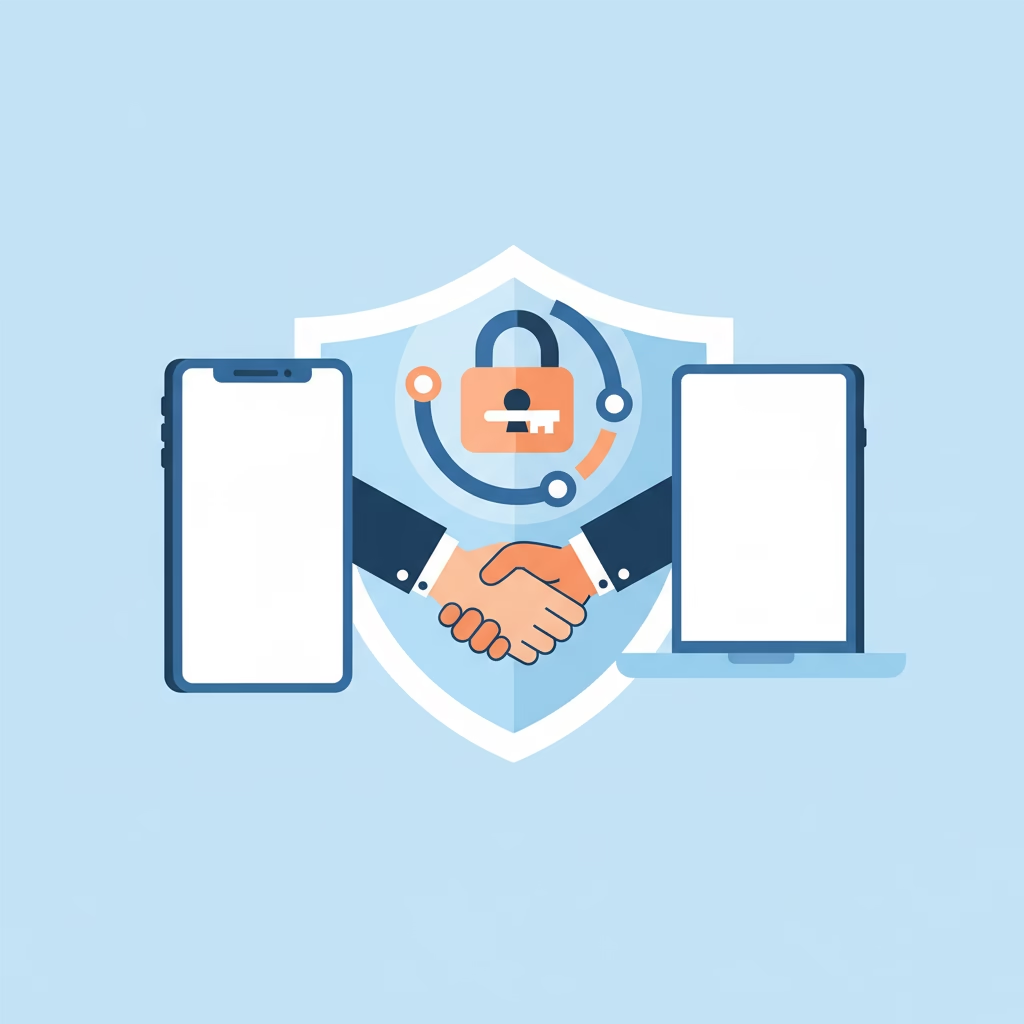
Every WebSocket client, human-operated or not, presents a device identity when it connects. New device IDs sit in a pairing queue until approved, and approval earns the device a token for future connects. Local loopback connections can be auto-approved to keep same-host tools frictionless, but anything non-local, including connections over your own tailnet, requires explicit approval. Each connect also has to sign a server-issued challenge nonce, and the signature binds the platform and device family, so a paired identity can’t quietly change shape on reconnect.
For remote access, the docs recommend Tailscale or a VPN first, with an SSH tunnel as the fallback:
ssh -N -L 18789:127.0.0.1:18789 user@gateway-host
The same handshake and auth apply through the tunnel. What you’re not offered is a “just expose it to the internet” mode, and the docs are explicit that the no-auth setting belongs only on private ingress. Given that this process can run tools on your machine, the loopback-first defaults are the right paranoia.
Why the single-process design is a feature
It’s fair to ask whether one process holding channels, protocol, agent runs, and state is a scaling bottleneck. It is. It’s also the correct trade for what OpenClaw is: a personal agent on hardware you own. A single process means one thing to start, one thing to supervise with systemd or launchd, one health check, one log stream, and state that lives in SQLite files you can back up with cp. Every distributed alternative buys throughput you don’t need on a personal box and pays for it with failure modes you’ll meet at 2am.
Compare that with the direction the big clouds are taking. Platforms like Amazon Bedrock AgentCore split agent infrastructure into managed services for runtime, memory, identity, and observability. That’s the same set of concerns OpenClaw handles, solved for the opposite constraint: their design assumes thousands of tenants, OpenClaw’s assumes one owner. Reading the two side by side is the fastest way to understand what agent infrastructure actually consists of.
The invariants are the tell. “Exactly one Gateway per host.” “The handshake is mandatory.” “Events are not replayed.” These read like the notes of someone who chose simple, enforceable rules over general-purpose flexibility, and self-hosters are the beneficiaries.
FAQ: OpenClaw architecture questions
Can I run two Gateways for high availability?
Not on one host, and not sharing one WhatsApp session. The one-Gateway rule is an invariant, not a suggestion. If you need redundancy, snapshot the state and keep a cold standby.
Where does OpenClaw store its state?
On disk, on your machine. Session transcripts go to SQLite through a serialized writer; configuration and workspace files live in the OpenClaw home directory. Nothing about the core design depends on an external database.
Does the web UI use a REST API?
No. The web UI, CLI, and apps all use the same WebSocket protocol on the same port. There is one API surface, which is why the clients stay consistent with each other.
How do agents on other devices fit in?
Devices join as nodes: WebSocket clients that declare capabilities the agent can call, like camera or screen recording. They go through the same pairing approval as any other device.
What happens when the Gateway crashes?
The docs assume you run it under launchd or systemd for auto-restart, and the design makes recovery cheap: clients reconnect, redo the handshake, and pull a fresh presence and health snapshot instead of replaying missed events. Since transcripts and pairing state are already on disk, a restart loses nothing but in-flight runs.
Go read the real thing
OpenClaw’s architecture doc is short, current, and honest about its invariants, which makes it rare. If you’re evaluating the project, read the architecture page and the community deep dive before trusting any redrawn diagram, including ours. And if you want more plain-English breakdowns of agent systems, our OpenClaw overview is the natural next read. Questions about running it on your own VPS? Leave a comment and we’ll dig in.