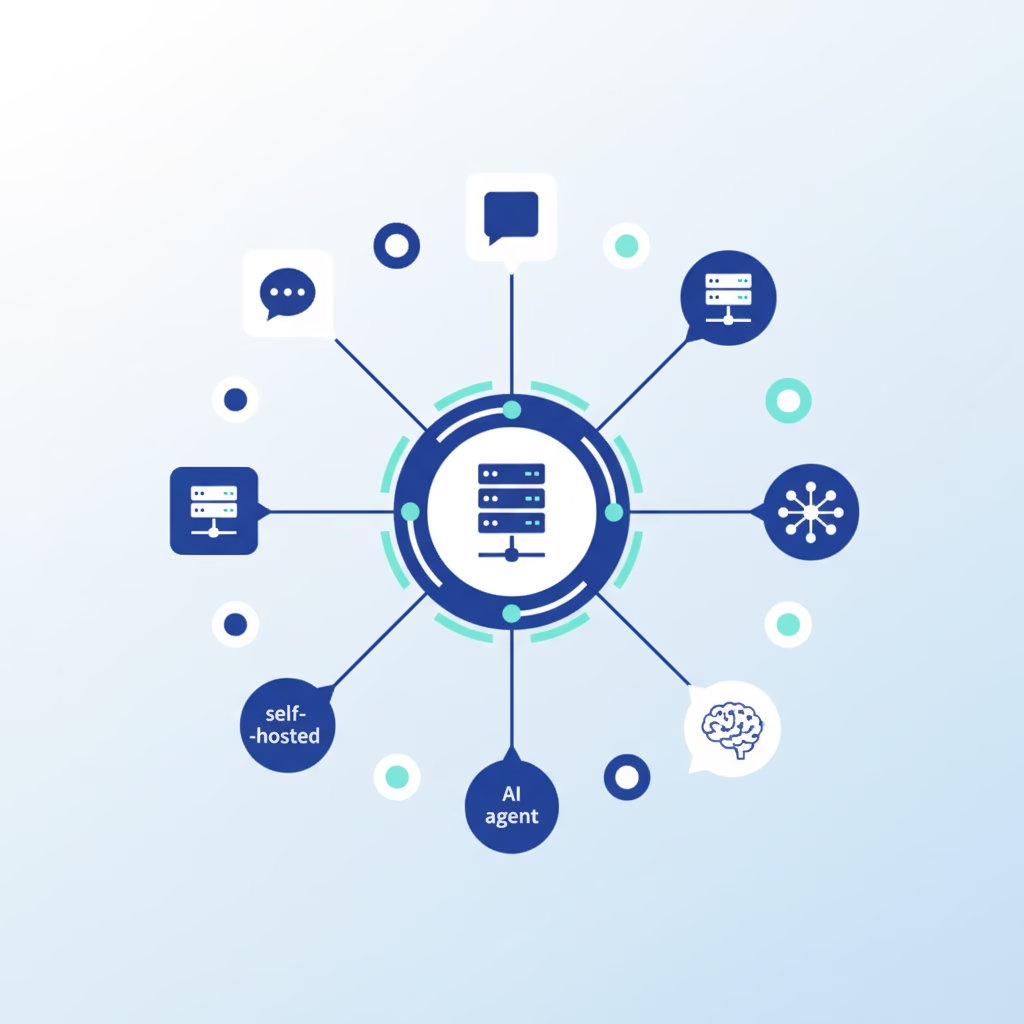

Most AI assistants live on someone else’s servers. You type into a box on a website, your words travel to a data center, and you hope the company on the other end is careful with them. OpenClaw flips that arrangement. It’s a self-hosted AI agent that runs on your own machine and talks to you through the chat apps you already use, so the assistant answers to you instead of a vendor.
If you’ve heard the name and weren’t sure what it actually does, this is the plain-English version. No hype, no lobster puns beyond the ones the project earned itself.
What is OpenClaw?
OpenClaw is an open-source gateway that connects messaging apps to AI agents. You run one process, called the Gateway, on hardware you control. That Gateway sits between your chat apps and an AI model, and it turns a normal conversation into an assistant that can read files, run scripts, remember context, and carry out tasks.
The channel list is long: Discord, Google Chat, iMessage, Matrix, Microsoft Teams, Signal, Slack, Telegram, WhatsApp, and Zalo, with more added through plugins. Send a message from your phone, get an agent’s reply. The same Gateway serves every channel you connect at once, so you’re not running a separate bot per app.
It’s licensed MIT and built by the OpenClaw Foundation, a non-profit. The code is readable, forkable, and auditable, which matters more than it sounds when you’re handing a program access to your files.
Where OpenClaw came from
The project has changed names more than once, and the story is worth knowing because it explains the “Open” in OpenClaw. Austrian developer Peter Steinberger, who founded PSPDFKit, released it in late 2025. Early on it was called Clawdbot. In January 2026, Anthropic sent a trademark complaint arguing the name sounded too close to “Claude.” Steinberger renamed it Moltbot, then landed on OpenClaw a few days later because Moltbot never sat right.
That episode got covered by Forbes, Axios, and others, mostly framed as a big company leaning on a solo developer. The rename stuck, and the new name leans into what the project is about: openness and independence from any single AI vendor.
How the Gateway actually works
Here’s the mental model. The Gateway is the single source of truth. It holds your sessions, handles routing, and manages every channel connection. When a message comes in from, say, Telegram, the Gateway hands it to an OpenClaw agent, the agent does its work, and the reply goes back out the same channel.
The Gateway also exposes other surfaces beyond chat apps: a command-line interface, a browser-based Control UI, a macOS app, and paired iOS and Android nodes. All of them talk to the same Gateway, so your assistant behaves consistently whether you reach it from a terminal or your phone on the couch.
Two design choices give OpenClaw its character. First, multi-agent routing: you can run isolated sessions per agent, per workspace, or per sender, so a work agent and a home agent don’t step on each other. Second, memory. OpenClaw stores what it learns as plain Markdown files on your disk. You can open them, read them, edit them, and delete them. Nothing about your assistant’s memory is locked inside a database you can’t see.
What can OpenClaw actually do?
An assistant that only chats is a novelty. OpenClaw is built for coding agents, which means it does work, not just talk. It can use tools, run scripts, and handle images, audio, and documents you send it. Ask it to pull something from a file, draft a script, or summarize a PDF you dropped into a chat, and it goes and does the thing.
Two features push it past a plain chatbot. Skills package reusable abilities the agent can call on, so you’re not re-explaining how to do a recurring task every time. And built-in automation, including cron-style scheduling, lets the agent act on a timetable instead of waiting for you to poke it. That’s the difference between an assistant you have to babysit and one that quietly handles a 7 a.m. job while you sleep. The Control UI ties it together with a dashboard for chat, config, sessions, and connected nodes, so you can see what your agent is doing rather than guessing.
Why self-hosting is the whole point
A self-hosted AI agent trades convenience for control, and OpenClaw is honest about which side of that trade it’s on.
Your messages, files, and notes stay on your hardware. The only thing that leaves your machine is the API call to whichever AI model you picked, and even that is optional if you run a local model. There’s no product team reading your logs, no terms-of-service change that quietly reassigns your data, no account someone can suspend.
The flip side is real, and I’d rather say it out loud than pretend otherwise: uptime is your job now. If the machine running the Gateway sleeps, reboots, or drops offline, your assistant goes quiet until it’s back. Managed platforms keep an agent online around the clock so long-running tasks don’t stall. Self-hosting hands you that responsibility along with the control. That’s the deal. For a laptop it means the agent naps when you close the lid; on a small always-on VPS or a Raspberry Pi, it mostly disappears as a concern.
Which AI models can it use?
OpenClaw doesn’t ship its own model. You point it at one. That can be a cloud provider like Anthropic, OpenAI, or Google, using an API key you supply. Or it can be a local model served through Ollama, LM Studio, or any OpenAI-compatible endpoint.
The local option is the one privacy-minded users care about. Aim OpenClaw at a model running on your own hardware and no part of the conversation touches an outside company. You give up some raw capability compared to the newest cloud models, but every token stays home. Most people land somewhere in the middle: a strong cloud model for hard work, a local one for anything sensitive.
Getting started in a few minutes
You need a recent Node release (Node 26 is the recommended one), an API key from your chosen provider, and a few minutes. The install is a single command:
npm install -g openclaw@latestThen onboard and install it as a background service so it keeps running:
openclaw onboard --install-daemonOnce the Gateway is up, open the browser Control UI to chat:
openclaw dashboardThe local dashboard lives at http://127.0.0.1:18789/. From there you can send a message, connect a channel (Telegram is usually the fastest to wire up), and start using your assistant from your phone. Configuration lives in a single file at ~/.openclaw/openclaw.json, and if you change nothing, OpenClaw runs with sensible defaults out of the box.
Who OpenClaw is for, and who should skip it
OpenClaw fits developers and power users who want a personal assistant they can message from anywhere without surrendering their data. If you’re comfortable with a terminal, own a machine you can leave running, and care about keeping your information on hardware you control, it’s a strong pick.
If you want an assistant that someone else keeps online, patched, and backed up while you never touch a command line, a managed service is the saner choice. Self-hosting rewards people who actually want the keys. It punishes people who don’t. There’s no shame in either camp; just be honest with yourself about which one you’re in before you commit a weekend to it.
Frequently asked questions
Is OpenClaw free?
The software is free and open source under the MIT license. Your only likely cost is the AI model. Cloud providers charge per API usage; a local model costs nothing beyond the electricity and hardware you already own.
Is OpenClaw safe to run?
The core Gateway is open source, so anyone can audit it. That said, you’re giving an AI agent access to files and scripts, so treat it seriously: use allowlists to control who can message it, keep it behind proper access controls, and start locked down rather than wide open. The docs cover the security settings worth setting first.
Do I need to know how to code?
You don’t need to write code, but you do need to be comfortable running terminal commands and doing occasional maintenance. If a command line makes you nervous, budget extra time or consider a managed option.
What was OpenClaw called before?
It started under an earlier name, became Clawdbot, was briefly Moltbot after a trademark complaint from Anthropic, and settled on OpenClaw in January 2026.
Can OpenClaw run fully offline?
Close to it. Point it at a local model through Ollama or LM Studio and the conversation never leaves your machine. You still need your device online for the messaging channels themselves to deliver messages.
The takeaway
OpenClaw is what a personal AI assistant looks like when you refuse to rent it. One Gateway on your hardware, your chat apps as the interface, your choice of model, and your data staying put. It asks more of you than a hosted product does, and it gives more back in control.
If that trade sounds right, the fastest way to understand it is to install it and message yourself once. Spin it up on a spare machine or a cheap VPS, connect Telegram, and see how it feels to own the whole stack. Then tell me whether the control was worth the upkeep. I’d bet for the right person it is.