An OpenClaw Kubernetes deployment is useful when you already think in clusters, namespaces, Services, Secrets, and persistent volumes. It is not the easiest way to try OpenClaw for the first time.
That distinction matters. The official Kubernetes page calls the manifests a minimal starting point, not a production-ready deployment. Good. That is the honest framing. You get enough YAML to run the Gateway in a cluster, keep its state on a PVC, inject model provider keys through a Secret, and reach the Control UI through kubectl port-forward. You do not get a full opinionated platform stack with Ingress, certificate automation, secret-store integration, backups, and tenant isolation already solved.
My take: use the Kubernetes path when your team already has cluster operations in place. If you are one person on a VPS, Docker or the normal installer is usually less ceremony. But if Kubernetes is where your workloads live, OpenClaw’s Kustomize base is a sensible start because it keeps the deployment small and visible.
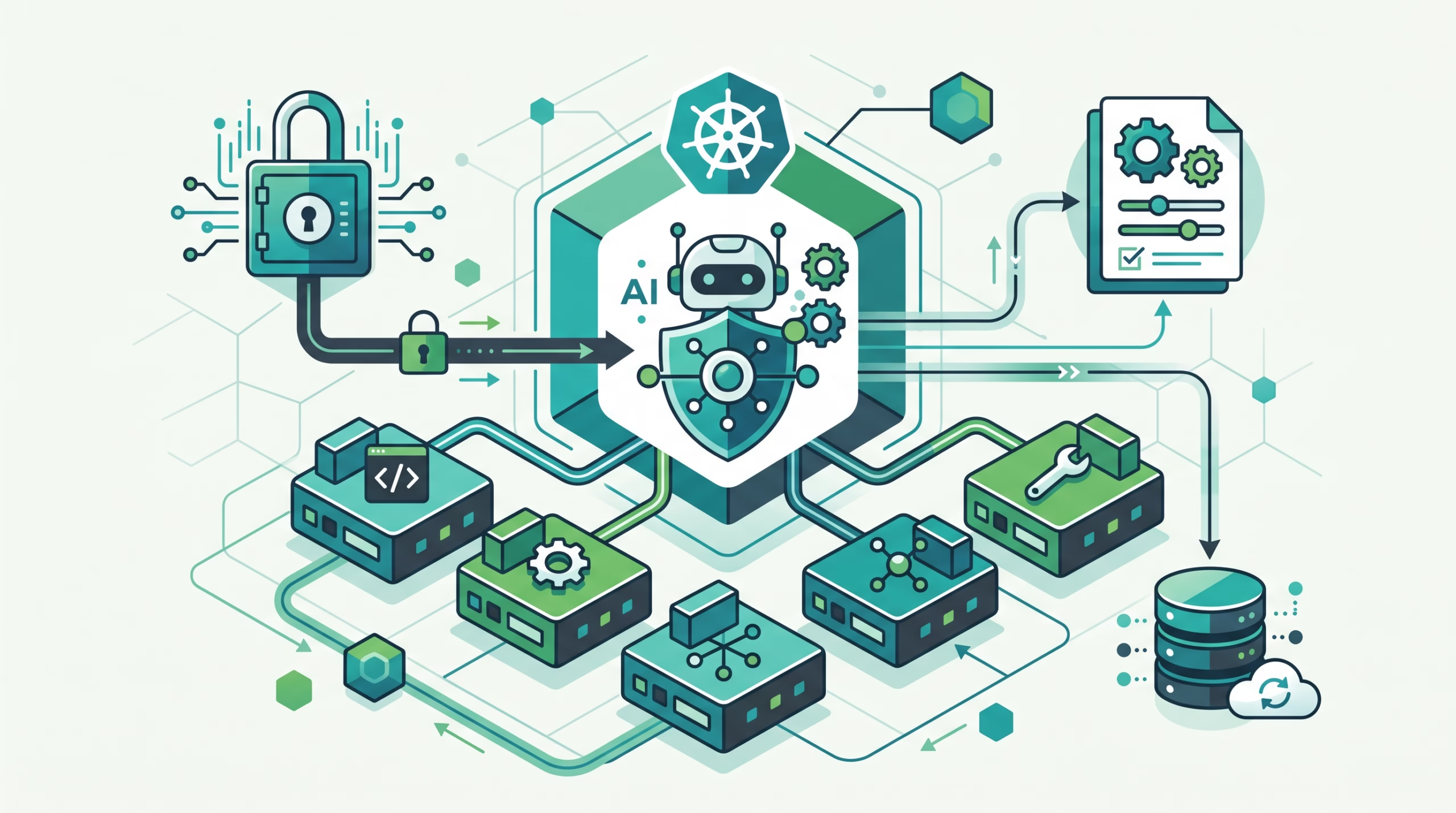
Should you run OpenClaw on Kubernetes?
Pick Kubernetes for OpenClaw when the cluster is already the place where you manage uptime, access, logs, storage, and deployment policy. That usually means a team platform, a shared internal automation environment, or a lab where you want disposable namespaces and repeatable manifests.
Do not pick it just because Kubernetes sounds serious. OpenClaw is one Gateway process. If you are running one personal agent on one Linux server, Kubernetes adds moving parts before it adds much value. You now need cluster access, storage classes, an Ingress story if you want remote access, Secret hygiene, and a backup plan for the PVC.
The right question is not “can OpenClaw run on Kubernetes?” It can. The better question is “who will own the cluster-shaped problems after it runs?” If the answer is already your platform team, the Kubernetes install fits. If the answer is you at midnight, start smaller.
What the OpenClaw Kubernetes deployment creates
The default manifests deploy a small set of namespaced resources:
Namespace/openclaw, unless you override it withOPENCLAW_NAMESPACEDeployment/openclaw, with an init container and the Gateway containerService/openclaw, a ClusterIP Service on port18789- A
PersistentVolumeClaimfor 10Gi of agent state and config ConfigMap/openclaw-config, holdingopenclaw.jsonandAGENTS.mdSecret/openclaw-secrets, holding the Gateway token and model provider API keys
That shape is the main reason Kustomize makes sense here. OpenClaw is not a web of microservices. The interesting edits are usually config, agent instructions, image tag, namespace, storage, and exposure. Kustomize handles that without turning a small setup into a chart values maze.
The pod hardening defaults are worth keeping. The docs list a read-only root filesystem, dropped Linux capabilities, and a non-root UID. Those choices do not make the deployment bulletproof, but they are the correct baseline for a tool-enabled AI Gateway. The moment humans can message the agent and the agent can run tools, boring container restrictions become useful.
Quick start: deploy and open the Control UI
The quick start needs three things: a running Kubernetes cluster, kubectl pointed at it, and an API key for at least one model provider.
# Replace with your provider: ANTHROPIC, GEMINI, OPENAI, or OPENROUTER
export <PROVIDER>_API_KEY="..."
./scripts/k8s/deploy.sh

kubectl port-forward svc/openclaw 18789:18789 -n openclaw
open http://127.0.0.1:18789
The deploy script creates token auth by default. To retrieve the generated Gateway token for the Control UI, use:
kubectl get secret openclaw-secrets -n openclaw \
  -o jsonpath='{.data.OPENCLAW_GATEWAY_TOKEN}' | base64 -d
For local debugging, the script also supports --show-token. That is convenient, but treat it as a local debugging helper. In a shared terminal, CI log, or copied shell transcript, printed tokens age badly.
The default access method is deliberately local: kubectl port-forward to 127.0.0.1:18789. That is not a weird limitation. It is a safer first boot. You can prove the Gateway starts, finish onboarding, and check config before deciding how remote access should work.
Test locally with Kind before touching a real cluster
If you do not have a cluster handy, OpenClaw’s docs point to Kind for local testing:
./scripts/k8s/create-kind.sh
./scripts/k8s/deploy.sh
Kind creates Kubernetes nodes as local containers and can auto-detect Docker, Podman, or nerdctl. That makes it a good place to catch obvious manifest, image, and probe mistakes before you burn time in EKS, GKE, AKS, OpenShift, or a production-ish k3s cluster.
Use Kind for confidence, not for pretending you tested every production concern. Storage classes, Ingress controllers, DNS, TLS automation, network policies, and cloud load balancers all vary by environment. Kind tells you the base works. Your real cluster tells you whether your platform assumptions work.
Customize config without losing changes
The ConfigMap contains two important files: openclaw.json and workspace AGENTS.md. Edit the ConfigMap manifest, redeploy, and the files are available to the pod. Simple enough on first boot.
The trap comes after first boot. The init container seeds those files only when they are missing from the PVC. Once the PVC has a copy, that persisted file is the source of truth. Changes made through OpenClaw onboarding, channel setup, doctor fixes, or the Control UI survive pod restarts. They also mean later ConfigMap edits do not automatically overwrite the persisted copy.
If you intentionally want to reseed openclaw.json from the updated ConfigMap, delete the persisted file and restart the deployment:
kubectl exec -n openclaw deploy/openclaw -- \
  rm /home/node/.openclaw/openclaw.json

kubectl rollout restart -n openclaw deploy/openclaw
That behavior is the right default. A running AI agent Gateway changes state. It may pair channels, store config edits, repair files, and keep session data. A ConfigMap that stomps the PVC on every start would be tidy from a YAML point of view and awful from an operator point of view.
Secrets, tokens, and the Kubernetes reality check
The deploy script can create the Kubernetes Secret for you from an exported provider key:
export <PROVIDER>_API_KEY="..."
./scripts/k8s/deploy.sh --create-secret
./scripts/k8s/deploy.sh
It can also patch provider keys while preserving the existing Gateway token and any provider keys you are not changing. That is a useful operational detail because model provider rotation should not reset the Control UI token unless you asked for that.
Still, a Kubernetes Secret is not a magic safe. Kubernetes’ own docs are blunt: Secrets are stored unencrypted in the API server datastore by default. Anyone with API access that can read Secrets can read them. Anyone who can create Pods in the namespace can often get indirect access to mounted or environment-injected Secrets.
For a serious OpenClaw Kubernetes deployment, use the normal Kubernetes controls: enable encryption at rest for Secrets, keep RBAC tight, restrict who can create Pods in the namespace, and consider an external secret store if your platform already has one. The OpenClaw token protects the Gateway. It does not protect etcd.
Expose the Gateway beyond port-forward
The default manifests bind the Gateway to loopback inside the pod. That works with kubectl port-forward. It does not work with a normal Service or Ingress path that needs to reach the pod IP directly.
To expose the Gateway through an Ingress or load balancer, the OpenClaw docs call out three requirements:
- Change the Gateway bind in the ConfigMap from loopback to a non-loopback bind that matches your deployment model.
- Keep Gateway auth enabled.
- Use a proper TLS-terminated entrypoint and configure Control UI remote access with supported origins.
Kubernetes Ingress can route HTTP and HTTPS traffic to Services, terminate TLS, and handle name-based virtual hosting. It also needs an Ingress controller. Creating only an Ingress object does nothing if the cluster has no controller watching it.
For new platform work, notice Kubernetes’ own guidance: Ingress is stable, but the API is frozen, and the project recommends Gateway API for newer designs. That does not mean Ingress is wrong. It means your cluster standard should decide the entrypoint, not a random blog snippet.
For certificate automation, cert-manager is the common answer. Its docs describe issuing and renewing TLS certificates for Kubernetes and OpenShift workloads, with issuers such as Let’s Encrypt, Vault, and private PKI. Whether you use cert-manager, a cloud load balancer certificate, or Tailscale Serve, the principle is the same: do not put a tool-enabled Gateway on plain public HTTP.
Health checks and the readyz trap
The OpenClaw Deployment uses probes against /readyz and /healthz. The startup and readiness probe budget is five minutes.
The interesting detail is how the probe validates readiness. It checks the JSON probe contract, not just the HTTP status code. That matters because the Control UI can answer unknown paths with a catch-all 200. A status-code-only probe could pass against an image that does not even have the probe route you thought you were testing.
The docs also mention /startupz as the better traffic-admission probe on newer images. It ignores channel health, so one failing channel account does not remove an otherwise healthy Gateway from Service endpoints. The catch is versioning: you need an image new enough to include it. After pinning such an image, switch startup and readiness probes to /startupz and keep /readyz for monitoring that should include channel-account health.
This is a small thing, but it is very Kubernetes: the difference between “the process returned 200” and “the service is actually ready for the thing we need” is where bad rollouts hide.
Updating, teardown, and PVC risk
To redeploy after changes, run:
./scripts/k8s/deploy.shThat applies the manifests and restarts the pod so config and secret changes can take effect. For image updates, edit the image field in scripts/k8s/manifests/deployment.yaml and use an immutable versioned tag when you care about repeatability.
Teardown has the part you should read twice. In the default namespace, this deletes the namespace and everything in it, including the PVC:
./scripts/k8s/deploy.sh --deleteFor a custom namespace, --delete removes only the OpenClaw resources and keeps the namespace. The docs also provide --delete-resources for scoped deletion and --delete-namespace when you explicitly want to remove the whole custom namespace.
Deleting the PVC removes OpenClaw’s claim and access to persisted data. Whether the underlying volume data is deleted depends on the PersistentVolume or StorageClass reclaim policy. Do not treat teardown as harmless cleanup unless you know what the storage class will do.
Run openclaw security audit after changes that affect exposure. OpenClaw’s security docs frame one Gateway as one trust boundary, not hostile multi-tenant isolation. If different teams or customers do not trust each other, split them into separate Gateways, credentials, and ideally separate hosts or cluster boundaries.
FAQ about OpenClaw Kubernetes deployment
Is the OpenClaw Kubernetes setup production-ready?
No. The official docs call it a minimal starting point. You need to add your own production choices for Ingress or Gateway API, TLS, backups, Secret storage, monitoring, RBAC, and upgrade policy.
Why does OpenClaw use Kustomize instead of Helm?
The docs give a practical reason: OpenClaw is a single container, and most customization is agent content, config, image tags, and overlays. Kustomize handles that without adding chart machinery.
Why does port-forward work but my Ingress does not?
The default Gateway bind is loopback inside the pod. Port-forward can reach it. A Service or Ingress path that targets the pod IP needs a non-loopback bind, plus auth, TLS, and Control UI remote-origin configuration.
Where is OpenClaw state stored?
The deployment uses a 10Gi PersistentVolumeClaim for agent state and config. After first boot, the PVC copy of openclaw.json and AGENTS.md becomes the source of truth unless you intentionally delete and reseed those files.
Can I use Kind for testing?
Yes. The docs include a helper script for Kind. It is a good way to test the base deployment locally before trying a managed cluster, but it does not replace testing your real storage, networking, DNS, TLS, and policy setup.
Final take
OpenClaw’s Kubernetes setup is refreshingly small: one namespace, one Gateway Deployment, one Service, one PVC, one ConfigMap, and one Secret. That is exactly what you want from a base. You can read it, patch it, and reason about it.
The mistake is treating that base as the finish line. Before you expose the Gateway, decide how traffic reaches it, how TLS is terminated, who can read Secrets, who can create Pods in the namespace, how the PVC is backed up, and which trust boundary the Gateway represents.
CTA: Deploy it locally with Kind first, then promote the same Kustomize base into your real cluster only after you have written down the exposure, Secret, PVC, and rollback decisions.