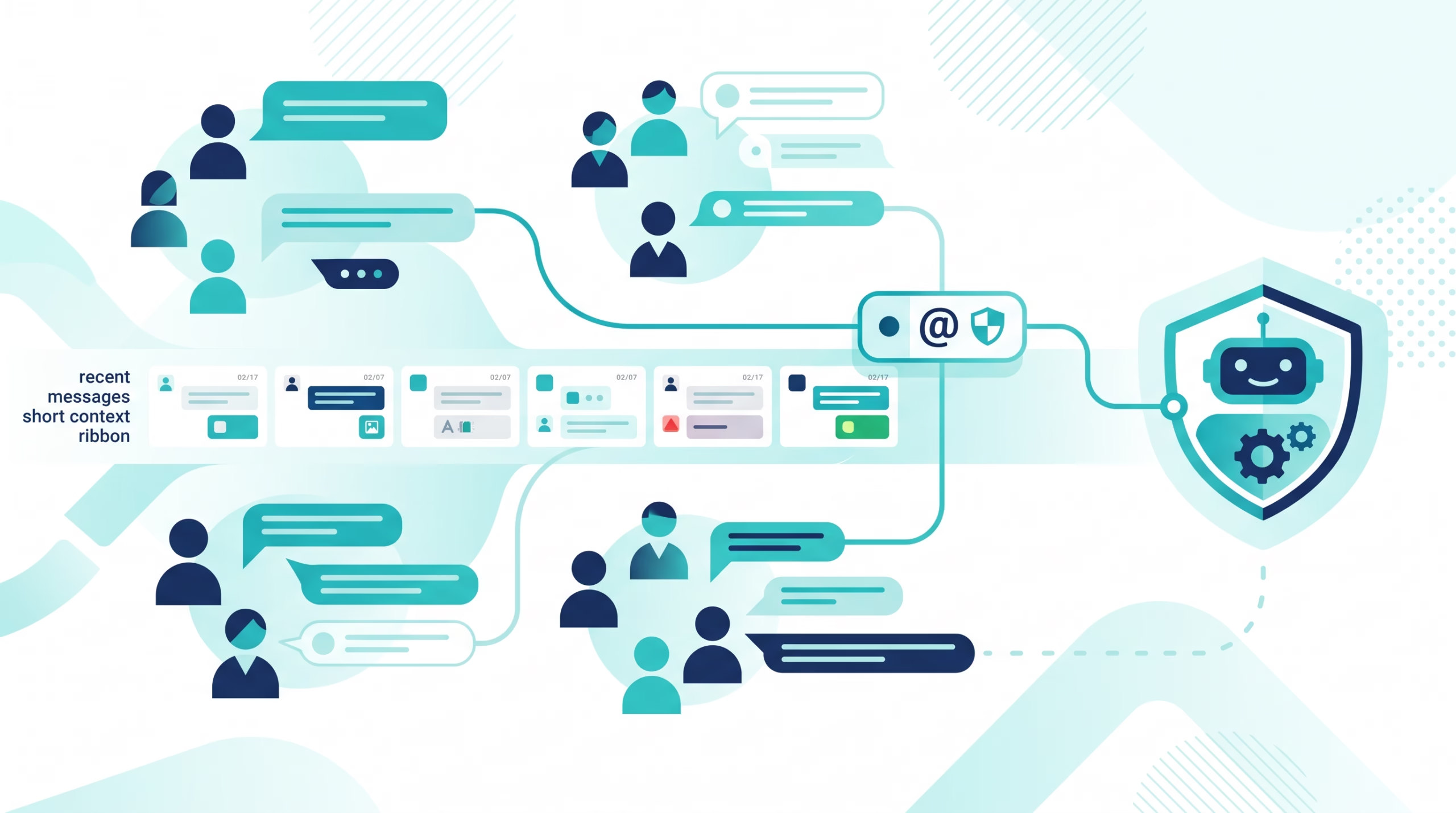

OpenClaw WhatsApp group messages have a simple goal: let an agent participate in a group without answering every line of chatter. The details matter. A sender can be allowed into a group but still fail to wake the agent because the message lacks a mention. The agent can also use recent untriggered messages as context without treating each one as a request. If you collapse those behaviors into one “group is on” switch, a quiet bot is hard to debug and a noisy bot is harder to control. This guide follows the official WhatsApp group-messages page, which is specific to WhatsApp rather than all OpenClaw channels.
What OpenClaw WhatsApp group messages do
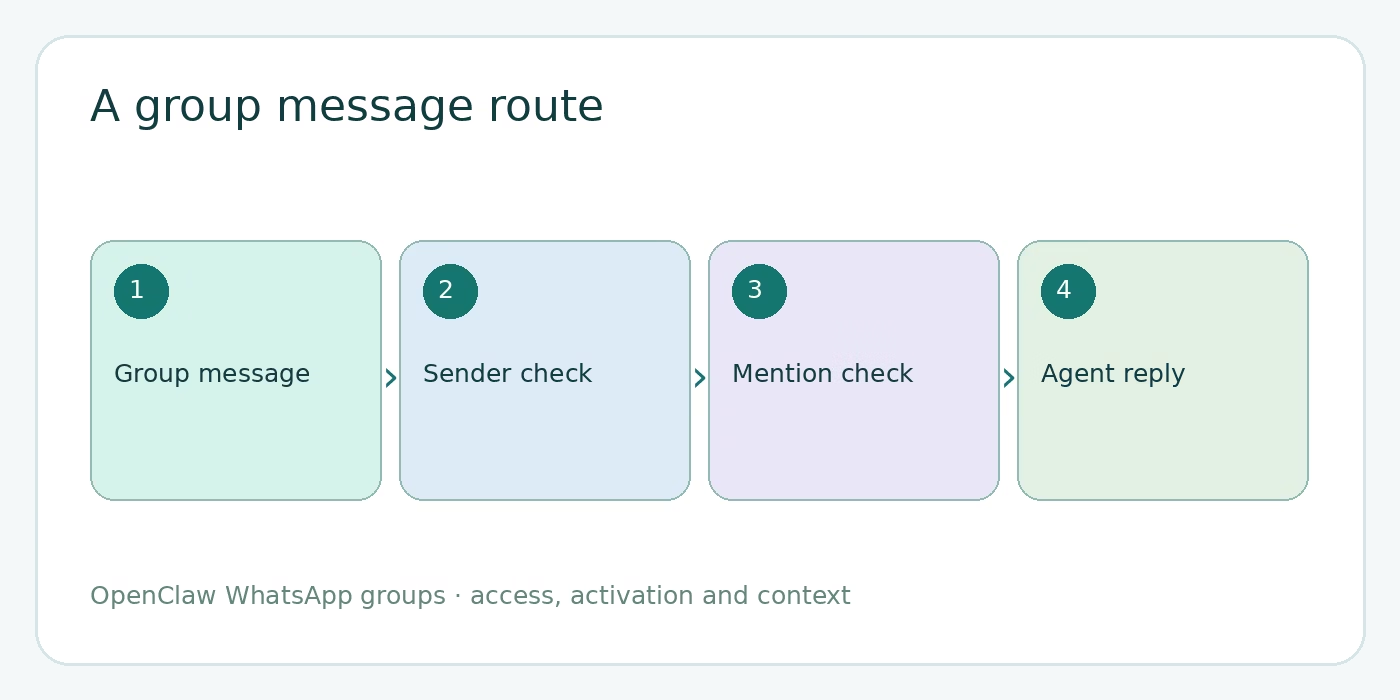
The WhatsApp account linked to OpenClaw joins a group like any other participant. OpenClaw receives the group’s messages through that account, decides whether the group and sender are admitted, then decides whether a particular message should trigger an agent run. Under the normal mention mode, only a ping wakes the agent. Other admitted messages can sit in a pending context window for the next triggered turn.
That is different from a DM. Direct messages use their own access rules and, under the default DM scope, can share the agent’s main session. A WhatsApp group normally gets a session keyed to its group JID. The bot’s answer goes back to the group where the request came from; the model does not pick the outbound channel. The routing reference explains that separation.
This post assumes you already linked WhatsApp and have a working direct chat. If not, start with our OpenClaw WhatsApp channel setup guide. Login, QR linking and DM pairing are different problems from group activation.
Decide which groups and senders are allowed
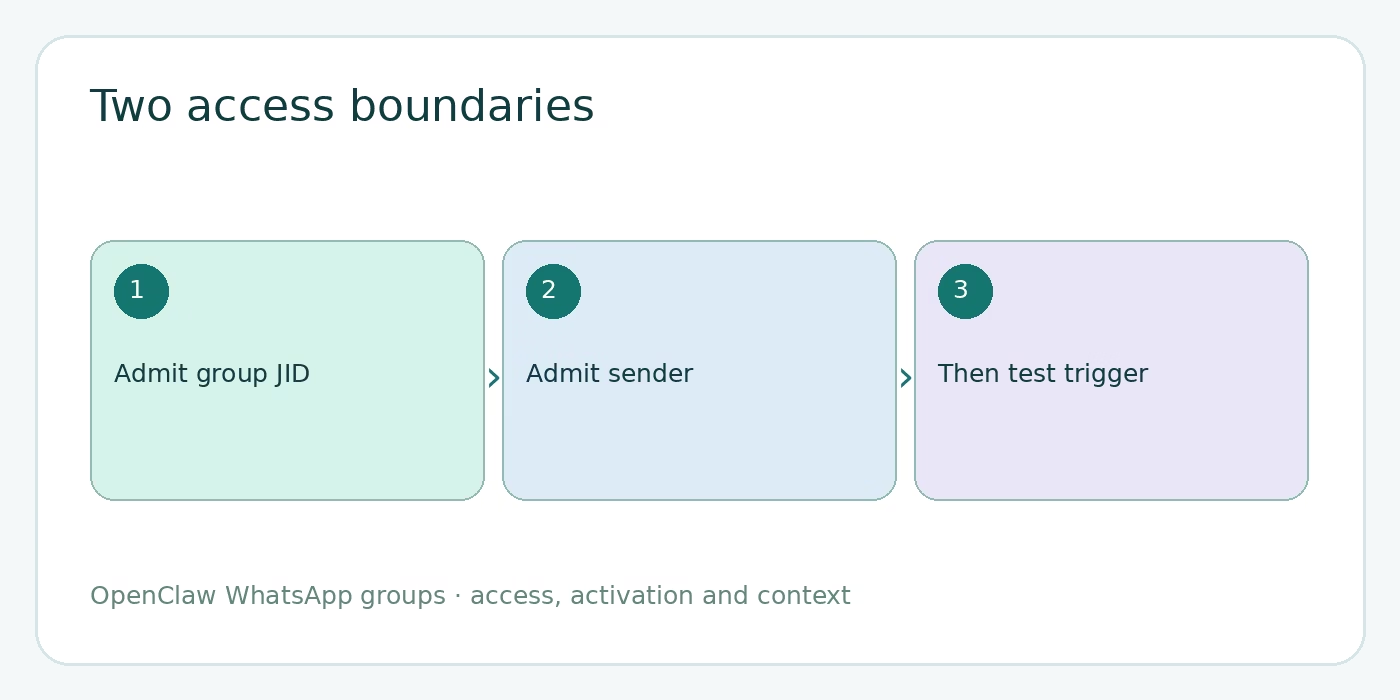
Access comes before activation. channels.whatsapp.groupPolicy controls whether group traffic is accepted: disabled, allowlist, or open. The default is allowlist. With that policy, groupAllowFrom holds allowed sender numbers; the channel’s explicit allowFrom is the documented fallback. If neither admits a sender, a perfect @mention will not rescue the message.
A second boundary is the group itself. When you configure channels.whatsapp.groups, only the listed group JIDs are admitted; include "*" if you truly intend every group to match. Keep these two questions separate: “May this group be handled?” and “May this person trigger the bot inside it?” The general group controls guide describes the cross-channel version of the same distinction.
For a first rollout, pick one group and one or two trusted senders. Use the real WhatsApp group JID and numbers from your own installation; do not copy placeholder values from an article. A broad group wildcard is useful for testing mention behavior in a private environment, but it is not a substitute for deciding who may activate the agent in production.
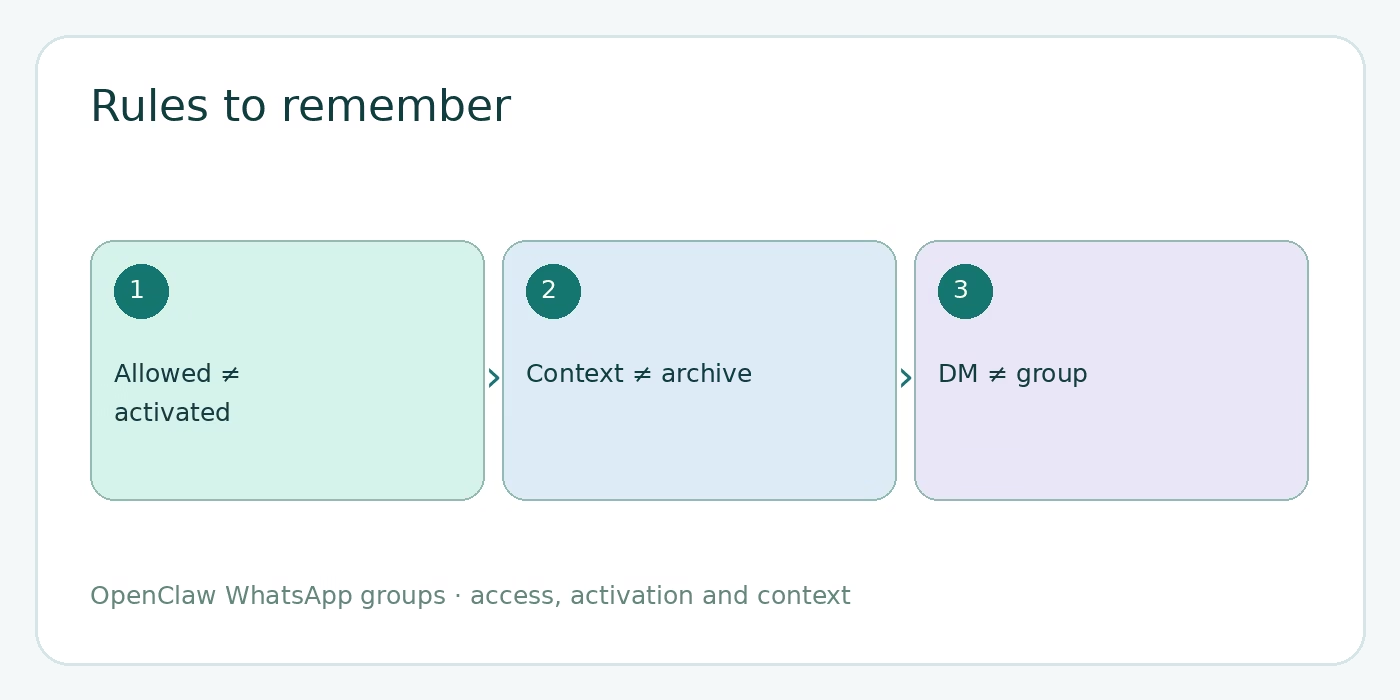
DM pairing is not group authorization. Approving someone’s direct-message request grants access to the DM route. It does not automatically authorize that person’s group request. That boundary is easy to miss when the same person can talk to the bot privately but gets no group reply.
Choose mention or always-on activation
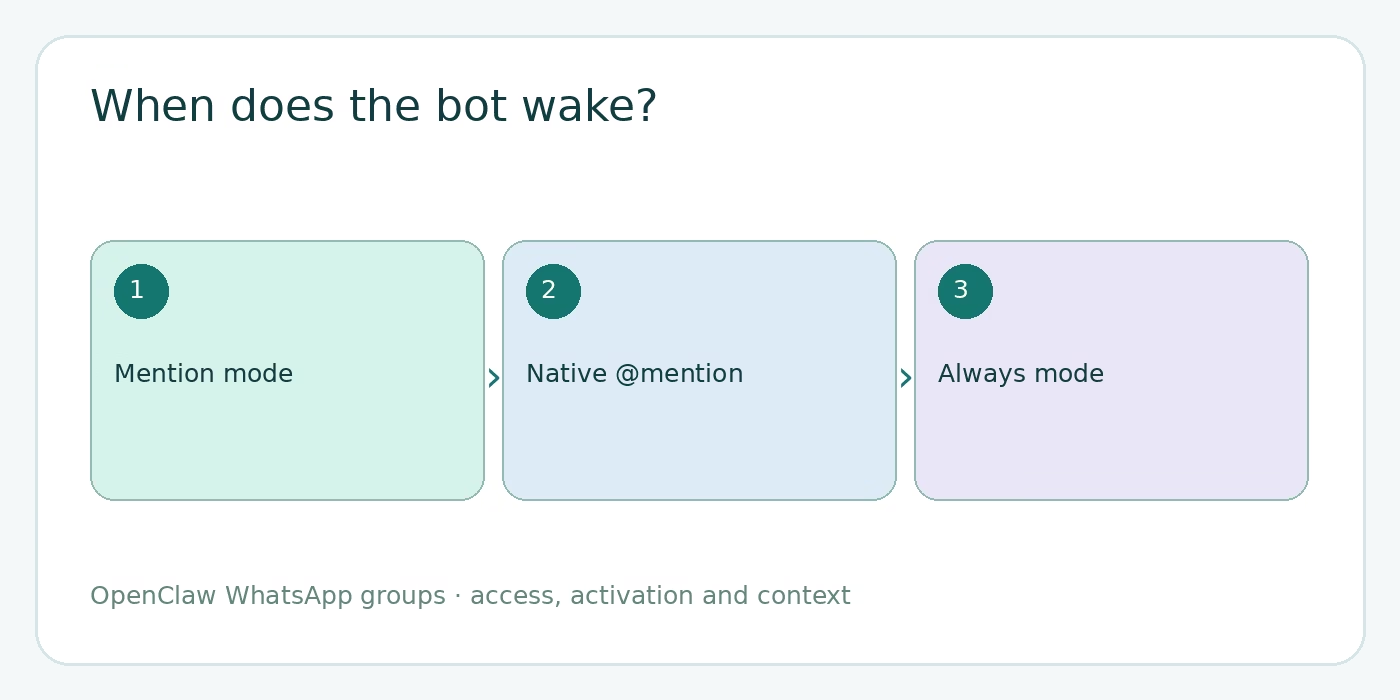
The default group activation mode is mention. A real WhatsApp @mention can trigger it through mentionedJids. OpenClaw also recognizes a configured mention regex, the bot’s E.164 digits in the text, or a quoted reply to one of the bot’s messages. The quoted-reply route has an exception for shared-number self-chat setups. This is why a visible “@name” typed as plain text is not always the same as tapping the WhatsApp contact to make a real mention.
If display-name pings need to work, set a mention pattern for the agent. The docs place it under agents.entries.<agentId>.groupChat.mentionPatterns, with messages.groupChat.mentionPatterns as a global fallback. Without either, patterns derive from the agent’s identity name or emoji. Patterns are case-insensitive and pass safe-regex checks; invalid or unsafe patterns are ignored. Use a specific pattern, not one likely to match ordinary conversation.
always mode wakes the agent on every admitted group message and normally requires a reply. That can make a busy room unpleasant fast. If your design truly needs always-on processing with selective silence on unaddressed messages, the docs say to explicitly allow surfaces.whatsapp.silentReply.group: "allow". An entire final reply that trims to uppercase NO_REPLY then requests silence. Lowercase or wrapped forms do not. Do not assume the agent will quietly observe every message just because you used the word “ambient” in a prompt.
Owners can override a group’s activation mode from that group with standalone commands:
/activation mention
/activation always
/status
Only owner numbers can change the activation mode. A non-owner’s /activation is ignored as a command and stored as context. /status shows the current mode. Because an in-chat override can differ from the config default, check status before declaring the config broken.
Understand pending context and sender labels
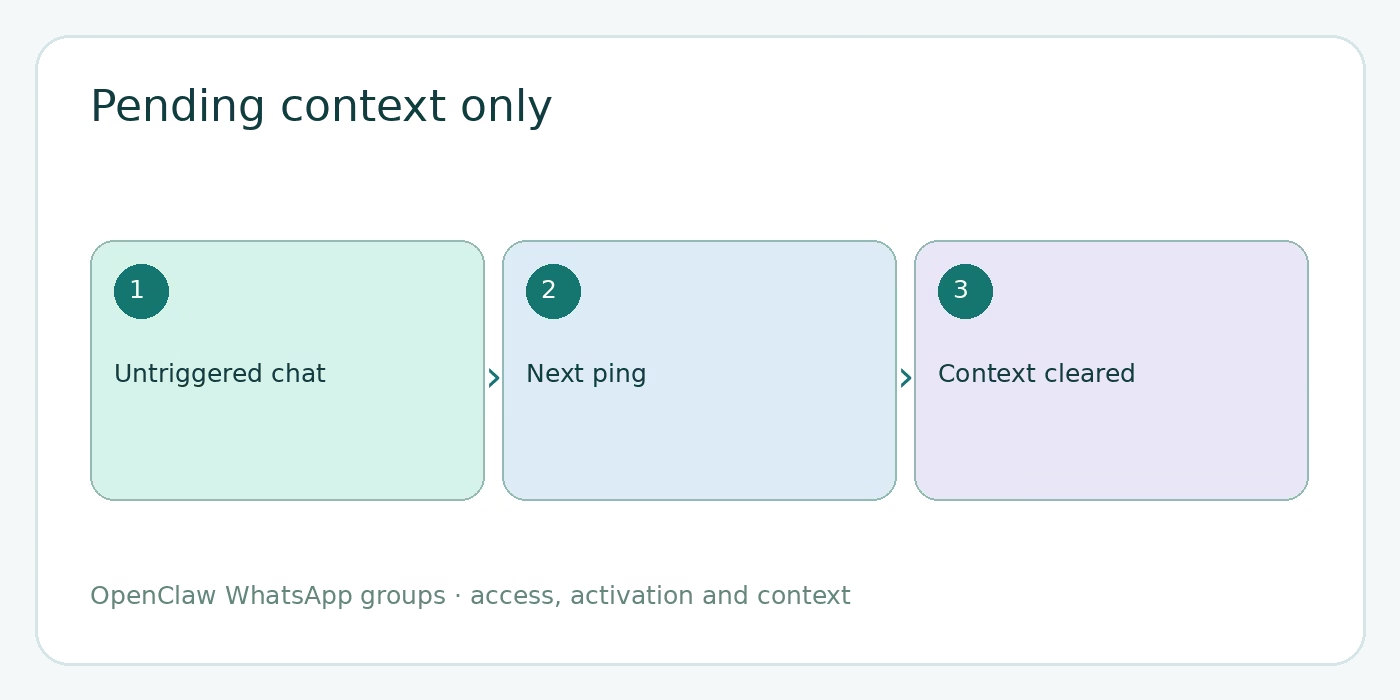
In mention mode, an admitted message without a trigger can be held for context rather than starting a run. On the next triggered turn, OpenClaw places those pending-only lines under [Chat messages since your last reply - for context] and the triggering line under [Current message - respond to this]. The default pending window is 50 messages. After the run, it is cleared. Messages already present in the session are not injected again.
That is a practical design: a person can ask “@bot, what did we decide?” and the bot sees recent group chatter without having answered every line. It is not an archival search over the entire WhatsApp group. The window is bounded, only pending messages count, and no agent run means you may not yet see a group session entry at all. If you need a durable record of every group message, do not pretend this context window is one.
Change the window with channels.whatsapp.historyLimit, or use the account-specific value. The documented precedence is account historyLimit, channel historyLimit, global messages.groupChat.historyLimit, then the default 50. A small window limits how much chatter goes into a prompt; a larger one gives the bot more nearby context. Choose based on the conversations your team actually has, not an arbitrary maximum.
Each group line carries a sender label in the message envelope, and sender identity plus group metadata also appear in an untrusted conversation-metadata block. That lets the agent address the specific person who asked. It does not turn historical chat text into trusted instructions. The message-flow documentation distinguishes the current request from supplied context. If supplemental quoted or history context itself must be filtered by sender authorization, review the contextVisibility controls in the group documentation. An allowlist controls who can trigger; it does not automatically erase every other person’s words from context.
Keep sessions and commands in their lane
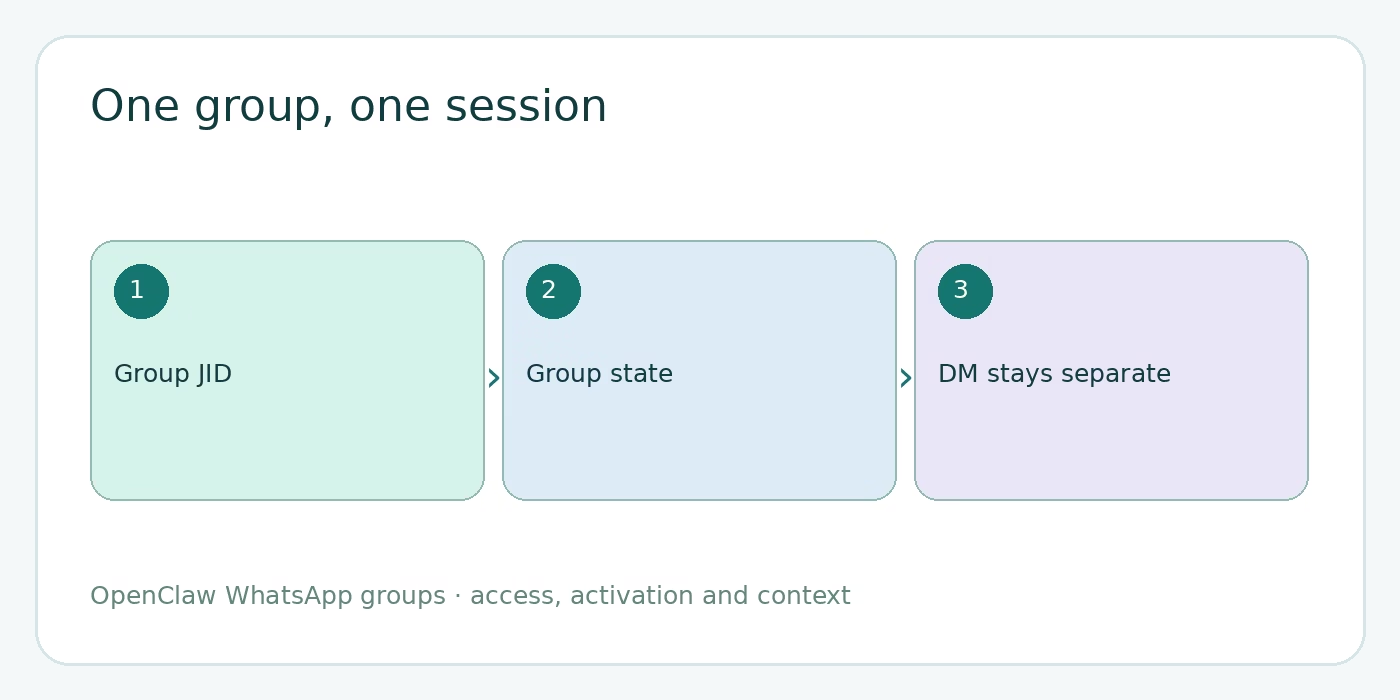
Under the default group scope, a WhatsApp group has a session such as agent:<agentId>:whatsapp:group:<jid>. A non-default account adds an account thread suffix. The point is not the exact spelling; it is the boundary. A conversation in one group does not simply become your personal DM conversation, and another group has its own state.
Commands such as /verbose on, /trace on, /think high, /new, /reset, and /compact affect that group’s session when sent as standalone messages. Put a command on its own line so OpenClaw parses it as a directive. If you reset a group session, you have not reset the personal DM session. Conversely, a heartbeat runs in the agent’s main session, not in each WhatsApp group. The absence of a group heartbeat is expected behavior.
Session isolation is not an access policy. Group messages still need to pass group and sender checks, and an @mention can still be required. Our OpenClaw sessions guide covers the broader context model if you are assigning several groups to different agents.
Configure a conservative group setup
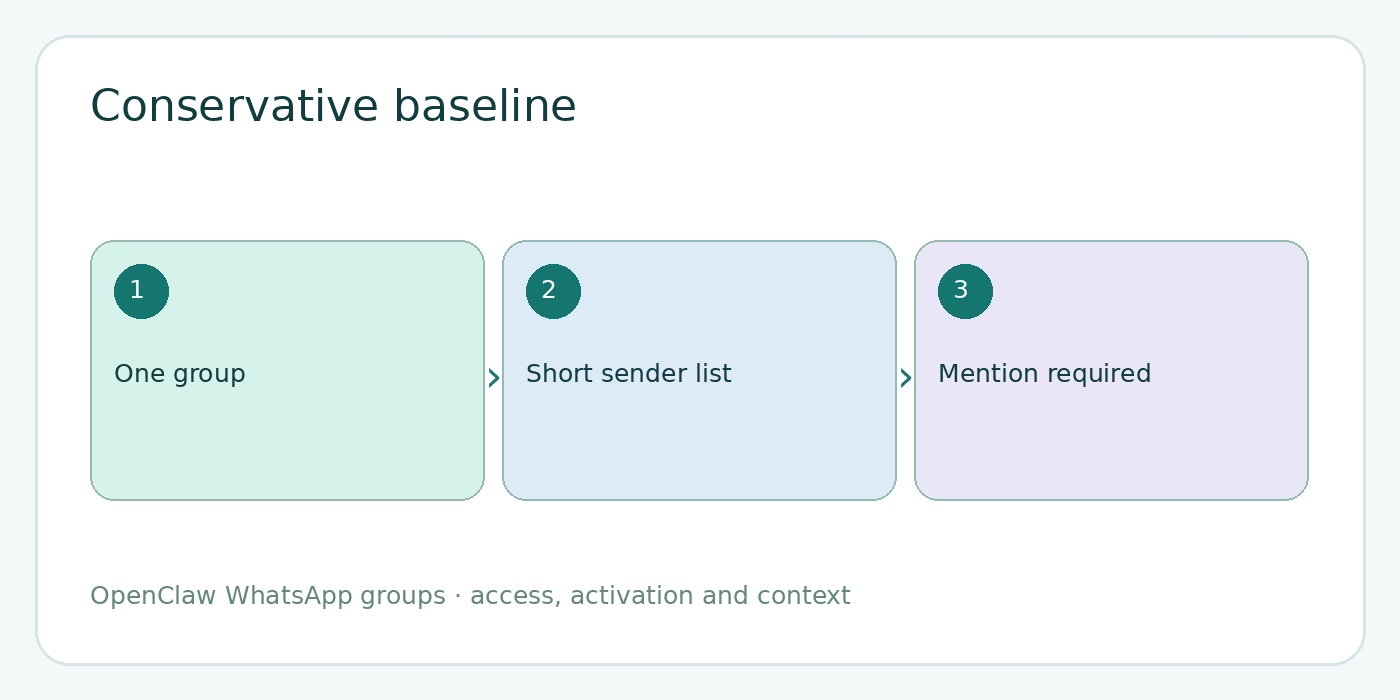
Start with the group policy and sender list, then set mention behavior for the intended group. The snippet below illustrates the shape; replace the sample number and group JID with values from your own account:
{
  channels: {
    whatsapp: {
      groupPolicy: "allowlist",
      groupAllowFrom: ["+15551234567"],
      groups: {
        "120363000000000000@g.us": { requireMention: true }
      },
      historyLimit: 50
    }
  }
}
Keep the member-facing rule simple: tap the bot’s contact to @mention it. Add a display-name regex only if your tests show the native mention is not enough. If you operate multiple agents, put each agent’s mentionPatterns under its own entry so a name meant for one agent does not wake another. The docs’ wildcard group example is handy for explaining defaults, but a named group makes a first deployment easier to audit.
The agent’s first group turn, and a turn after the activation mode changes, receives guidance about that mode and addressing the specific sender. OpenClaw also includes persistent group-chat delivery guidance. Those prompt hints help the agent behave, but they do not override the external access checks. Keep your configuration and your group norms aligned.
Test and troubleshoot group replies
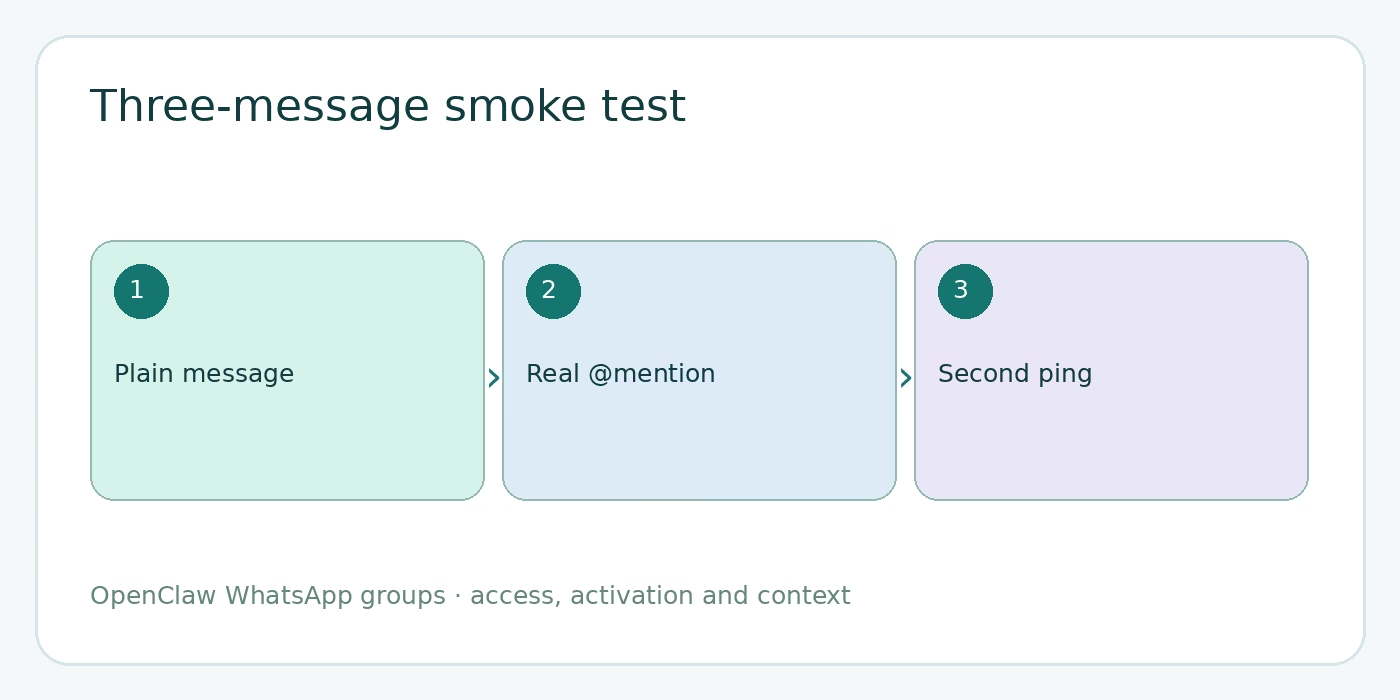
Run a small smoke test in the allowed group. First, send an ordinary message without a mention from an allowed person. In mention mode, that should not produce an agent reply. Second, send a real @mention and ask a question about the preceding line. Confirm the answer references the sender and the nearby context. Third, send another ping and check that the earlier pending block was cleared rather than injected again. That sequence tests admission, activation, context and delivery in one group.
If the bot is silent, debug in order. Is the linked WhatsApp account in the group? Is the group JID present if groups is configured? Is the sender in the group allowlist? Did the message include a real or configured mention? Does /status report the mode you expected? The source docs recommend verbose Gateway logs and looking for inbound web message entries with the group JID and sender-labeled body. A dropped unlisted group produces a log hint.
If the bot shows typing but no visible answer, inspect reply-delivery settings as well. The general group guide says messages.groupChat.visibleReplies: "message_tool" requires explicit message-tool delivery; the normal automatic setting posts the final answer. In message-tool-only mode, typing can start immediately while the agent works, which makes typing by itself a poor proof of reply delivery. Our channel routing guide gives a fuller method for separating inbound and outbound failures.
Finally, do not overinterpret missing session state. A group session record can be absent simply because no group message has triggered a run yet. Echo suppression can also skip an identical repeated combined prompt so the bot’s own delivery does not retrigger itself. Test with a fresh question before treating a repeated identical batch as a transport failure.
FAQ about OpenClaw WhatsApp group messages
Does an allowlisted sender always get a reply?
No. Admission and activation are separate. In the default mention mode, the sender must also ping the bot through a recognized mention route.
Does the agent read every message in the group?
It can receive pending, untriggered messages as bounded context for a later run. That is not the same as an agent run for each message or an unlimited group archive.
Does /activation always mean the bot can stay quiet?
No. Always-on activation normally requires a reply to every admitted message. Selective silence for unaddressed messages needs the documented surfaces.whatsapp.silentReply.group: "allow" setting.
Why does a WhatsApp DM work while the group stays silent?
DM pairing does not authorize group traffic. Check the group’s JID, group policy, sender allowlist, and mention requirement separately.
Start with a small rollout
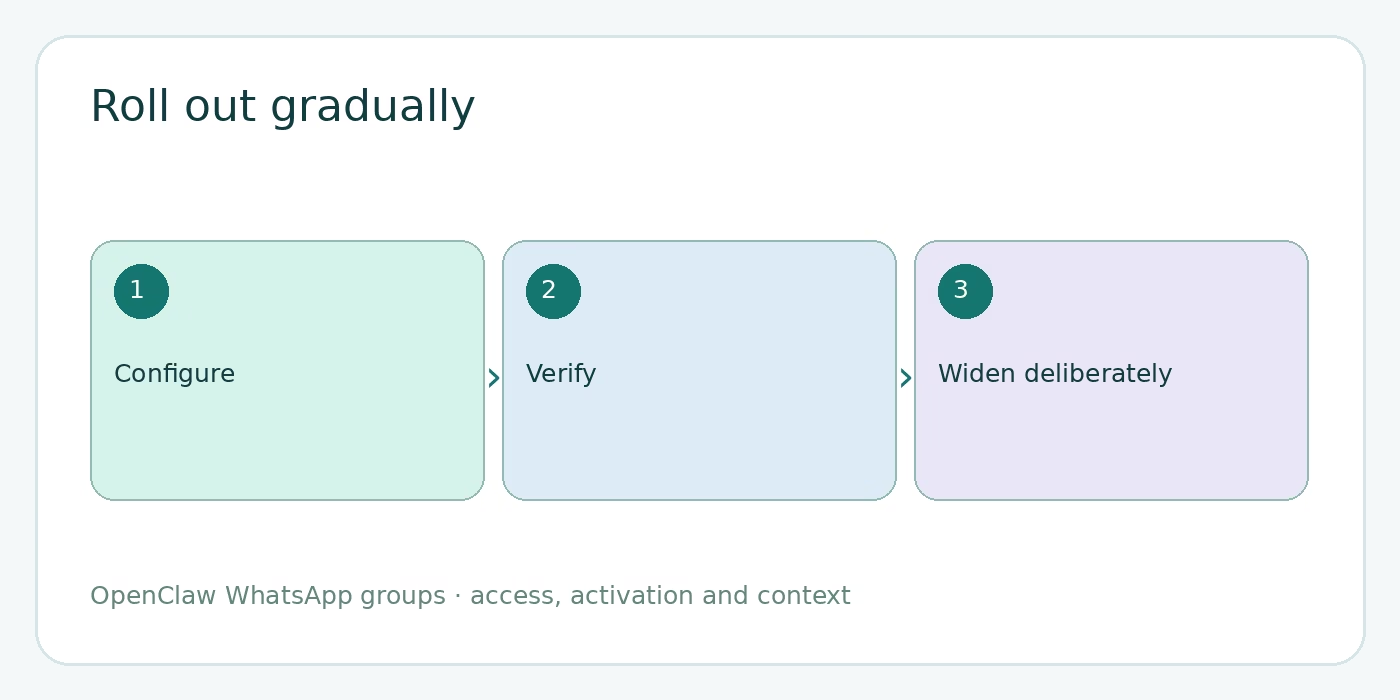
Keep the first group mention-gated. Admit one group and a short sender list, then run the three-message test above while watching logs. Only switch to always-on if the room has a specific reason for it and you have decided how visible replies should behave. The official WhatsApp group-messages guide is the source of truth for the current keys and precedence.
Visual note: illustrations and diagrams in this post are original AI-generated editorial assets, not screenshots of a WhatsApp conversation.