
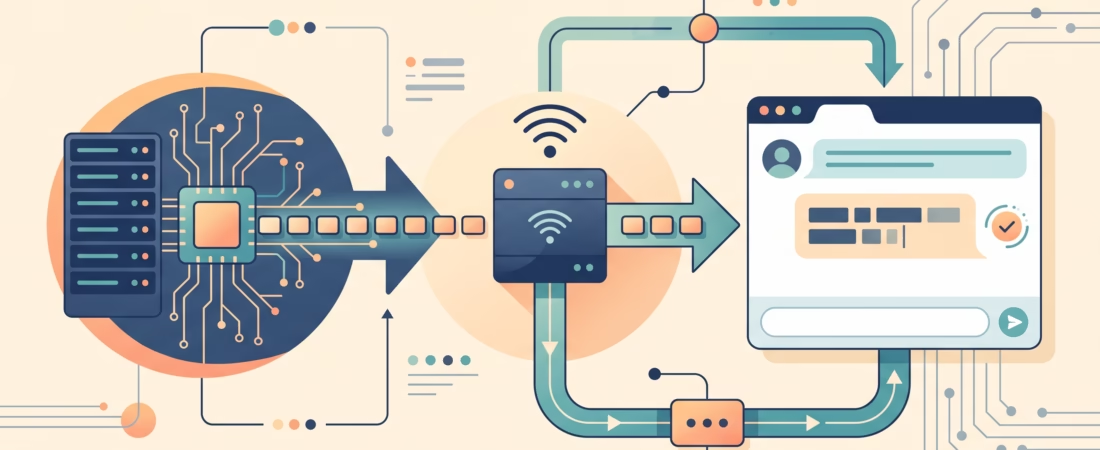
When a normal LLM request finishes, your app receives the answer all at once. With streaming LLM API responses, it receives events while the model is still generating, so a terminal or chat window can show the beginning before the rest is ready. That changes what the user sees, not how quickly the model completes its work.
This guide starts with a Python Responses API stream, then follows the text through a server to a browser. You will also see why the first chunk is not the same thing as a finished answer, and what to do when the connection stops halfway through.
What streaming LLM API responses change (and what they don’t)
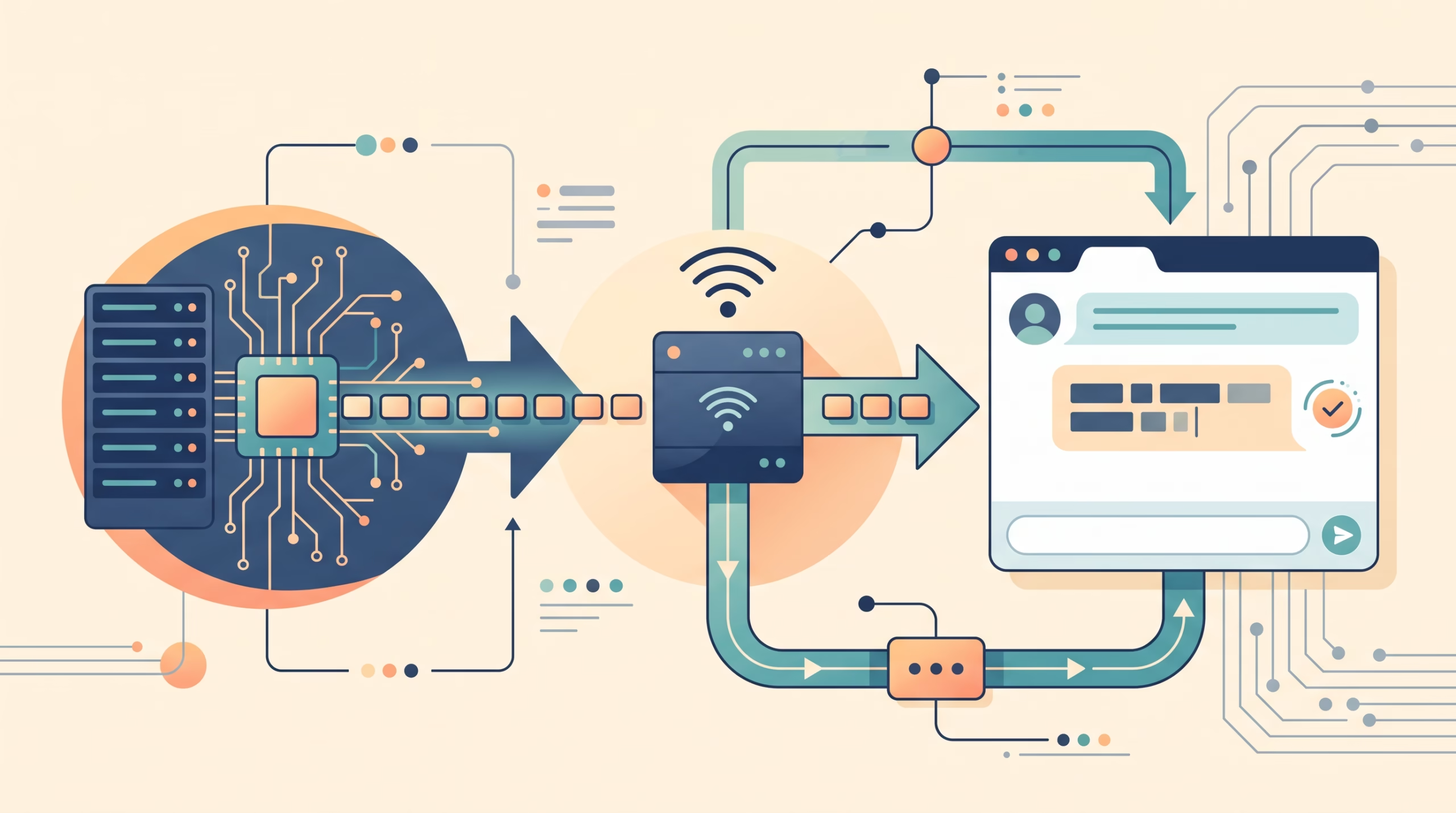
In a non-streaming request, the server waits for the model to finish and then returns a complete response. In a streaming request, the provider sends a sequence of events over one open connection. Some events describe the response lifecycle. Others carry pieces of text.
That can make a chat feel more responsive: the user sees words appear instead of staring at a spinner. But streaming does not guarantee a shorter total generation time. If a model takes eight seconds to produce a complete answer, streaming may show the first useful text after a fraction of that wait while the rest still takes several more seconds.
It also means your UI must cope with unfinished text. A sentence on screen may end abruptly because the model is still working, or because the connection died. The interface should make that distinction clear.
TTFT, generation speed, and the wait users feel
Time to first token (TTFT) measures how long it takes from sending a request until the first output token arrives. It is one part of latency, not a score for the entire interaction. After that first token, the model continues generating; the speed of that phase is often described as output or generation speed. Total latency ends when the response is complete.
Picture a progress bar that starts moving quickly but crawls near the end. The first movement improves perceived responsiveness, yet the user still waits for the final result. A helpful interface can show the text as it arrives and keep a subtle “Generating” state until the provider signals completion.
Measure these stages separately when you evaluate an app. Record request start, first visible text, and completion. Otherwise, a low TTFT can hide a slow overall response, or a fast total time can hide a long blank pause at the beginning. Those are different problems and may need different fixes.
Stream events from Python with the Responses API
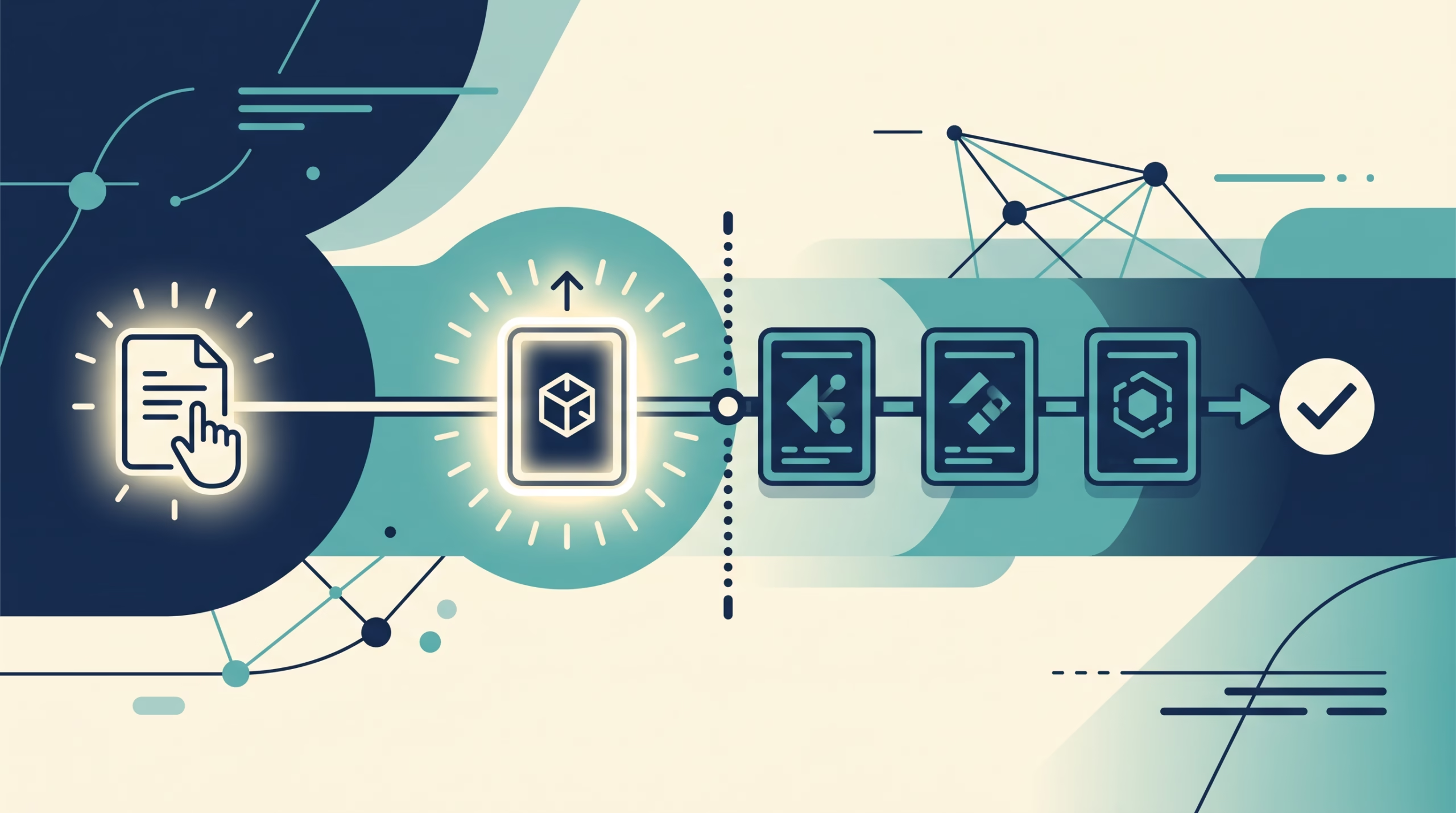
OpenAI’s Responses API streams typed events when you set stream=True. The official guide identifies events such as response.created, response.output_text.delta, response.completed, and error. The text arrives in deltas; do not print every event object as though it were user-facing content.
from openai import OpenAI

client = OpenAI()  # Reads OPENAI_API_KEY from the server environment.
parts = []

with client.responses.stream(
    model="gpt-5",
    input="Explain streaming in one short paragraph.",
) as stream:
    for event in stream:
        if event.type == "response.output_text.delta":
            print(event.delta, end="", flush=True)
            parts.append(event.delta)
        elif event.type == "response.completed":
            print("\n[complete]")
        elif event.type == "error":
            print("\n[stream error]")

complete_text = "".join(parts)
The SDK’s streaming helper is a convenient way to work with events and close the stream when the block ends. The key pattern is portable even when an SDK uses different method names: filter for text deltas, append them in order, and handle terminal events separately. Check the current SDK reference for the exact method available in your installed version.
The example keeps an accumulated copy as well as printing chunks. The visible output is useful during generation; the collected string is useful after completion for saving, evaluating, or passing to another step. Don’t assume the collected value is complete if the loop ended because of an exception or interruption.
Forward a stream to a browser with server-sent events
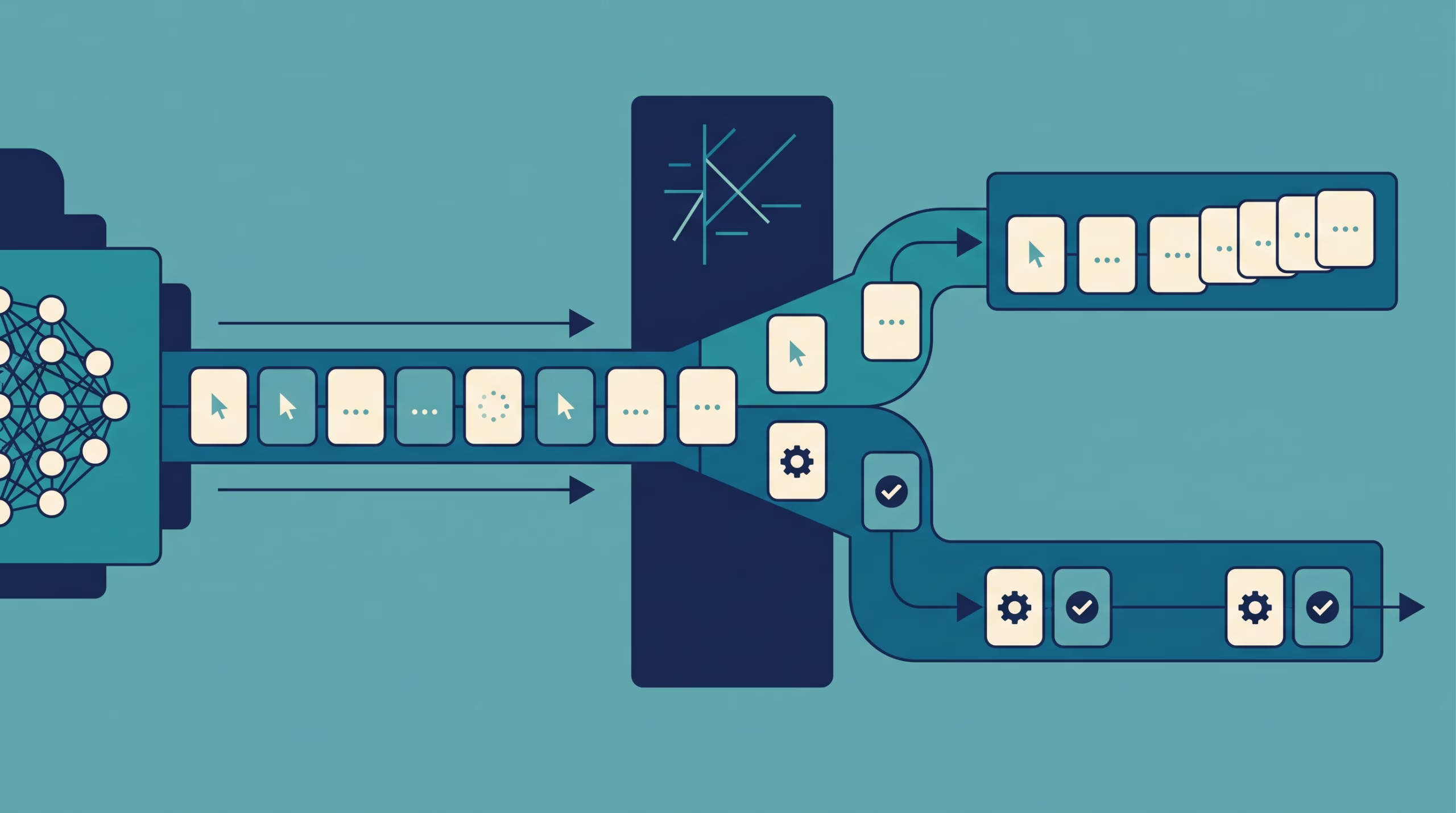
A browser usually should not call the model provider with a secret key. A common setup keeps the key on your server, asks the provider for a stream, and forwards selected text deltas to the browser. One-way updates from server to browser fit server-sent events (SSE).
An SSE response uses the text/event-stream media type. Each event has fields such as event: and data:, and a blank line marks the end of an event. FastAPI’s StreamingResponse can stream response chunks; its SSE support also has an EventSourceResponse helper in current documentation.
from fastapi import FastAPI
from fastapi.responses import StreamingResponse
from openai import AsyncOpenAI
import json

app = FastAPI()
client = AsyncOpenAI()

@app.get("/answer")
async def answer(prompt: str):
    async def events():
        stream = await client.responses.create(
            model="gpt-5",
            input=prompt,
            stream=True,
        )
        try:
            async for event in stream:
                if event.type == "response.output_text.delta":
                    payload = json.dumps({"text": event.delta})
                    yield f"event: chunk\ndata: {payload}\n\n"
                elif event.type == "response.completed":
                    yield "event: done\ndata: {}\n\n"
        finally:
            await stream.close()

    return StreamingResponse(
        events(),
        media_type="text/event-stream",
        headers={"Cache-Control": "no-cache", "X-Accel-Buffering": "no"},
    )
This is a teaching sketch, not a complete production endpoint. A real app should authenticate the caller, validate and limit the prompt, set request timeouts, and map provider failures to a documented error event. Keep API credentials on the server.
For a simple same-origin GET endpoint, browser EventSource parses SSE framing for you:
const source = new EventSource("/answer?prompt=" + encodeURIComponent("Explain SSE"));

source.addEventListener("chunk", (event) => {
  const piece = JSON.parse(event.data).text;
  answerElement.textContent += piece;
});

source.addEventListener("done", () => source.close());
source.onerror = () => {
  source.close();
  showIncompleteMessage();
};
Native EventSource opens a GET request. If your endpoint needs a JSON conversation body in a POST request, use fetch() and read the response stream, or create a server-side request record first and connect to that record with a GET. Don’t put private prompts or credentials into a URL just to fit the EventSource interface.
Accumulate output and handle cancellation or failure
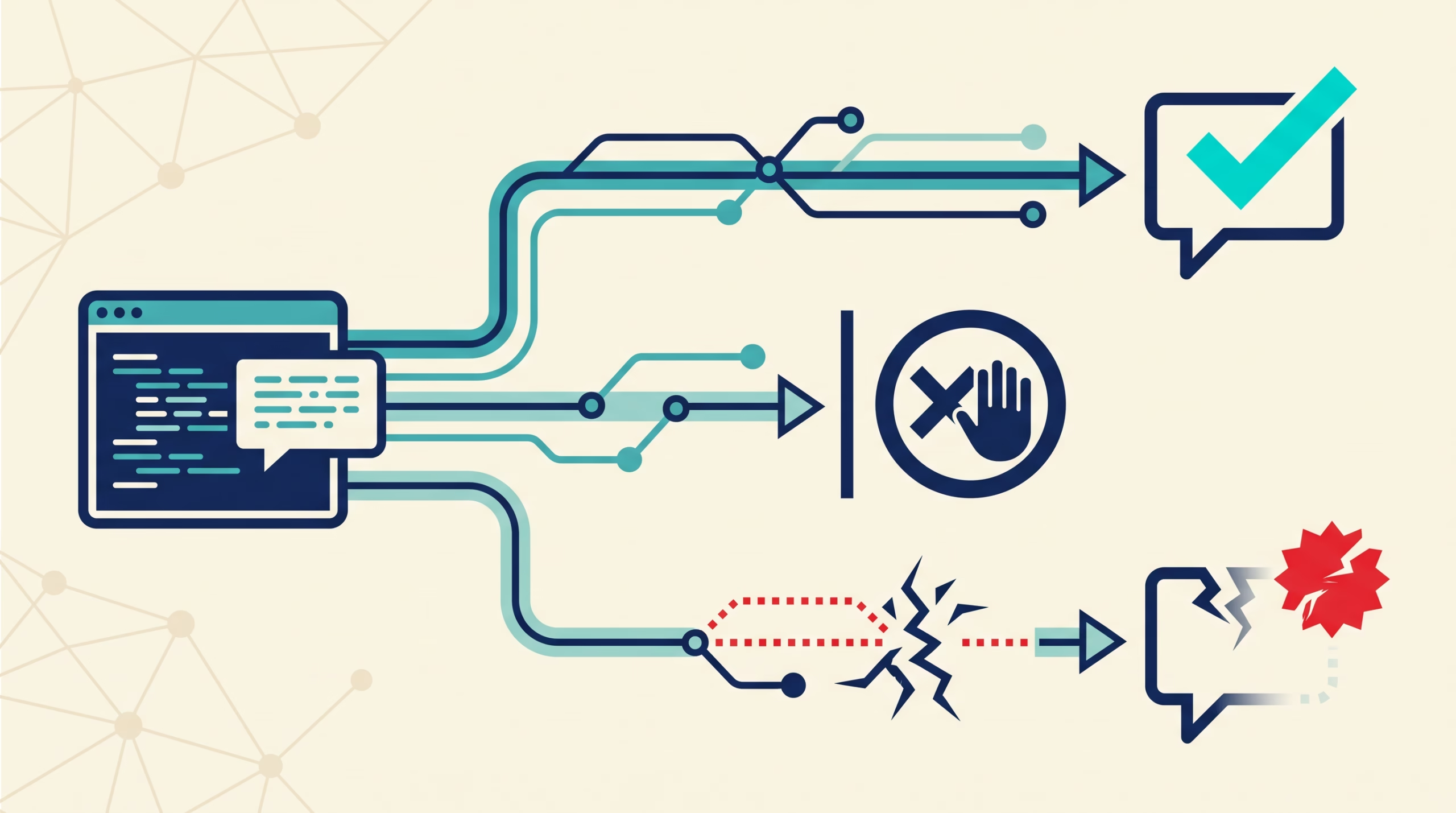
Appending each chunk is only half the job. Your application should know whether it reached a normal completion event, encountered an error, or lost the connection. Keep a small state machine: starting, streaming, complete, or incomplete. Then the UI can label the result accurately.
- Accumulate in order. Add each text delta to a buffer. If the user edits or retries, start a new buffer rather than mixing generations.
- Stop cleanly. When the user cancels, close the browser request and propagate cancellation to the server and provider stream where the SDK supports it. Release the connection in a
finallyblock. - Mark partial answers. If no completion event arrived, don’t silently save the text as a finished answer. Offer a clear retry action.
- Avoid blind retries. Reconnecting to a new generation can repeat or change the answer. If you retry, begin a new attempt and make that visible instead of appending it to the old text.
- Account for moderation. OpenAI notes that reviewing a full completion is easier than judging partial output as it arrives. If content needs review, design the moderation flow before showing raw deltas.
Network buffers and proxies matter too. A server may produce chunks while an intermediary holds them and sends a batch later. That looks like streaming in your code but feels like a delayed full response to the person using the app. Verify that the first chunks reach the client promptly in the environment you deploy to.
When streaming is the wrong choice
Streaming is useful when a person benefits from seeing progress: chat, drafting, or long explanations. It adds complexity, though. If the output is short, must be validated as one structured object, or must pass review before anyone sees it, a regular request may be easier to manage. You can still use a loading indicator without exposing partial content.
Choose based on the task, not because streaming looks more advanced. Ask: does early text help the user act? Can the UI tolerate unfinished words? Can the application stop and label an incomplete answer? If those answers are no, wait for the complete response.
For your first implementation, stream to a terminal and verify that deltas arrive in order. Then forward them through your server to a small chat UI. Track first visible text and completion separately, and test what happens when you close the tab halfway through. That is a better first milestone than adding token animations or a complicated retry system.
FAQ
Does streaming make an LLM generate faster?
Not by itself. It lets your application receive and show output incrementally. The model may take just as long to finish, even if users see the start earlier.
What is the difference between TTFT and total latency?
TTFT is the wait until the first output token. Total latency is the time until the response is finished. A stream can improve the first measure without reducing the second.
Should I concatenate every event’s data?
No. Filter for the provider’s text-delta event and append its text. Lifecycle events, tool-call events, and errors have different meanings and should not appear in the user-facing answer as raw data.
Can browser EventSource send a prompt with POST?
No. Native EventSource opens a GET connection. Use fetch() to read a streamed POST response, or separate prompt submission from the GET connection used to receive events.
What should I do with a response interrupted halfway through?
Keep its text marked as partial, release the stream resources, and let the user choose whether to retry. Do not present an incomplete generation as though the provider finished normally.
Try it in your own app
Add a streaming mode to a small chat app. Show text as deltas arrive, keep a separate completion state, then close the connection mid-answer and confirm the UI says the response was interrupted. When that behavior is clear, compare the first-visible-text time with the completion time. For the next lesson, see how to make your first LLM API call and carry conversation state; then review the inference steps behind a model response.
Sources: OpenAI streaming API responses; Anthropic streaming messages; MDN server-sent events; FastAPI SSE tutorial; AI Engineering Roadmap L2/M2.2.