

Your first LLM API call can be a small Python request that sends a message to a model and prints the reply. But the useful lesson is bigger than that: an API does not automatically know what your application remembers. Your code sends input, receives a response object, and decides what to keep for the next turn.
This beginner guide walks through a current OpenAI Responses API example, explains the pieces of a request and response, and shows how to carry conversation history between calls. The code keeps the API key on the server and uses a placeholder model ID, so you can select a model available to your account rather than copy a name that may change.
The illustrations in this guide are AI-generated visual aids.
If you want the model-side background first, read our overview of how LLM inference works. This article focuses on the application code around that process.
What happens during an LLM API call
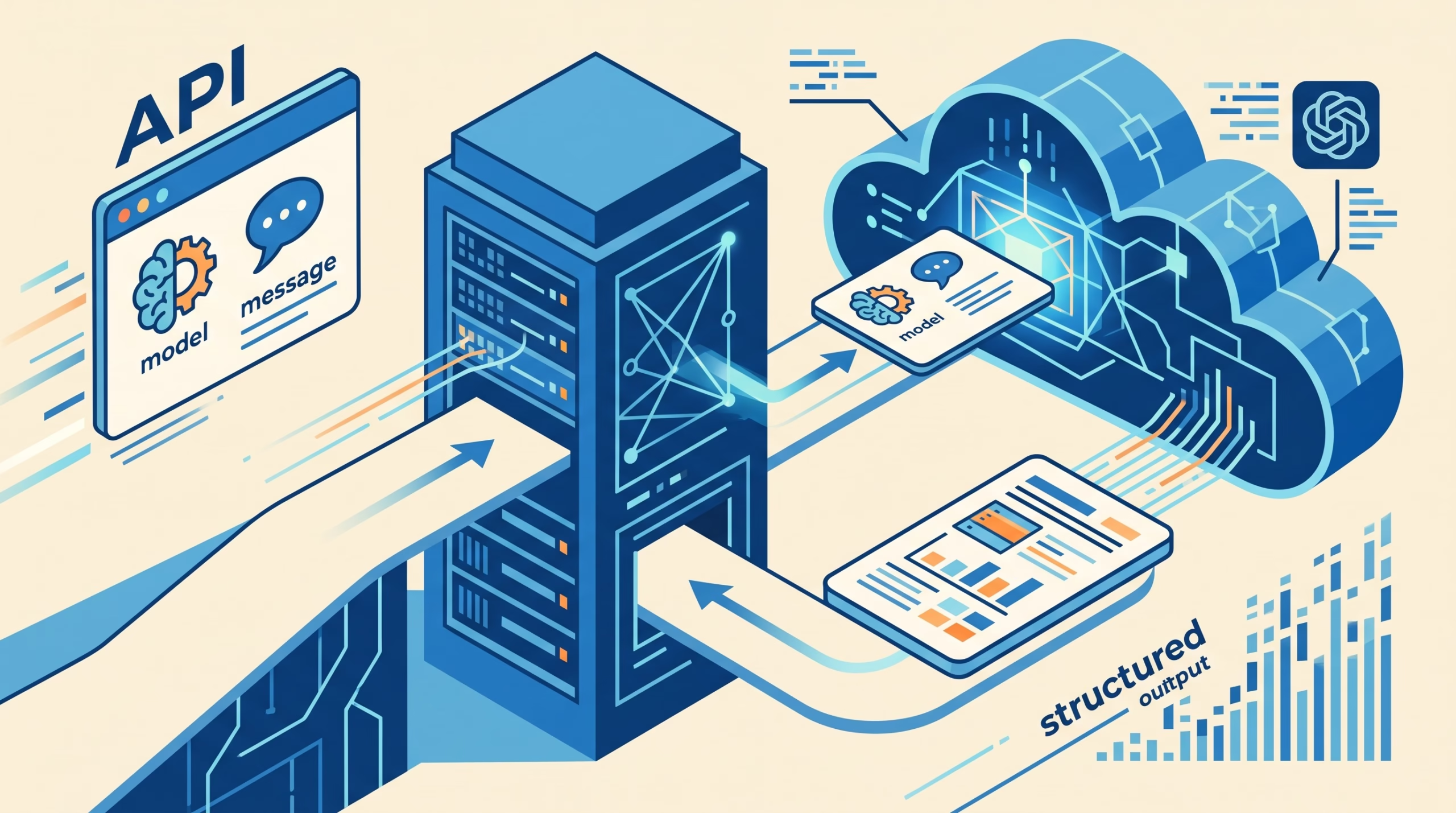
An API is a defined way for one program to ask another program to do work. Your application sends a request to a provider’s endpoint. The provider checks the credentials and request fields, runs the selected model, then returns a response. An SDK is a library that packages much of that HTTP work into familiar code.
A text-generation request usually identifies a model and supplies some form of input. In a chat-style API, input is often a sequence of messages. Each message has a role that tells the model who is speaking. The common roles are user and assistant; some APIs also accept instructions under a system or developer role, or through a separate instructions field.
That role is a label in the request, not a login identity or proof that the message came from a trusted person. Your application is responsible for deciding which content is safe to treat as an instruction. A user can type “ignore all rules” into a message, but that does not make the user a system administrator.
The provider-specific details differ. The OpenAI API’s current quickstart uses the Responses API for new examples. Anthropic’s Messages API uses its own request shape, including `max_tokens` and a `messages` list. Don’t copy fields from one provider’s code into another provider’s request and expect them to work unchanged.
For a plain-language refresher on tokens and what a model can see in one request, see our article on the LLM context window. The key distinction for API work is that a model can only respond to the content and state made available through its request or a provider’s documented conversation feature.
Make a first request without exposing a key
Install the official Python package in your project environment:
python -m pip install openaiSet `OPENAI_API_KEY` in the server environment before starting the program. The OpenAI Python SDK reads that variable when you create the client. Do not paste the actual key into a Python file, commit it to Git, or put it in browser JavaScript. A browser-delivered key can be copied by anyone who loads the page.
Here is a minimal request. Replace `YOUR_MODEL_ID` with a model ID currently available to your API project:
from openai import OpenAI

client = OpenAI()

response = client.responses.create(
    model="YOUR_MODEL_ID",
    instructions="Answer plainly. If you are unsure, say so.",
    input="In one sentence, what does an LLM API do?",
)

print(response.output_text)
The SDK handles the network request and authentication header. Your program receives a response object, then reads the text field exposed by the SDK. The request above is one turn: it contains an instruction and a user input, but no saved history from an earlier API call.
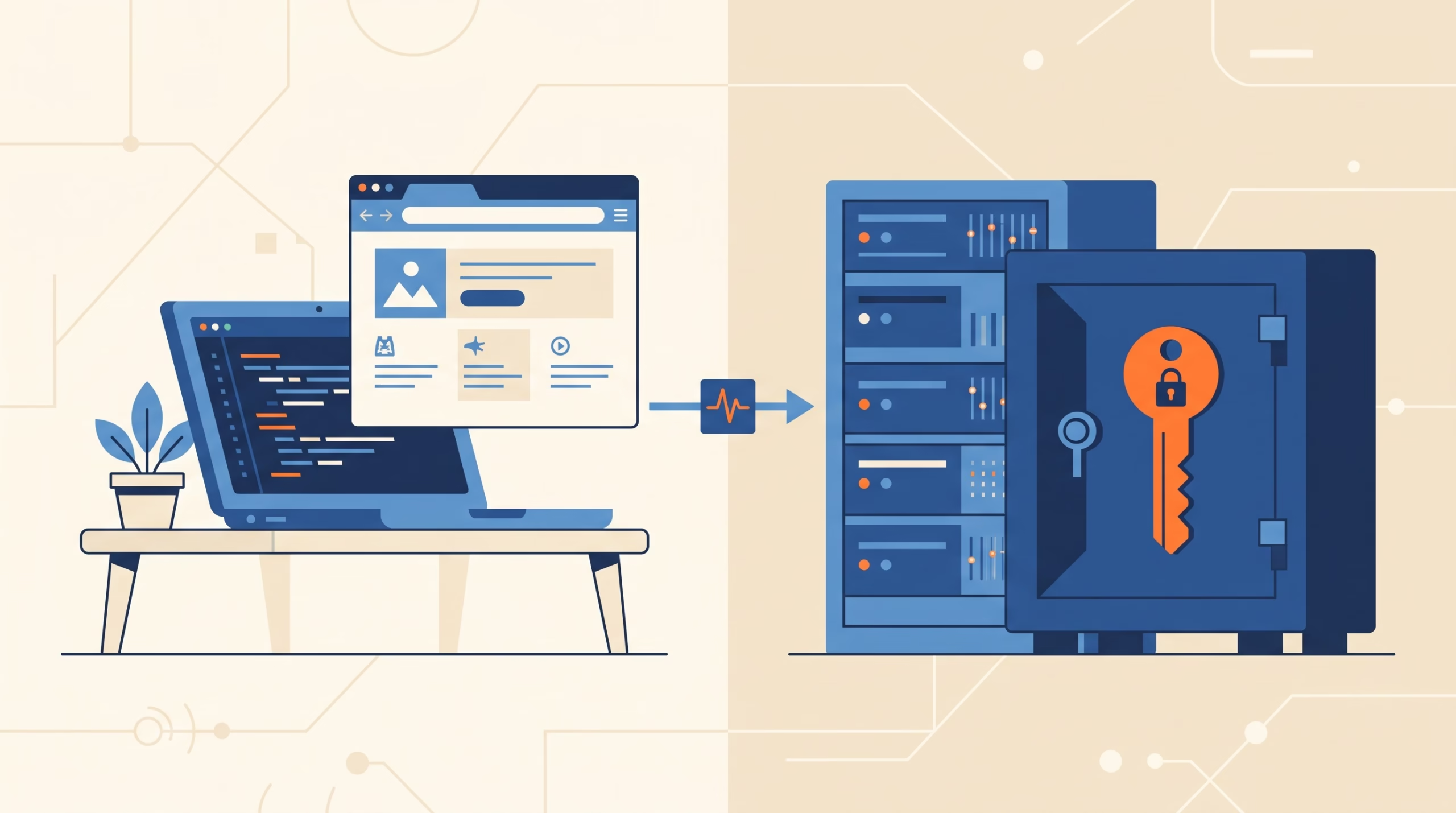
The OpenAI quickstart and the production key guidance recommend keeping keys out of source code and exposing them to the application through environment variables or a secret manager. In a deployed web product, the browser should call your backend; the backend calls the model provider. For more on credential handling, see our guide to keeping agent secrets out of code.
For a quick local experiment, set the key in your shell session. On Linux or macOS:
export OPENAI_API_KEY="your_key_here"
python first_call.py
Use a real secret manager for production deployments, and make sure the key is excluded from logs and error reports. Never print the key while debugging. If it appears in a public repository or a browser bundle, revoke it and create a replacement.
Inspect the response object
It is tempting to treat the API as a function that returns a string. That can be enough for a first demonstration, but an application should inspect more of the response. A response object can include the generated output, an ID, a status, usage data, and provider-specific metadata. The exact fields depend on the API and SDK version.
In the OpenAI Responses SDK, you can start by printing the text, ID, status, and usage:
print("Text:", response.output_text)
print("ID:", response.id)
print("Status:", response.status)
print("Usage:", response.usage)
The output text is the part you may show to a person. The ID can be useful for tracing a request or linking a follow-up when you use a provider-managed state feature. Status helps you distinguish a completed response from one that did not finish normally. Usage reports information about the request, such as token counts on APIs that expose them.
Do not assume every provider names fields the same way. For example, Anthropic’s Messages response uses fields such as `content`, `usage`, and `stop_reason`; OpenAI Responses has a different object shape. Read the reference for the exact SDK and API version you use. If a response is incomplete or reports a stop reason you did not expect, handle that case rather than passing the partial text downstream as if it were complete.

Usage data also helps you understand the cost of a request. Keep it with a request ID or your own trace ID, but avoid logging sensitive prompts unless your data policy allows it. The ID is not a substitute for your own user or conversation record.
Carry a conversation across stateless requests
Most text-generation API calls are independent. If you send “My train leaves at six” in one request and “When does it leave?” in another, the second request may have no idea what “it” means unless your application includes the earlier exchange or uses a provider feature that links the turns.
The basic approach is to keep the relevant conversation history in your application and send it again with each request. The OpenAI Responses API accepts a list of input messages. Here is a simplified example:
history = [
    {"role": "user", "content": "My train leaves at six."},
    {"role": "assistant", "content": "Understood. What would you like to know?"},
    {"role": "user", "content": "What time does it leave?"},
]

follow_up = client.responses.create(
    model="YOUR_MODEL_ID",
    input=history,
)

print(follow_up.output_text)
The model sees the earlier turns because your application includes them in this request. This is not the same as the model independently remembering every request you have ever made.
Some providers also offer managed ways to connect turns. OpenAI documents `previous_response_id` and conversation resources. Anthropic’s standard Messages pattern sends the previous user and assistant messages in the next request, while its documentation describes additional thread features. These options have different retention, context, and billing behavior, so check the provider’s current docs before choosing one.
If you use `previous_response_id`, OpenAI’s documentation notes an easy-to-miss detail: top-level instructions do not automatically carry over to the next response. Send the instructions again when the follow-up needs them. Whether you resend history yourself or use a provider-managed link, the model still needs the relevant context to answer accurately.
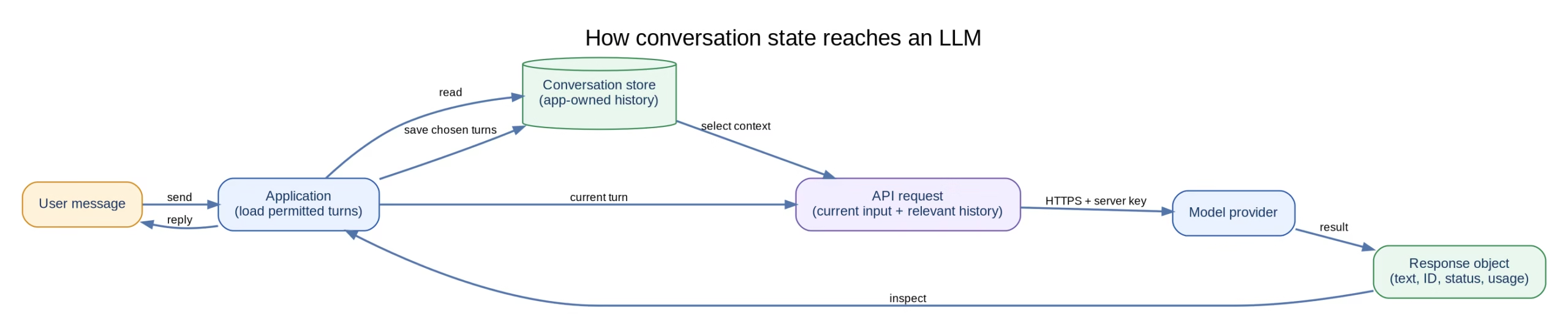
For a short chat, resending the full history is easy to understand and debug. For a long-running product, you will need a policy for how much history to keep, what to summarize, and what can be left out. Earlier messages can consume context and usage. Our context-window guide covers the size limit; the application still decides which pieces to send.
Keep application state and model context separate
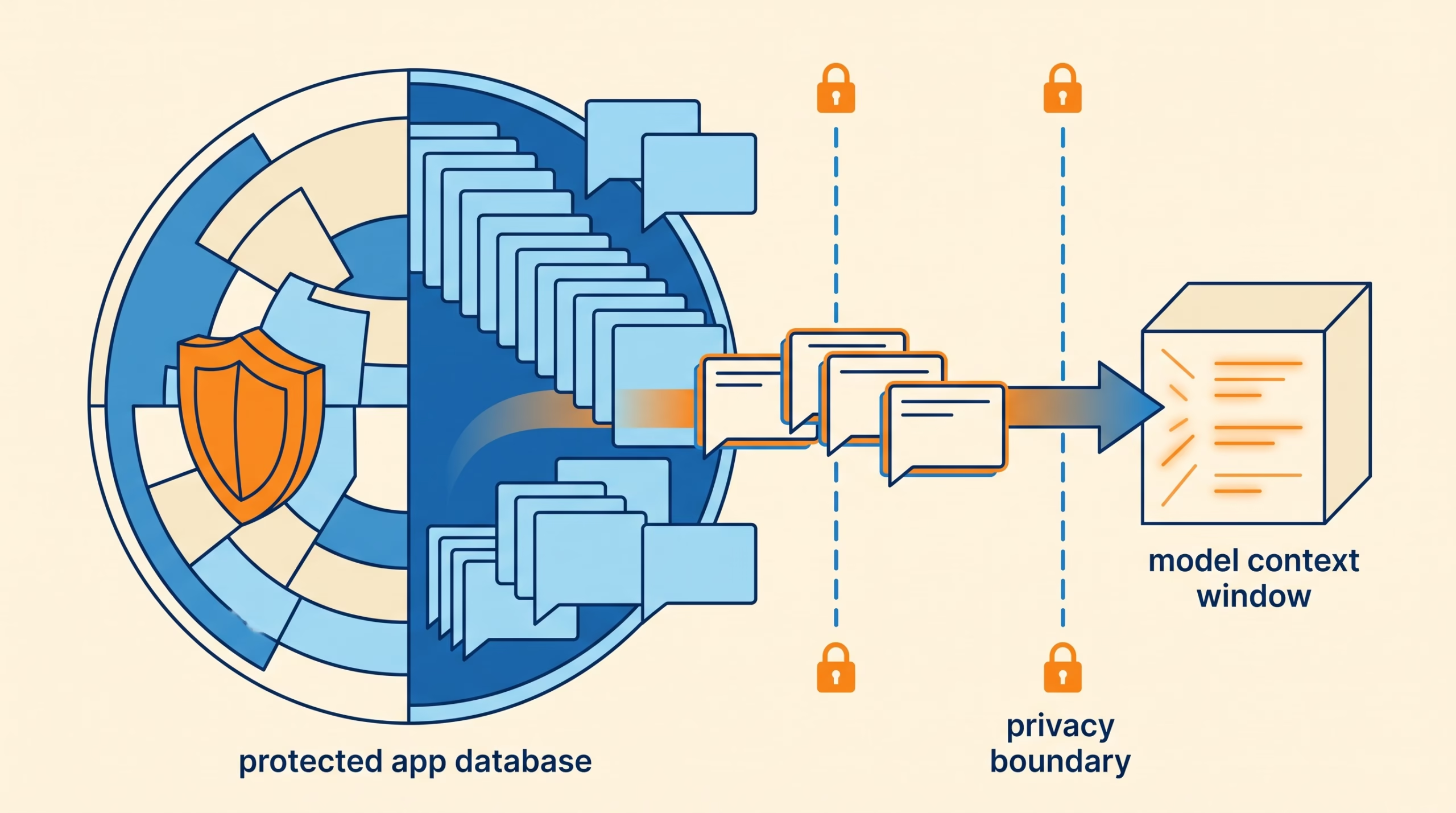
Application state is what your software stores: a conversation record, authenticated user ID, selected language, order status, permissions, or a pending task. Model context is the information included in the current model request, whether as messages, instructions, files, or a provider-managed conversation reference.
Those are related, but they are not the same. A database can remember a user’s account settings without sending all of them to the model. A model can see a message during one request without that message being saved to your product’s database. Decide what should persist, what belongs in a request, and who is allowed to read it.
Start with a small state model: keep a conversation ID in your application, associate it with the authenticated user, store the messages you need, and construct each request from the relevant turns. Do not let a browser choose an arbitrary conversation ID and fetch someone else’s history. Check access on the server before loading or saving it.
Keep the provider API key on the server. A common design is:
- The browser sends a user message to your backend over your authenticated app session.
- The backend checks permissions and loads the allowed conversation history.
- The backend calls the model provider with its secret key and the necessary context.
- The backend stores the new user and assistant turns, then returns only the data the browser needs.
For a tutorial, print the response object and inspect it locally. For a real service, add request IDs, error handling, timeouts, usage tracking, and access checks before opening the feature to users. The next roadmap module covers streaming; it is easier to reason about a normal completed response before you handle partial output.
Frequently asked questions
Does an LLM API remember earlier requests?
Do not assume it does. Many APIs treat each request as independent unless you resend earlier messages or use a documented conversation-state feature. Check the behavior of the specific endpoint you use.
What is the difference between an SDK and an API?
The API is the provider’s request and response contract. An SDK is a library that helps your code follow that contract, handle authentication, and work with the response objects.
Where should I store a model API key?
Keep it in a server-side environment variable or secret manager. Do not commit it to source control or include it in browser or mobile application code.
What should I log from an API response?
Start with request IDs, status, usage, timing, and non-sensitive error details. Treat prompts and outputs as potentially sensitive data, and log them only under a clear retention and access policy.
Is a provider-managed conversation the same as my app database?
No. A provider feature may help link model turns, but your application still owns user identity, permissions, product records, and decisions about what to persist. Read the feature’s current retention and data-handling documentation.
Try the first call
Create a small Python script, set the API key outside the source file, and send one request. Print the response text, ID, status, and usage. Then add a follow-up that depends on an earlier message and decide how your application will supply that history. That exercise will show you where the API ends and your application’s state management begins.
Before using the example in a product, replace the placeholder model ID, verify the provider’s current request and response documentation, keep credentials on the backend, and decide what conversation data your application should store.