

OpenClaw group chat controls are easier to configure once you stop looking for one master “enable groups” switch. A group message has to pass several independent decisions: is this room allowed, is this sender allowed, should this message wake the agent, what context can the agent see, and how should its answer reach the room? Mix those up and a bot can look broken even while the connection itself is healthy.
This guide is for operators who already have a messaging channel connected and want a predictable group setup. Start with one room and one trusted sender. Get a complete round trip working there before widening access. The examples use current OpenClaw group documentation; channel-specific configuration paths can differ, so check the page for your provider before copying a block wholesale.
What OpenClaw group chat controls actually decide
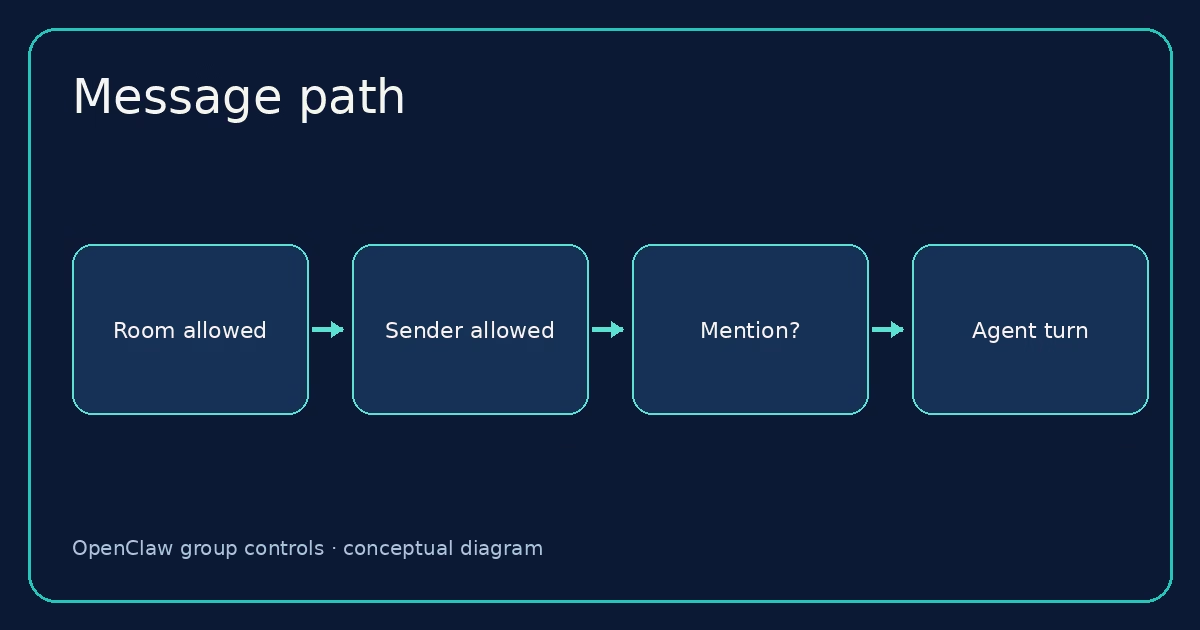
Think of the inbound path as a sequence of gates. First, groupPolicy decides whether groups are disabled, restricted by allowlists, or open. Next, the room and sender lists decide which conversations and people are admitted. Only then does mention gating decide whether an admitted message starts an agent turn. A message that misses the mention gate may still be kept as group context; it is not the same as a message that failed authorization.
That distinction is the first useful diagnostic. If a sender says “I tagged the bot but got no answer,” do not immediately change requireMention. A mention cannot override a blocked room or sender. Likewise, a successful direct-message pairing is not a group permit. The groups reference separates DM allowFrom from group groupPolicy, group or room lists, and groupAllowFrom.
The default posture is restricted groups and mention-triggered replies. That is sensible for a team room. An agent that answers every message can turn a normal discussion into a noisy bot conversation, and it broadens the set of text that can cause a run. Change that behavior only when the room has a clear purpose and the provider delivers the events you need.
Start with one admitted room and sender
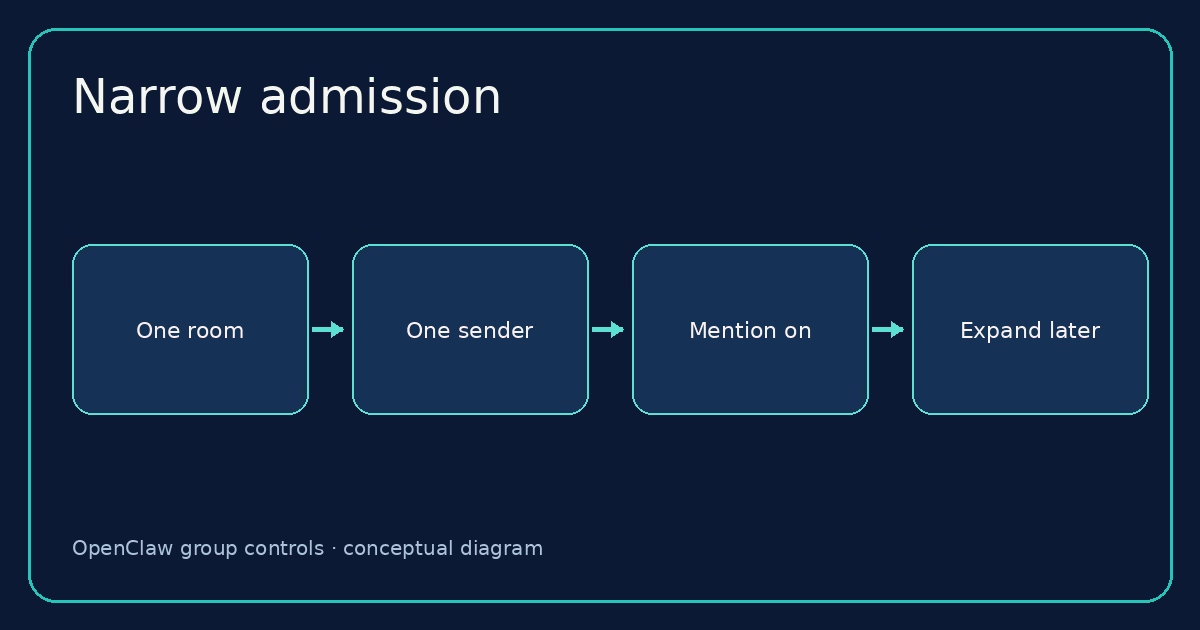
For WhatsApp, a narrow starting point looks like this. Replace both example identifiers with the actual sender and group ID from your setup. Keep your existing account credentials and other channel settings when editing the configuration.
{
  channels: {
    whatsapp: {
      groupPolicy: "allowlist",
      groupAllowFrom: ["+15551234567"],
      groups: {
        "123456789@g.us": { requireMention: true }
      }
    }
  }
}
There are three choices in that small block. allowlist keeps group admission restricted. groupAllowFrom names who may trigger the agent in admitted groups. The exact group key identifies where the bot may participate and keeps mention gating on. A wildcard group entry is possible, but it is not where I would begin for a personal assistant that has tools or private context.
Do not assume this nesting applies to every provider. Discord uses guild and channel entries; Slack uses its own channel entries; Matrix can use room IDs or aliases. Telegram sender allowlists use numeric user IDs, not a runtime @username match. The per-channel examples spell out those differences. Copy the decision, not the WhatsApp syntax, when moving to another channel.
When a sender list is shared across channels
If the same operators need access in several places, access groups let you define a named sender set and reference it with accessGroup:operators. This is an alias for channel-specific sender IDs. It does not make someone an owner, approve a pairing request, or grant tools. You still have to put the reference in an allowlist field. A missing named group grants nobody access, which is safer than silently opening the room but frustrating if you misspell the name.
For a small deployment, direct sender IDs are often easier to audit. Use a named access group when you genuinely maintain the same people across several channels. Keep IDs stable; a familiar display name is not always a durable sender identity.
Decide when the agent should wake up
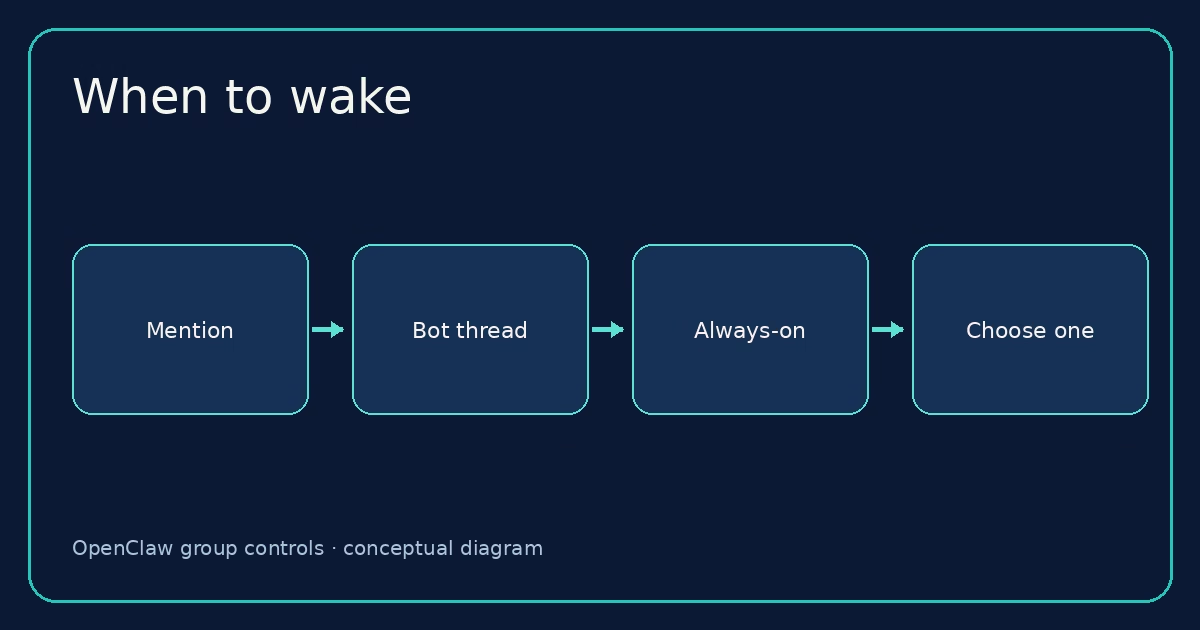
After admission comes activation. With requireMention: true, an otherwise allowed group message needs a supported mention signal before it starts a run. Depending on the channel, that can be a native @mention, an implicit reply to the bot, or a configured pattern. The details are channel-specific. OpenClaw also supports /activation mention and /activation always as owner-gated group commands on supported paths. The owner list for that command is commands.ownerAllowFrom, not merely a channel allowFrom list.
Be wary of broad text patterns. A regex matching the agent name in ordinary prose can wake it more often than expected. If you need a text fallback, scope mentionPatterns to the intended channel or group where possible, and test a sentence that should not trigger. Native mentions are a better default when the provider supplies them.
Bot-created threads have a narrower option: requireMentionInBotThreads. Set it to false only when follow-up messages in threads actually created by the receiving bot should work without a new mention. It does not turn any thread the bot happened to reply in into its own thread. If ownership cannot be confirmed, ordinary mention rules remain. Provider delivery matters as well: for example, Discord needs Message Content Intent enabled for unmentioned content, while Telegram may need privacy mode disabled or bot-admin status. The thread rules list these prerequisites.
My default is still mention-gated. An always-on support room can be useful, but only after you know exactly which senders are admitted and how replies will be handled. Otherwise, the bot joins conversations nobody asked it to join.
Decide what history the model should see
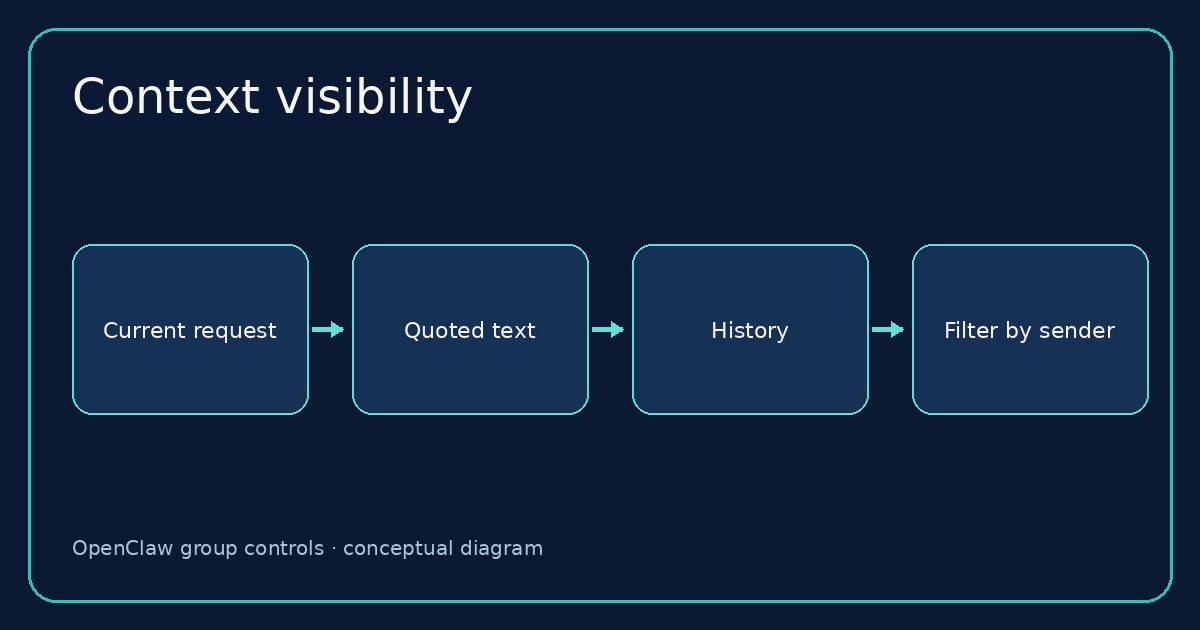
There is a less obvious distinction between who may trigger an agent and whose text may be shown to it as context. By default, contextVisibility: "all" retains channel-supplied quotes, forwarded metadata, thread history and similar supplemental context as received. Sender allowlists do not automatically strip another person’s quoted text from a permitted sender’s message.
If the room needs stricter context filtering, contextVisibility: "allowlist" admits supplemental history only from allowlisted senders. allowlist_quote does that while keeping an explicitly quoted or replied-to message from anyone. Pick the second mode when the quote itself is needed to understand a legitimate response. These modes filter supplemental context supplied by supported channels; they do not change who originated the current request or grant extra tool access. See the context visibility table for supported scopes and channels.
There is also a pending-history window for mention-gated rooms. Messages that do not wake the agent can be included as context on the next triggering turn. messages.groupChat.historyLimit controls the global default, and channel or account settings can override it. Set it to 0 if you do not want that skipped-message window. WhatsApp’s own group-message guide explains its pending-only behavior. Do not confuse this history window with a room admission rule.
Keep group sessions separate from personal DMs
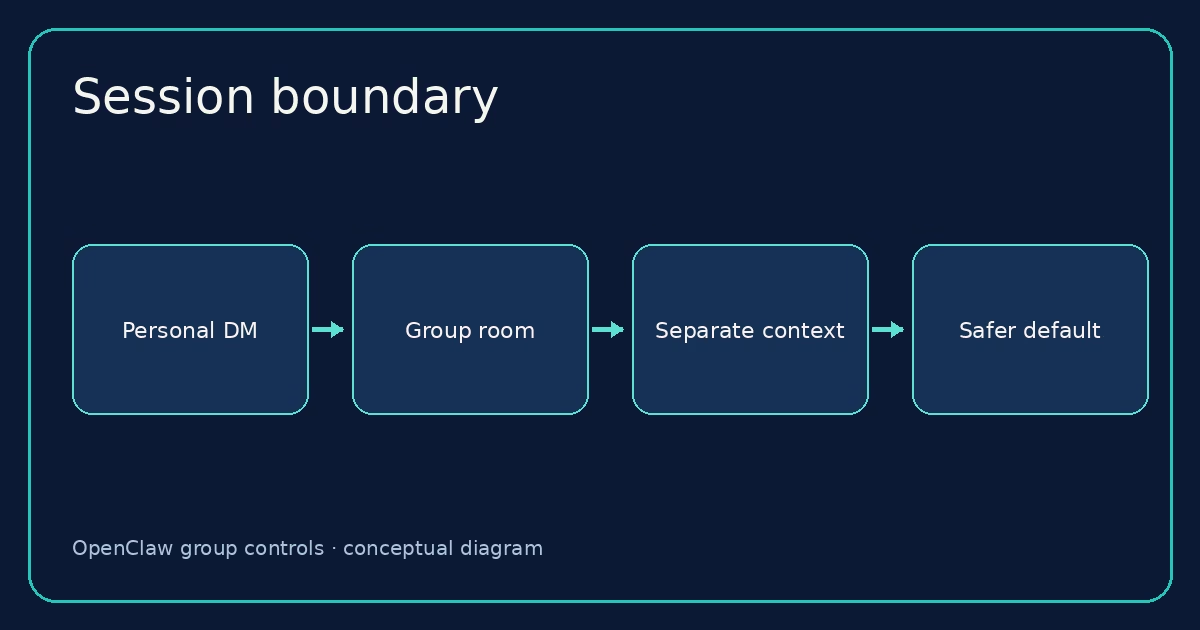
By default, a group gets a session key shaped like agent:<agentId>:<channel>:group:<id>; rooms use a :channel: segment. Telegram topics add their topic ID. That keeps a team’s group conversation apart from a personal DM session, although both may use the same agent workspace. The routing guide describes the key shapes and how bindings select an agent.
You can set session.groupScope to main globally or for a trusted bound room. That shares conversation context with the main session. It does not loosen admission or change which chat receives replies. More importantly, a room moved into the main session is not covered by a sandbox configured only for non-main sessions. This is a real boundary, not just a tidiness preference. Leave group scope at per-group unless you have a clear reason to share the main conversation with that room.
For a room with a different audience or purpose, a separate agent and binding may be cleaner than forcing one agent to juggle private and public context. That is especially true when its tools differ. A session split manages conversation history; an agent split gives you a different workspace and tool posture.
Choose how replies appear in the room
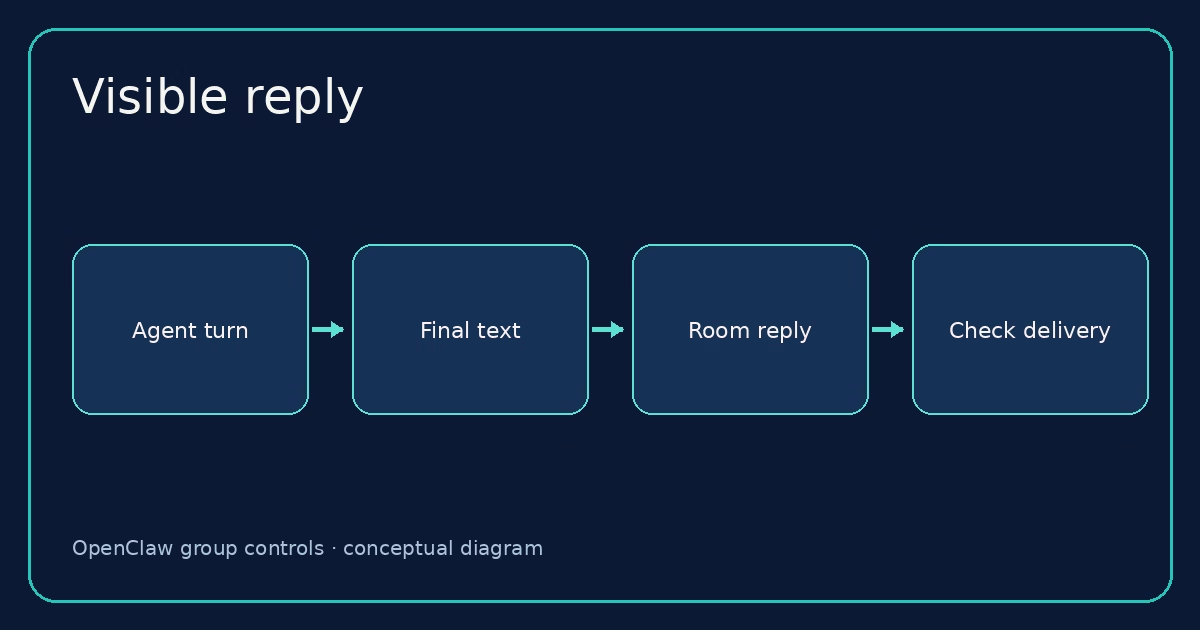
Admission and activation get the message to the agent. Delivery decides whether the answer appears to the people who asked. The default messages.groupChat.visibleReplies: "automatic" posts the final assistant text to a normal group request. The alternative, "message_tool", requires visible answers through message(action=send). That can suit a tool-driven workflow, but the model and runtime must reliably use the tool. It changes the delivery method, not whether the request deserves an answer.
Test reply delivery separately from inbound reception. A log showing the incoming event only proves that the channel handed a message to OpenClaw. It does not prove the agent was admitted, ran, or sent a visible response. On supported setups, unmentioned always-on room chatter can instead become quiet room events; that is a different design from answering every message. The ambient room events guide covers that choice.
Test the path, then debug in order
Use two people and one test room if you can: one authorized sender, one unauthorized sender. First, send a native mention from the authorized account and confirm a reply in the same room. Then send an unmentioned message and confirm it stays quiet under mention gating. Finally, try the unauthorized sender. That small matrix tells you much more than repeatedly pinging from the owner account.
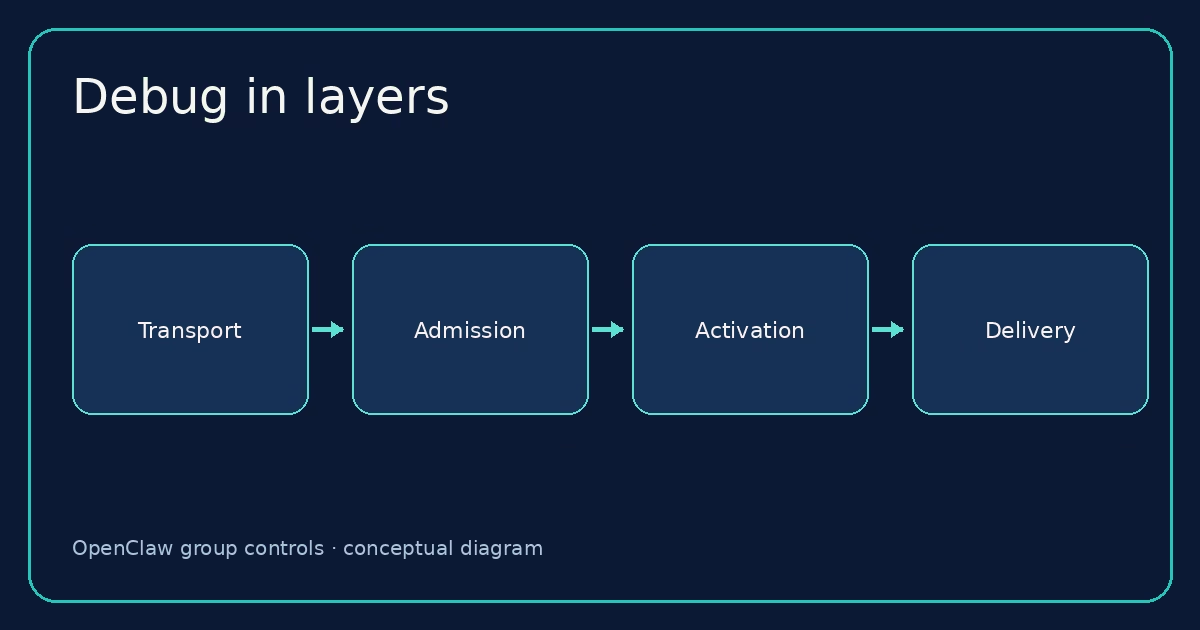
If the authorized mention gets no answer, check the layers in order:
- Transport: does
openclaw channels status --probeshow the account connected, and does the provider deliver group events? - Admission: is
groupPolicyenabled for groups, is the exact room key admitted, and does the sender ID match the group allowlist? - Activation: did the provider supply a native mention or one of the channel’s supported implicit mention signals?
- Agent and session: does routing select the intended agent, and did a group turn start?
- Delivery: did the assistant produce a final answer or call the message tool under the selected reply mode?
Run openclaw doctor for configuration problems and openclaw logs --follow while repeating a controlled test. The official troubleshooting guide recommends those alongside the live channel probe. A “mention required” log points to activation, while allowlist or blocked hints point earlier in the path. Do not fix an admission failure by making the bot always-on.
One last detail: changing a sender or mention policy affects new message admissions. An agent turn that already passed admission keeps its captured policy, so an in-flight reply may still arrive. Test with a new message after the change rather than treating that old reply as proof the configuration failed.
FAQ: OpenClaw group chat controls
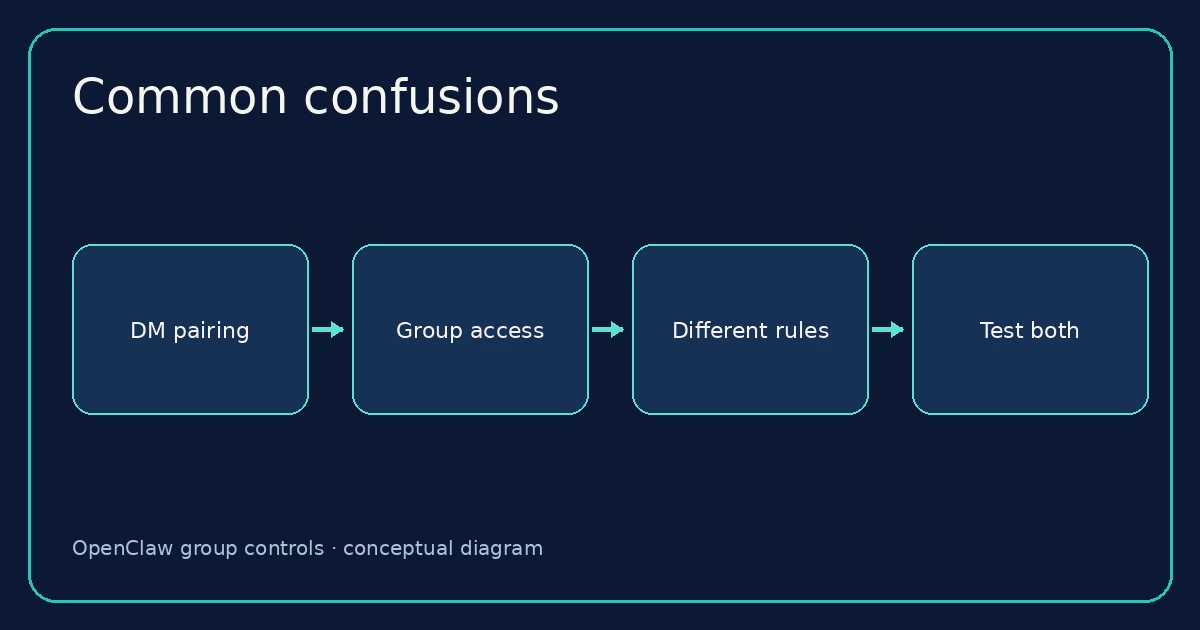
Does DM pairing let someone use the bot in a group?
No. Pairing is a DM access flow. Group sender authorization uses the group allowlist or the channel’s documented fallback.
Can a mention bypass a blocked group?
No. The room and sender must pass admission first. Mention gating is checked afterward.
Why does the bot see a quote from someone who is not allowlisted?
Trigger authorization and supplemental context visibility are separate. Review contextVisibility if quoted or historical text from other senders should be filtered.
Should I set every group to always-on?
Usually not. Start with mentions in a named room. Use always-on only for a room designed around agent participation, with sender access and reply behavior tested.
Will changing groupScope to main make replies work?
No. It changes session context sharing, not admission, mention gating, or reply routing. It may also remove a non-main sandbox boundary.
A sensible first configuration
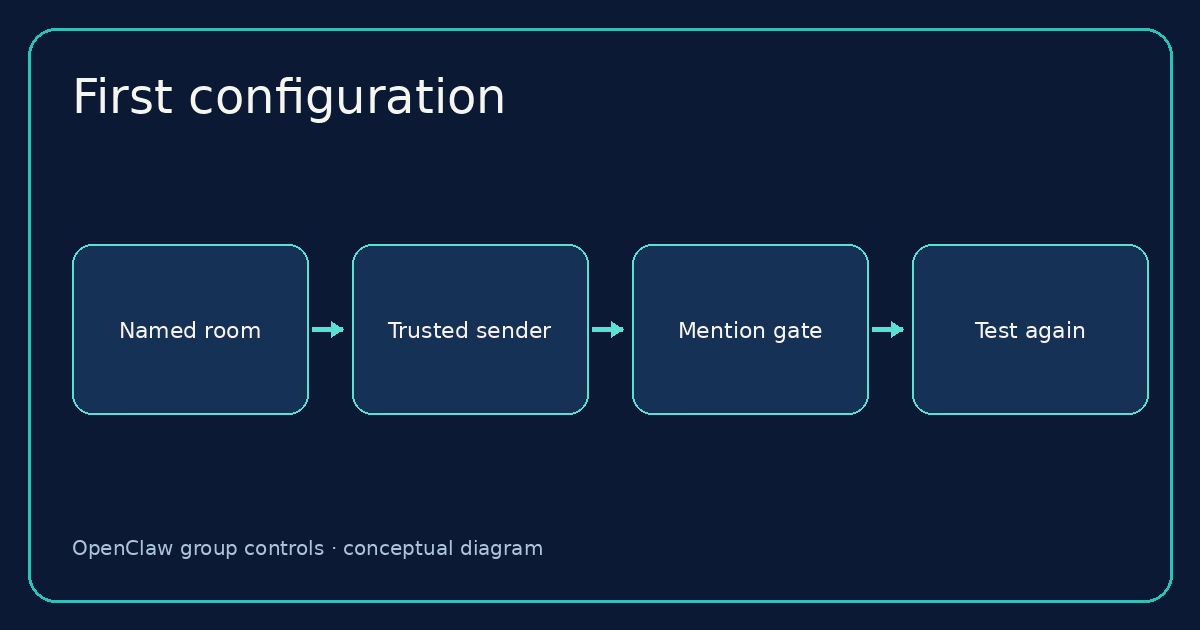
Choose one room, allow one sender, require a mention, and keep its session separate. Run the three-message test above. Once that works, decide whether the room needs more senders, a shared access group, a different context-visibility mode, or a bot-created-thread exception. Each change should have a reason you can explain to the people in that room.
Working through a real setup? Keep the Groups reference beside your channel-specific page and use openclaw doctor before inviting a wider team. The goal is not the most permissive configuration. It is a group bot that answers the right people, in the right room, for the right reason.