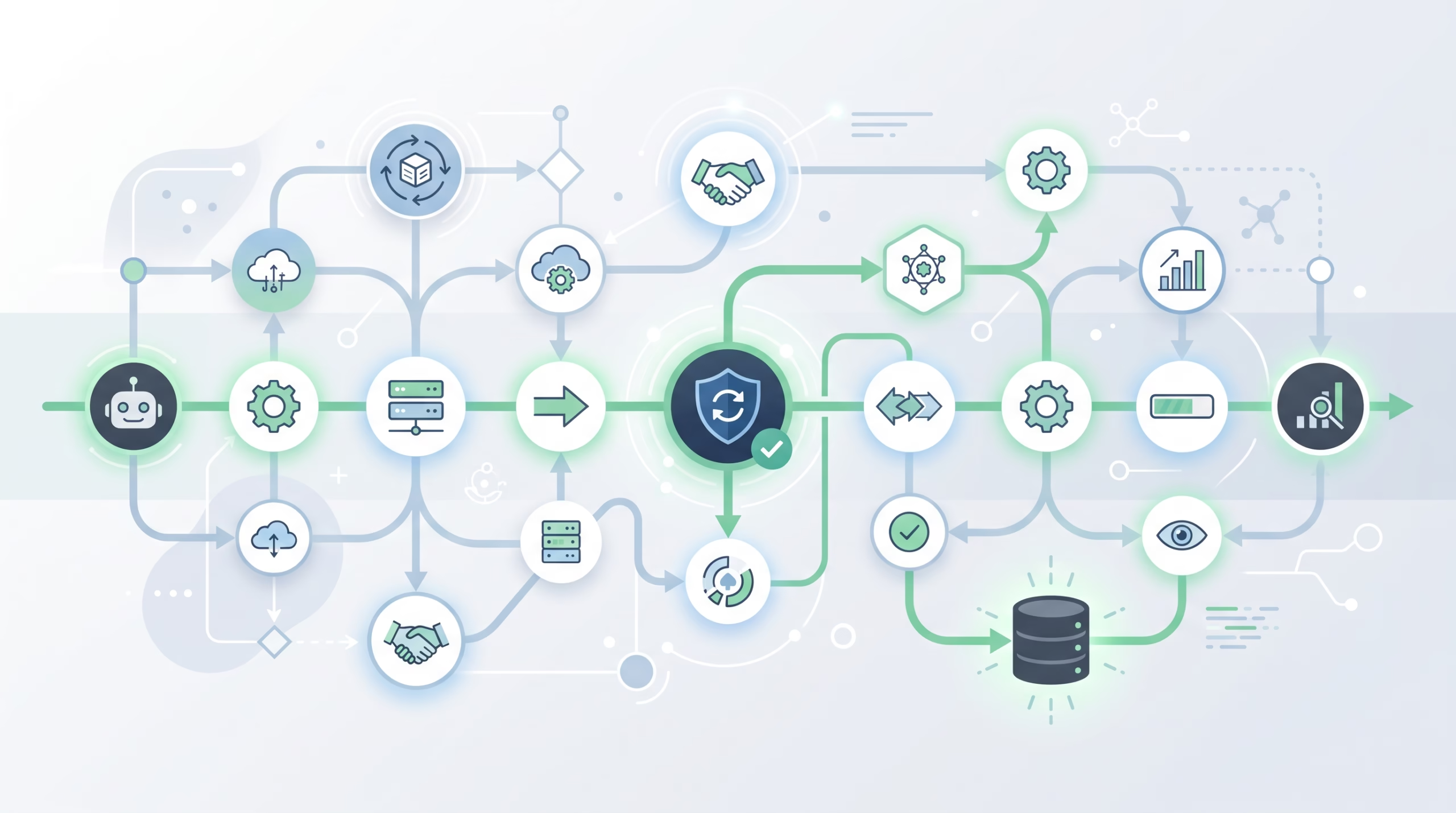

OpenClaw TaskFlow is for agent work that has more shape than a single background task. A one-off detached run can be tracked as a task. A weekly report that gathers data, writes a summary, waits for approval, and then delivers it needs a flow.
That sounds like a small distinction until something restarts halfway through the work. Or until the “simple” workflow spawns a child agent, parks on a wait state, and then needs to resume with the right JSON state instead of starting over from memory. TaskFlow exists for that awkward middle ground: work that is not a chat turn, not just a scheduled job, and not safely handled as one opaque background task.
The official OpenClaw docs describe TaskFlow as the orchestration layer above background tasks. That phrasing is worth taking literally. Tasks are still the unit of detached work. A flow is the durable record that ties those tasks together, tracks the run status, stores step state, and gives operators a stable handle for inspection or cancellation.
If you run self-hosted agents, this matters. The hard part is rarely “make the model say the next sentence.” The hard part is keeping a multi-step run honest after delays, retries, restarts, human approvals, and partial failures. TaskFlow is where OpenClaw puts that honesty.
What OpenClaw TaskFlow is
A TaskFlow record is a durable run record. It has its own status, JSON state, revision counter, and linked task records. The state lives in OpenClaw’s shared SQLite database at `~/.openclaw/state/openclaw.sqlite`, in the `flow_runs` table, alongside task records.
That means a flow can survive a Gateway restart. The work may still need recovery logic, and a lost backing task is still a real failure mode, but the operator is not left guessing what the workflow was trying to do. The flow has a goal, a status, linked children, timing, and whatever JSON state the controller stored for the current step.
Think of the split this way:
- A background task records a detached unit of work.
- A TaskFlow records the larger multi-step run that may create, wait on, and coordinate tasks.
- An automation decides when a scheduled run should start.
- A standing order defines what the agent is allowed to own without being prompted every time.
Once you keep those roles separate, the product makes more sense. TaskFlow is not a scheduler. It is not an instruction file. It is not a replacement for sessions. It is the run ledger for multi-step work.
The short decision tree
Use a plain background task when the work is one detached job. For example, “spawn a subagent to review this file and return a result” can be tracked as a single task. You need to know whether it queued, ran, succeeded, failed, timed out, or was cancelled.
Use TaskFlow when the work is a pipeline. The docs give the example of a weekly report flow with three steps: gather data, generate the report, and deliver it. Each step can be a background task, but the flow is the thing that knows step one already succeeded and step three is still running.
Use automations when the trigger is time, an interval, a cron expression, a stream, or another Gateway-scheduled event. Automations are OpenClaw’s scheduler. They persist jobs, wake the agent at the right time, and create a background task for every run.
Use standing orders when the question is authority. A standing order says, “You own this program, here is the scope, here are the approval gates, and here is when to escalate.” It does not replace the schedule, and it does not replace the run ledger. It tells the agent what it is allowed to do when the automation fires or when the operator asks.
The mistake is loading all four jobs onto one surface. A cron prompt with a massive checklist is brittle. A task record with no flow cannot explain a three-step workflow. A standing order without an automation may never run. A flow without a clear owner cannot decide what step comes next.
Managed flows vs mirrored flows
OpenClaw has two TaskFlow sync modes that solve different problems.
Managed mode
A managed flow has a controller. In the docs, that controller is plugin code using the plugin runtime Task Flow API. It creates the flow with a goal and a required controller id, then advances the flow explicitly.
Managed mode is the version you want for a real pipeline. The controller can create child background tasks under the flow, store JSON state, move the flow into `waiting`, and later resume it. The flow’s owner key and requester origin carry over to child tasks, which keeps delivery and ownership tied back to the original run.
The practical value is boring, which is good. A controller can say: data gathered, report draft created, waiting for approval, delivery blocked, or run succeeded. The flow state becomes the source of truth instead of a paragraph buried in chat history.
Mirrored mode
Mirrored mode is automatic. OpenClaw creates a mirrored one-task flow when a detached ACP or subagent run starts, as long as that run has deliverable completion. The flow mirrors the single backing task: status, goal, and timing.
The CLI shows this sync mode as `task_mirrored`. You do not use it to build a multi-step controller. You get it so detached spawns have a stable flow handle for status and retry surfaces. It is a convenience layer over one task, not a full workflow engine.
This difference matters when you debug. If you see a mirrored flow, do not go looking for a hidden pipeline. It may simply represent one detached child run. If you see a managed flow, expect a controller, step state, and child tasks that together explain the work.
Why durability and revisions matter
Durability is easy to wave away until the Gateway restarts mid-run. TaskFlow records persist in SQLite, so a restart does not erase the flow’s identity, status, state, or linked task references. Operators can still inspect what the run was trying to do.
Revision tracking is the other half. Each flow write bumps a revision counter. When code mutates the flow, it passes the expected revision. If the write is stale, OpenClaw rejects it as a revision conflict instead of overwriting newer state.
That sounds like database housekeeping, but it protects real workflows. Imagine one step finishes late while another recovery path has already moved the flow forward. Without revision checks, the late writer could clobber the newer state and make the run lie about itself. With revision checks, the stale writer has to re-read and decide what to do.
For operators, the lesson is simple: TaskFlow is built for workflows where state matters. If your process can tolerate “run once and forget,” a task is enough. If the process has steps, waits, approvals, or retries, state starts to matter fast.
Flow statuses in plain English
TaskFlow has its own statuses. They overlap with task statuses, but they describe the larger run.
- `queued`: the flow exists, but it has not started progressing.
- `running`: the flow is actively moving through work.
- `waiting`: a managed flow is parked on wait metadata, such as a timer or external event.
- `blocked`: a step finished without a usable result, and the flow records which task caused the block.
- `succeeded`: the whole flow completed successfully.
- `failed`: the flow completed with an error.
- `cancelled`: cancellation was requested and active children have settled.
- `lost`: the flow lost its authoritative backing state.
The useful one to call out is `blocked`. A blocked flow is not the same as a failed model turn. It means the orchestration hit a step that did not produce a usable result. The docs mention `blockedTaskId` and a summary so the operator can see which child task caused the problem.
That is much better than a vague “something failed.” In multi-step agent work, the difference between “data collection failed” and “delivery failed” changes the fix. You may retry one child, change a credential, ask for approval, or cancel the run. TaskFlow gives the system somewhere to record that distinction.
How TaskFlow works with automations and standing orders
The docs describe a reliable scheduled workflow pattern for recurring work: separate the schedule, orchestration, and reliability checks.
For example, a market intelligence briefing might use an automation job for timing. It might use a persistent automation session if prior context matters. It might use deterministic workflow steps for preflight checks, collection, summarization, approval, and delivery. TaskFlow tracks the run across child tasks, waits, retries, and Gateway restarts.
That split is the part worth copying into your own agent setup. Do not make the automation prompt carry the whole system in one blob of text. Let the automation answer “when should this run?” Let standing orders answer “what is the agent allowed to do?” Let the workflow code answer “what step comes next?” Let TaskFlow answer “what is the current state of this run?”
Standing orders fit neatly beside this. They define scope, triggers, approval gates, and escalation rules for programs the agent owns. The standing orders page is direct about the pairing: standing orders define what the agent is authorized to do; automations define when it happens.
TaskFlow adds the operational record underneath. It is what lets you inspect the live or recent run instead of reading a giant chat transcript and hoping the model narrated every step accurately.
CLI commands operators should know
TaskFlow inspection lives under `openclaw tasks flow`:
openclaw tasks flow list
openclaw tasks flow list --status running
openclaw tasks flow show <lookup>
openclaw tasks flow show <lookup> --json
openclaw tasks flow cancel <lookup>
`list` shows active and recent flows. The docs say it includes sync mode, status, revision, controller, and task counts. Use it when you want the shape of current background work.
`show` is the command for one flow. It accepts a flow id or owner key and includes linked tasks. If a run is blocked, stale, or confusing, start here before you chase individual child tasks.
`cancel` sets a sticky cancel intent, cancels active child tasks, and refuses new managed child tasks. The flow finalizes as `cancelled` when no child task remains active. The intent is persisted, so a restart does not silently un-cancel the flow.
TaskFlow also shows up in broader maintenance surfaces. `openclaw tasks audit` covers stale or broken flow findings, and `openclaw tasks maintenance` can finalize stuck cancels and prune terminal flows after the retention window described in the docs.
Common mistakes
Treating TaskFlow as cron
TaskFlow does not decide when work starts. Automations do that. If the main problem is “run this every weekday at 7 AM,” start with automations. Add TaskFlow when the run itself has multiple steps worth tracking.
Treating a task as a workflow
A single task is fine for one detached job. It is weak for a pipeline with waits and partial results. If you need to know which step ran, which one blocked, and what state should resume later, use a managed flow.
Ignoring revision conflicts
A revision conflict is not noise. It is OpenClaw telling you another writer moved the flow state after your code read it. Re-read the flow, compare the new state, and then decide whether your update still makes sense.
Making every detached run a managed flow
Mirrored flows already cover detached ACP and subagent runs that need a stable status handle. If there is only one backing task, a managed controller may be extra machinery. Save managed flows for real orchestration.
FAQ about OpenClaw TaskFlow
Is OpenClaw TaskFlow the same as ClawFlow?
Yes. The OpenClaw docs say ClawFlow was renamed to Task Flow. The ClawFlow page now redirects readers to the Task Flow docs.
Does TaskFlow replace background tasks?
No. Flows coordinate tasks. They do not replace them. A flow may create and track multiple child tasks over its lifetime, while the task ledger still records each detached unit of work.
When should I use a managed flow?
Use a managed flow when plugin code owns a multi-step run and needs to store state, create child tasks, wait, resume, cancel cleanly, and report an honest status. If you only need one detached child run, a mirrored flow or plain task may be enough.
What happens when I cancel a flow?
`openclaw tasks flow cancel` records a cancel intent, cancels active child tasks, and prevents new managed child tasks from starting. The flow becomes `cancelled` once children settle.
Where should I start debugging a stuck workflow?
Start with `openclaw tasks flow list`, then `openclaw tasks flow show <lookup>`. Look at status, revision, controller, linked tasks, and any blocked summary. Drop down to individual task records only after the flow tells you which child matters.
The bottom line
OpenClaw TaskFlow is useful because it refuses to pretend a multi-step agent run is one thing. The schedule, the authority, the child tasks, and the flow state all have separate jobs. That separation is what keeps long-running agent work inspectable when the easy demo turns into a real workflow.
If you are building self-hosted agents, use TaskFlow when the run has steps you would want to explain after a restart. Use tasks for detached units, automations for timing, and standing orders for authority. That is the clean mental model, and it will save you from a lot of vague “agent got stuck” debugging later.
Need help turning this into a working operator pattern? Start by listing one workflow you run today, then mark which parts are schedule, authority, step state, and child task execution. Once those boxes are clear, TaskFlow’s role becomes obvious.