
OpenClaw automation webhooks are the clean way to let another system wake an agent or submit an agent turn over HTTP. They are also easy to misunderstand. A webhook request can be authenticated, admitted, and logged, while the model is still running. A `200` can mean “the Gateway accepted the run,” not “the agent finished and delivered a message.” That distinction is the whole game.
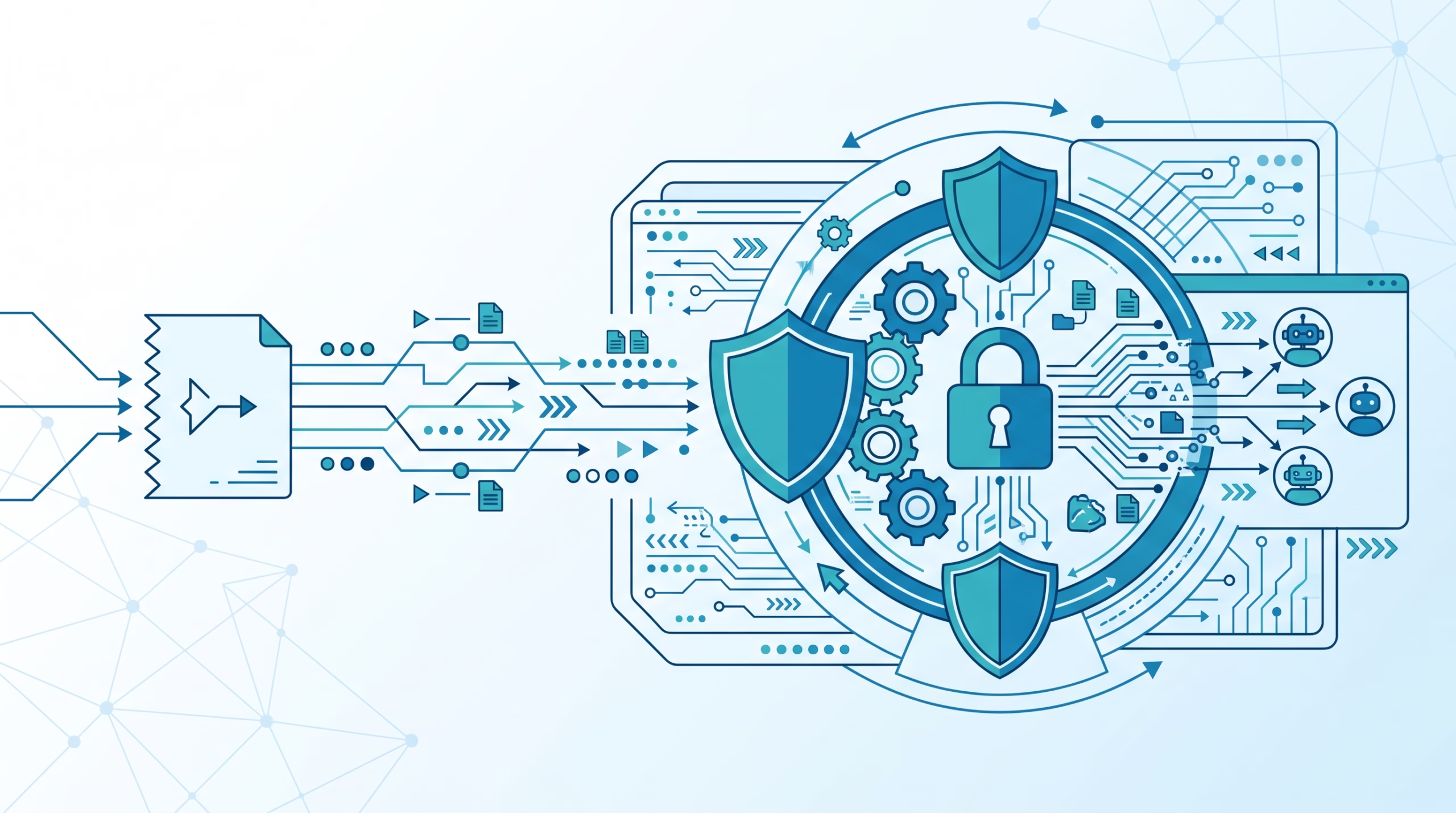
The right mental model is simple: inbound webhooks are an ingress contract. They decide who may call the Gateway, which agent may receive the event, what session policy applies, and how much completion data the caller gets back. They do not magically make the sender trusted, and they do not replace delivery checks.
What OpenClaw automation webhooks actually do
OpenClaw’s inbound webhook feature lives under the Gateway’s `hooks.*` configuration. Once enabled, it gives external services HTTP routes that can wake an agent or submit an agent turn. That could be a CI job telling an agent a deployment finished, a monitoring system asking for a quick diagnosis, or an internal tool handing an event to a narrow, purpose-built agent.
The important word is inbound. Here, another service calls OpenClaw. That is different from an automation run posting its result out to a webhook URL after the run finishes. Same word, opposite direction.
Inbound hooks are disabled by default, which is the correct default. A working hook grants outside systems a path into an agent runtime. Even with a token, you should expose the smallest route you can, point it at the smallest agent that can do the job, and treat the payload as data rather than instruction authority.
Choose the right webhook surface
OpenClaw has several features that sound similar. Mixing them up leads to bad designs and worse debugging sessions.
Inbound Gateway hooks
Use inbound Gateway hooks when an external service needs to call OpenClaw over HTTP. The direct routes are usually `POST /hooks/wake` and `POST /hooks/agent`, with mapped hooks under `POST /hooks/<name>` when you want a custom path and payload transform.
This is the surface for “GitHub Actions finished, ask my deploy agent to summarize it” or “the warehouse import completed, wake the operations agent.” It starts agent-side work.
Outbound automation delivery
Outbound automation delivery is the other direction. A scheduled automation runs inside OpenClaw, then posts its finished event payload to a URL. That belongs to the delivery layer. If an automation ran successfully but the receiver never got the POST, debug delivery, not inbound hooks.
Internal hooks
Internal hooks are `HOOK.md` handlers that run inside the Gateway process when OpenClaw emits events such as session or message lifecycle events. They are trusted code with Gateway process access. They are useful for local side effects, not for letting another service call OpenClaw over HTTP.
Webhooks plugin
The Webhooks plugin adds authenticated routes for TaskFlow records. Its actions can create, inspect, update, resume, finish, or fail managed flows. The plugin does not start an agent by itself. Use it when an external controller owns a workflow and needs to update OpenClaw’s TaskFlow ledger. Use inbound Gateway hooks when an external event should start agent work.
Configure a minimal inbound hook
Start with a Gateway that already runs normal agent turns. Do not debug hook ingress and agent runtime setup at the same time. Then enable the smallest hook config:
{
  hooks: {
    enabled: true,
    token: "<long-random-hook-token>",
    path: "/hooks",
    allowedAgentIds: ["main"],
    allowRequestSessionKey: false,
  },
}
Use a token dedicated to hooks. Do not reuse the Gateway auth token or password. OpenClaw warns on token reuse, and `openclaw security audit` treats reused hook credentials as a serious finding.
`allowedAgentIds` is more than tidiness. It is the line between “this endpoint may call one prepared agent” and “this endpoint may call anything configured on the Gateway.” If the caller only needs a deploy agent or inbox reader, allow only that agent. A public-ish integration should never be able to pick your main personal agent just because it knows the base path.
Leave `allowRequestSessionKey` false unless the caller truly needs to choose session keys. Caller-selected session keys increase routing power. If you enable them, pair the setting with `allowedSessionKeyPrefixes` so an external service can only write inside the namespace you meant to give it.
After editing config, validate, restart the Gateway if your reload mode requires it, and watch logs:
openclaw config validate
openclaw gateway restart
openclaw logs --follow
If the Gateway is running in the foreground, restart that process instead. The point is to prove the running Gateway has the hook config you think it has.
Smoke-test /hooks/agent without pretending admission is completion
A minimal local smoke test should avoid delivery first. That keeps the question narrow: can the Gateway authenticate the request, choose the agent, and admit the run?
curl --include http://127.0.0.1:18789/hooks/agent \
  -H 'Authorization: Bearer <long-random-hook-token>' \
  -H 'Content-Type: application/json' \
  -H 'Idempotency-Key: webhook-smoke-001' \
  --data '{"message":"Summarize this test event: the sample import completed.","name":"Webhook smoke test","agentId":"main","deliver":false}'
The expected admission response is:
{ "ok": true, "runId": "<hook-request-run-id>" }That response proves placement admission. It does not prove the model finished, a tool worked, or a chat message was delivered. OpenClaw’s docs are explicit about this because operators often read too much into a `200`.
If the caller needs terminal execution and delivery facts in the same HTTP request, add `waitForCompletion: true` to the payload. The response can then include a `completion` object with values such as `status`, `replyDisposition`, `delivered`, `deliveryAttempted`, and `deliverySuppressionReason`. It still does not return the model’s answer. That is intentional. The hook response is an operational receipt, not a transcript export.
Use an idempotency key for agent requests. If the client loses the response and retries with the same payload, OpenClaw can replay the admitted result within its replay scope instead of dispatching a duplicate run. Use a new key for a new test. Reusing old keys while changing the payload is how test environments lie to you.
Pick the right endpoint: wake, agent, or mapped hook
`POST /hooks/wake` queues a trusted notification for the selected agent’s main session. It can request an immediate heartbeat with `mode: “now”`, or leave the note for the next heartbeat with `mode: “next-heartbeat”`. Use it for short, controlled notifications that should become part of the agent’s main-session awareness.
Do not send raw email bodies, documents, or large untrusted payloads through wake text. The docs warn about this for a reason. Wake text is a system event, not a restricted reader turn. For untrusted external content, use an agent action pointed at a restricted agent with limited tools.
`POST /hooks/agent` submits a turn with a required `message`. By default, `sessionMode` is `isolated`, which gives the run fresh context and a generated logical hook key. That is usually the right default for external events. Switch to `persistent` only when repeated events are supposed to share prior context, and only after you have set explicit session-key policy.
Mapped hooks are for custom paths and payload shapes. A mapping can turn `POST /hooks/github-deploy` or `POST /hooks/import-finished` into a wake or agent action. The first matching mapping wins, ahead of presets. A trusted local transform can return `null`, which produces HTTP `204` and no run. That is useful for filtering, but it can be confusing if the sender expects every valid request to start work.
Fan-out deserves extra care. A mapped hook can process an array and dispatch agent work per item. OpenClaw answers agent fan-out admission after at most about 8 seconds of dispatch waiting; pending items can continue in the background, and a partial batch can return non-2xx. That is not durable exactly-once processing. If your external system needs accounting-grade delivery guarantees, design reconciliation outside the hook request.
Security rules that matter
The hook token proves the caller knows a shared secret. It does not prove that the JSON payload is safe, honest, or free of prompt injection. Treat event content as untrusted input.
OpenClaw supports `Authorization: Bearer <token>` and `x-openclaw-token`. Use the bearer header unless you have a proxy reason not to. Query-string tokens are rejected, which is good. URLs leak into logs, browser history, analytics, and proxy traces too easily.
Keep endpoints behind loopback, a tailnet, or a trusted reverse proxy. Use HTTPS for remote calls. Expose only the required path. That advice lines up with mainstream webhook guidance from GitHub and Stripe: use a secret, keep transport encrypted, verify what you received, and respond quickly while slow work continues elsewhere.
GitHub tells webhook receivers to answer with a 2xx response within 10 seconds and process work asynchronously when needed. Stripe gives similar advice: return a successful status before slow business logic, and verify signatures with the raw body plus signing secret. OpenClaw’s direct hook contract is a little different because the Gateway can admit or wait for an agent run, but the operator habit is the same. Keep the HTTP boundary crisp. Do not make an upstream service wait for every downstream side effect unless it truly needs the completion facts.
SSRF is the other security issue operators should keep in their head. OWASP describes SSRF as a class of bug where an application is abused to interact with internal or external network resources, and it calls out custom webhook or callback URLs as one enabling pattern. For inbound hooks, the biggest concern is exposing the OpenClaw endpoint too widely. For outbound delivery, the concern is letting user-controlled URLs make the Gateway call private infrastructure. OpenClaw’s outbound automation webhooks use a strict SSRF guard by default; keep that posture unless you have a narrow, trusted exemption.
Finally, restrict the agent itself. Safety-wrapping external content is useful, but it does not remove tools, workspace access, or channel permissions. If a webhook receives third-party content, route it to a restricted agent with only the tools it needs. The hook is only the front door. The room behind it still matters.
Troubleshooting status codes and silent results
Most webhook incidents get easier once you separate HTTP admission from agent completion and delivery.
`401` means hook authentication failed. Check the hook token, not the Gateway auth token. Also make sure your reverse proxy forwards the auth header. After repeated failed auth attempts, OpenClaw can throttle invalid attempts with `429` and a `Retry-After` header.
`404` usually means hooks are disabled, the configured base path is different, or no custom mapping matches the path. Remember that `/hooks` itself has no action. Use `/hooks/wake`, `/hooks/agent`, or a mapped path.
`400` means the request made it far enough for OpenClaw to reject its shape or policy. Read the error. Common causes include invalid JSON, missing `message`, invalid agent selection, disallowed session key, or incomplete delivery coordinates.
`405` means wrong method. Hook endpoints accept `POST` only. `408` means the body arrived too slowly. `413` means the body exceeded the limit, which is normally 256 KiB for generic hooks.
`409` points to an admission conflict around the target session. Do not retry blindly. Resolve the session conflict or change the session mode/key policy.
`502` and `503` point to preparation, capacity, restart, suspension, or admission timeout problems. For a single direct run, a 15-second admission timeout cancels queued work. For fan-out, pending background items are different and may still start.
`200` with no chat message is not automatically a failure. Check whether the request used `deliver:false`, whether completion said `replyDisposition: “silent”`, whether the result was empty, and whether direct delivery supplied both `channel` and `to`. If you asked OpenClaw not to announce success, it will not announce success.
`204` from a mapped hook means the mapping intentionally produced no actions, often because a transform returned `null` or fan-out found no items. That is a valid filter result. It is not an agent failure.
A production checklist for OpenClaw automation webhooks
- Use a dedicated long random hook token.
- Keep the hook path dedicated; do not expose the Gateway root.
- Set `allowedAgentIds` to the smallest useful list.
- Keep `allowRequestSessionKey` false unless the caller needs it.
- If request session keys are enabled, set strict allowed prefixes.
- Start with a local `deliver:false` smoke test.
- Add `waitForCompletion:true` only when the caller needs terminal facts.
- Use an `Idempotency-Key` for retryable agent requests.
- Put remote access behind HTTPS and a trusted proxy, tunnel, or tailnet.
- Route untrusted payloads to restricted agents with limited tools.
- Log and inspect the OpenClaw `runId`; do not treat it as a TaskFlow id.
FAQ
Are OpenClaw automation webhooks the same as the Webhooks plugin?
No. Inbound Gateway hooks can wake an agent or submit an agent turn. The Webhooks plugin manages TaskFlow records for an external controller and does not start an agent by itself.
Does HTTP 200 mean the agent finished?
Not by default. For direct `/hooks/agent`, `200 { ok: true, runId }` means the run was admitted. Add `waitForCompletion:true` if the caller needs bounded completion facts in the HTTP response.
Should I use /hooks/wake or /hooks/agent?
Use `/hooks/wake` for short, trusted notifications to the main session. Use `/hooks/agent` when the external event should become an explicit agent turn, especially when you want isolated context or completion facts.
Can I expose hooks publicly?
You can put them behind HTTPS and a trusted reverse proxy, but public exposure should be narrow. Use a dedicated path, a strong token, a small agent allowlist, and a restricted target agent for third-party payloads.
Why did my mapped hook return 204?
A mapped hook returns `204` when it matched but produced no actions. Common causes are a transform returning `null` or an empty fan-out array.
Final take
OpenClaw automation webhooks are powerful because they put agents behind an ordinary HTTP contract. That is also why they need operator discipline. Keep the ingress small, make admission and completion separate in your head, use idempotency for retries, and never confuse “the caller knew the token” with “the content is trustworthy.”
If you are wiring your first production hook, start local, use `deliver:false`, prove admission, then decide whether the caller needs completion facts or whether logs and run history are enough. That path is slower for the first hour and much faster for every incident after that.