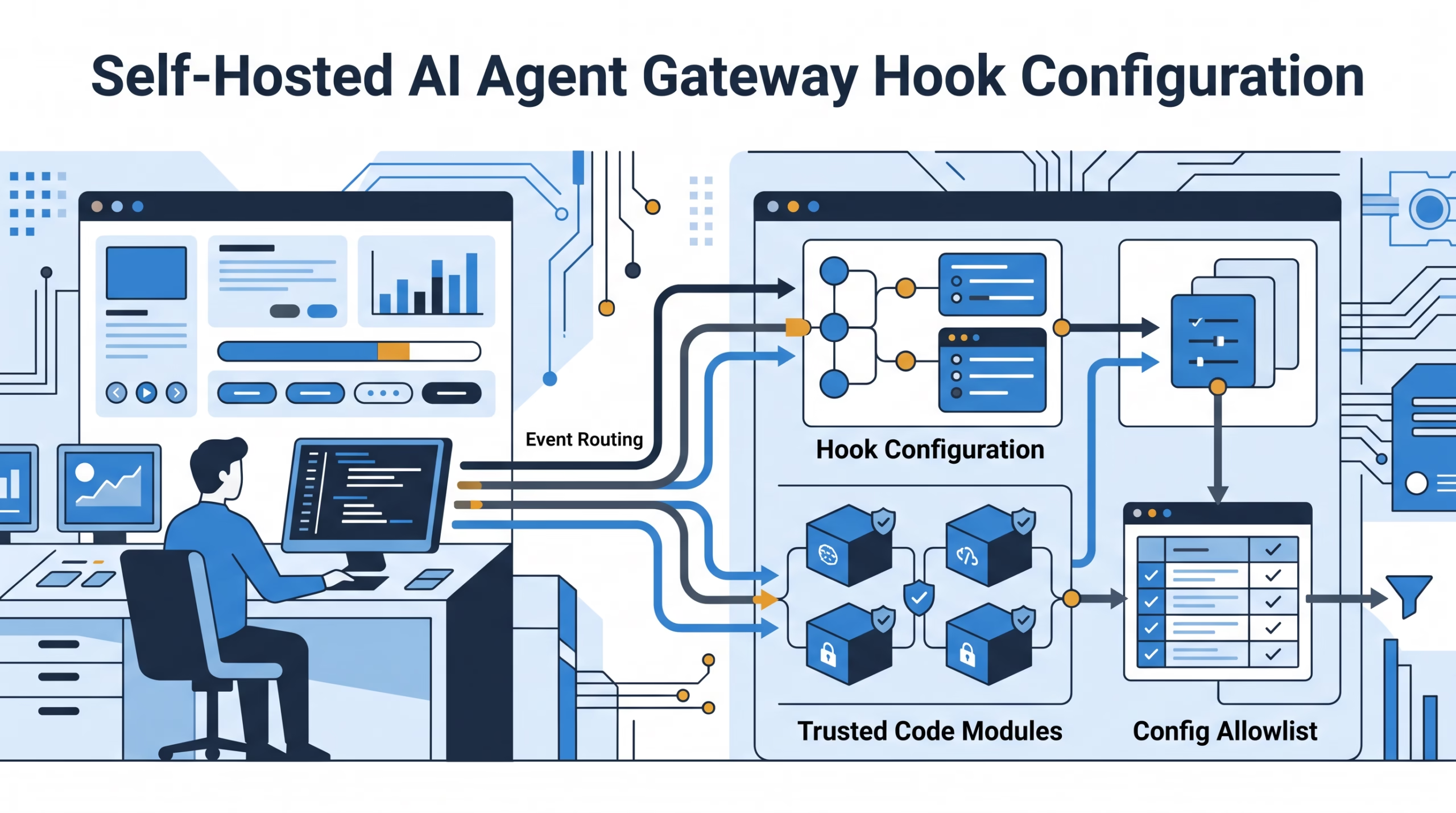

OpenClaw hook configuration decides which internal Gateway hooks load, where they are discovered, and which config entry controls them. That sounds like a small settings topic. It is not. Hook config is the difference between enabling one reviewed side effect and opening the door to every eligible hook the Gateway can find.
The safe default is boring: enable named hooks, keep discovery narrow, and verify the actual side effect. A ready report is useful, but it is still an inventory report. It does not prove that the running Gateway imported the handler, that the event fired, or that the hook did the thing you needed.
This guide turns the docs table into an operator workflow. You will see how the master switch, named entries, extra directories, hook packs, workspace hooks, and reload behavior fit together, plus where the trust boundary moves when you add local code.
What OpenClaw hook configuration actually controls
OpenClaw internal hooks are JavaScript or TypeScript handlers that run inside the Gateway process when the Gateway emits an internal event. They can log commands, save memory excerpts, add bootstrap files, react to compaction, or run short lifecycle side effects.
They are also trusted process code. They are not sandboxed scripts. A hook handler can use the Gateway process filesystem, network, and environment access. That is why configuration matters. You are not merely choosing a feature flag; you are deciding which code can run inside the Gateway and when.
Internal hooks use the hooks.internal config tree. The two fields most operators touch first are:
hooks.internal.enabled, the master switch for internal directory-hook loading.hooks.internal.entries, the per-hook selection and options map.
A predictable setup names the hooks it wants. The OpenClaw docs recommend that path directly: enable named hooks instead of turning on broad discovery. That recommendation is not timid. It is how you avoid surprise handlers from managed directories, plugin packs, extra paths, or future installs.
{
  "hooks": {
    "internal": {
      "enabled": true,
      "entries": {
        "command-logger": { "enabled": true },
        "session-memory": { "enabled": false }
      }
    }
  }
}
In this example, command-logger is selected and session-memory is explicitly disabled. The important part is the shape: the operator names the intended hook. That config is much easier to audit than “load whatever qualifies.”
The selection rules in plain English
The official configuration table is precise, but it is dense. Here is the working version.
Off means off
If hooks.internal.enabled is false, internal hooks are off. No named entry rescues that. This is the clear shutdown position when you are investigating a hook-related problem or when a host should not run directory hooks at all.
No signal means no directory loading
If there is no master flag, no enabled entries, no extra directories, and no tracked installs, the Gateway skips directory-hook loading. That is a useful default. A quiet config should not unexpectedly scan hook directories.
Named entries form the allowlist
When you have named entries and the master flag is omitted or true, enabled names form an allowlist. The master flag does not broaden that list. In other words, "enabled": true means the internal hook system is on, not “please load every hook you can discover.”
This is also where operators get surprised. Adding the first named entry can narrow a previously broad setup. If a host used open-ended discovery and you add one named hook, you may have turned an open selection into an allowlist. Inspect the existing hook state before changing it.
Broad discovery is a deliberate trust choice
If the master flag is true and there are no named entries or named installs, OpenClaw can use open-ended discovery of eligible hooks. Nonempty hooks.internal.load.extraDirs can also open discovery. So can a tracked install without a hook-name list.
Treat that as a trust decision, not a shortcut. Open-ended discovery asks the Gateway to scan eligible hooks from its discovery sources. That may be fine on a single-purpose host with reviewed hook directories. It is a poor default on a shared or fast-changing system.
Workspace hooks still need explicit opt-in
Workspace hooks are stricter. They always need entries.<hookKey>.enabled: true, even when discovery is open-ended. This is a good thing. A workspace is often where active project code changes happen, so automatic hook loading from that location would be too easy to trip over.
How hook discovery decides which code wins
Directory discovery merges hooks by name across bundled, plugin, managed, extra-directory, and workspace locations. The order matters because two hook directories can publish the same name.
- Bundled hooks ship with OpenClaw.
- Plugin hook directories can replace bundled names.
- Managed hooks, normally under
~/.openclaw/hooks/, can replace bundled and plugin names. - Extra directories follow the managed-hook source policy; later extra directories win over earlier ones, while managed hooks win over extra directories.
- Workspace hooks can add names, but they cannot replace bundled, plugin, or managed names.
That source policy should influence naming. If you create a local hook called command-logger, you are asking for confusion. Pick a unique name and keep the hookKey stable. Exact hook names also take precedence over matching keys in CLI selection, so clear names reduce operator mistakes.
Discovery looks at collection directories differently from pack roots and single-hook roots. Bundled, managed, workspace, and plugin hook locations are collection directories: OpenClaw inspects their immediate children for hooks or packages that declare hooks. An explicit extra directory can instead point to a pack root, a single-hook root, or a collection directory.
For a pack root, OpenClaw loads only the hook paths declared in openclaw.hooks. It does not recurse into nested packs or scan unlisted children. A single-hook root loads its own HOOK.md and handler. An ordinary collection root scans immediate children. Those distinctions matter when a hook does not appear where you expected.
Configure per-hook options without leaking secrets
Per-hook entries accept enabled, env, and handler-defined fields. OpenClaw validates the core types: enabled is a boolean, and env is a string-to-string map. It does not validate every custom option a handler might read.
{
  "hooks": {
    "internal": {
      "entries": {
        "my-hook": {
          "enabled": true,
          "env": { "MY_HOOK_LABEL": "example" }
        }
      }
    }
  }
}
The env field has a narrow job. It can satisfy hook eligibility checks, but it does not mutate process.env. On events that carry config, a handler can read it from a path like event.context.cfg?.hooks?.internal?.entries?.["my-hook"]?.env. Other events do not promise a cfg field.
That last sentence is the trap. Do not write a hook that assumes every event carries full config. Also do not log whole config objects while debugging. Config often contains paths, identifiers, plugin settings, and sometimes secret references. Put secrets in the right secret store or environment path, not in examples and logs.
The safe way to enable a hook
For most operators, the safest path is a named hook enablement plus side-effect verification. The CLI helps, but it does not remove the need to check the result.
openclaw hooks list
openclaw hooks info command-logger
openclaw hooks enable command-logger
openclaw hooks enable <name> discovers the hook locally, then writes hooks.internal.entries.<hookKey>.enabled = true and hooks.internal.enabled = true in local config. Existing fields in that entry are preserved. It fails for missing hooks, ambiguous key matches, plugin-managed hooks, and unmet runtime requirements.
There is one operational detail people miss: enable and disable commands mutate local files and local config. They do not change a remote Gateway over RPC. If the Gateway you care about runs on a server, run the command on that host with the same profile and config.
After enabling a hook, trigger the exact event and verify the artifact. For command-logger, send an authorized /new or /reset in a safe conversation, then inspect the log on the Gateway host.
tail -n 5 ~/.openclaw/logs/commands.logFor bootstrap-extra-files, inspect /context detail. For session-memory, wait for the background write and inspect the resolved workspace memory file. For startup hooks such as boot-md, remember that enabling does not replay gateway:startup. You verify it on the next Gateway start.
Why extraDirs is not a narrow sandbox
hooks.internal.load.extraDirs is useful when you need hooks outside the managed directory, but it is not a tight permission boundary. The docs call this out in a subtle way: any extra path opens hook-name selection across discovery sources beyond named entries, even when that path points to a single hook or pack.
That means you should not read extraDirs as “only load from this one directory.” It affects discovery shape, not process isolation. Handler files must stay inside their hook directory, package and plugin hook paths must stay inside their package root, and symlinks escaping those boundaries are rejected. Those checks are important, but they do not make unreviewed hook code safe.
Use extra directories for reviewed hook libraries, local development, or controlled hook packs. Avoid them as a casual way to make a random folder visible. If you install or link a hook pack, review the package first and keep the config entry explicit.
Reloads, restarts, and proof that a hook ran
OpenClaw’s default hybrid reload mode can apply hook config and selected-workspace changes without a full restart. That includes config written by a new hook-pack install or link. But hook files and metadata are not watched. If you edit a handler or update existing hook code, restart the Gateway and verify the side effect again.
The runtime is careful about reload failures. Config reload prepares selected handlers before replacing them together. If a selected handler cannot load, the previous handlers stay active. An event already running finishes with its original handlers; later events use the new selection. Reload also does not replay gateway:startup.
The CLI fields are still useful. ready, eligible, and loadable help you spot missing binaries, missing env, disabled workspace hooks, empty event lists, and source inventory. But those fields are not proof of execution. If the side effect matters, check the side effect.
When a hook does not run, split the problem into three checks:
- Discovery: does
openclaw hooks list --jsonshow the hook under the expected workspace and managed directory? - Eligibility: does
openclaw hooks info <name>show missing binaries, env, config, OS support, or events? - Execution: is the master switch on, is the hook key enabled, did the exact event fire, and do Gateway logs show import or handler errors?
That last part matters with event names. Internal hooks can subscribe to exact keys such as command:new or bare families such as command. If a handler subscribes to both the family and the exact event, it can be called twice. Unknown subscriptions can be registered and reported, but core will not emit them unless custom code does.
Legacy config migration: the handlers trap
hooks.internal.handlers is retired. It fails normal config validation. If an older setup still has registered modules there, migrate each one into a managed or workspace hook directory with HOOK.md and a handler.
Be careful before running openclaw doctor --fix. Doctor removes old registrations; it does not create executable hook files for you. For a legacy-only config with hooks.internal.enabled: true, it also removes that flag to avoid broad discovery. Named entries, nonempty extra directories, and explicit enabled: false settings are preserved.
The safe migration order is simple: identify the old handler, create the hook directory and metadata, enable it by hook key, trigger the event in a safe path, verify the side effect, then clean the legacy config. Do not let an automated repair be the first time you find out what the old handler was doing.
When to use plugin hooks or webhooks instead
OpenClaw has more than one thing called a hook, and the names are close enough to cause bad designs.
Use internal hooks when you want a trusted Gateway-side handler for command, session, agent bootstrap, Gateway lifecycle, or message observation events. These hooks use HOOK.md metadata and colon event names such as command:new or agent:bootstrap.
Use typed plugin hooks when you need plugin lifecycle behavior, prompt changes, tool-call policy, reply rewriting, or typed contracts with return values. Those use api.on("before_tool_call", handler) style names, not HOOK.md colon events.
Use HTTP webhooks when another service should start agent work through an HTTP request. That is an ingress surface, not the same thing as an internal Gateway event handler.
The practical test is this: if you need to change agent behavior, gate tools, or own a long-lived service lifecycle, do not force it into internal hook config. If you need a short, repeatable side effect tied to a Gateway event, internal hook configuration is the right place.
FAQ
What is the safest OpenClaw hook configuration?
Use named entries under hooks.internal.entries, keep hooks.internal.enabled true only when needed, and avoid broad discovery unless you have reviewed every hook source the Gateway can see. Then trigger the event and verify the hook’s artifact or log.
Does hooks.internal.enabled: true load every hook?
Not when named entries are present. Named entries form an allowlist when the master flag is omitted or true. Broad discovery happens when the master flag is true with no named entries or named installs, or when config such as nonempty extraDirs opens discovery.
Why does my workspace hook not load?
Workspace hooks require explicit opt-in with entries.<hookKey>.enabled: true. Also check that the Gateway selected that workspace, that the hook has HOOK.md plus a supported handler file, and that no higher-priority source already owns the same hook name.
Can per-hook env set real environment variables?
No. Per-hook env can satisfy eligibility checks, but it does not mutate process.env. A handler can read the entry from event config when that event carries config. Not every event does.
Do I need to restart after changing hook config?
Usually not in the default hybrid reload mode. Config changes can reload discovery. But hook files and metadata are not watched, so restart after editing handler code or updating existing hook files. Startup-only hooks also wait for a real Gateway startup event.
Bottom line
OpenClaw hook configuration is best treated as a small access policy for trusted Gateway code. Name the hook you want, understand where it can be discovered from, avoid broad discovery by habit, and verify the side effect that proves the handler actually ran.
Start with one low-risk hook, such as command-logger, and write down the expected artifact before enabling it. If the artifact appears, your hook configuration is doing real work. If it does not, the config report is only the beginning of the debug trail.